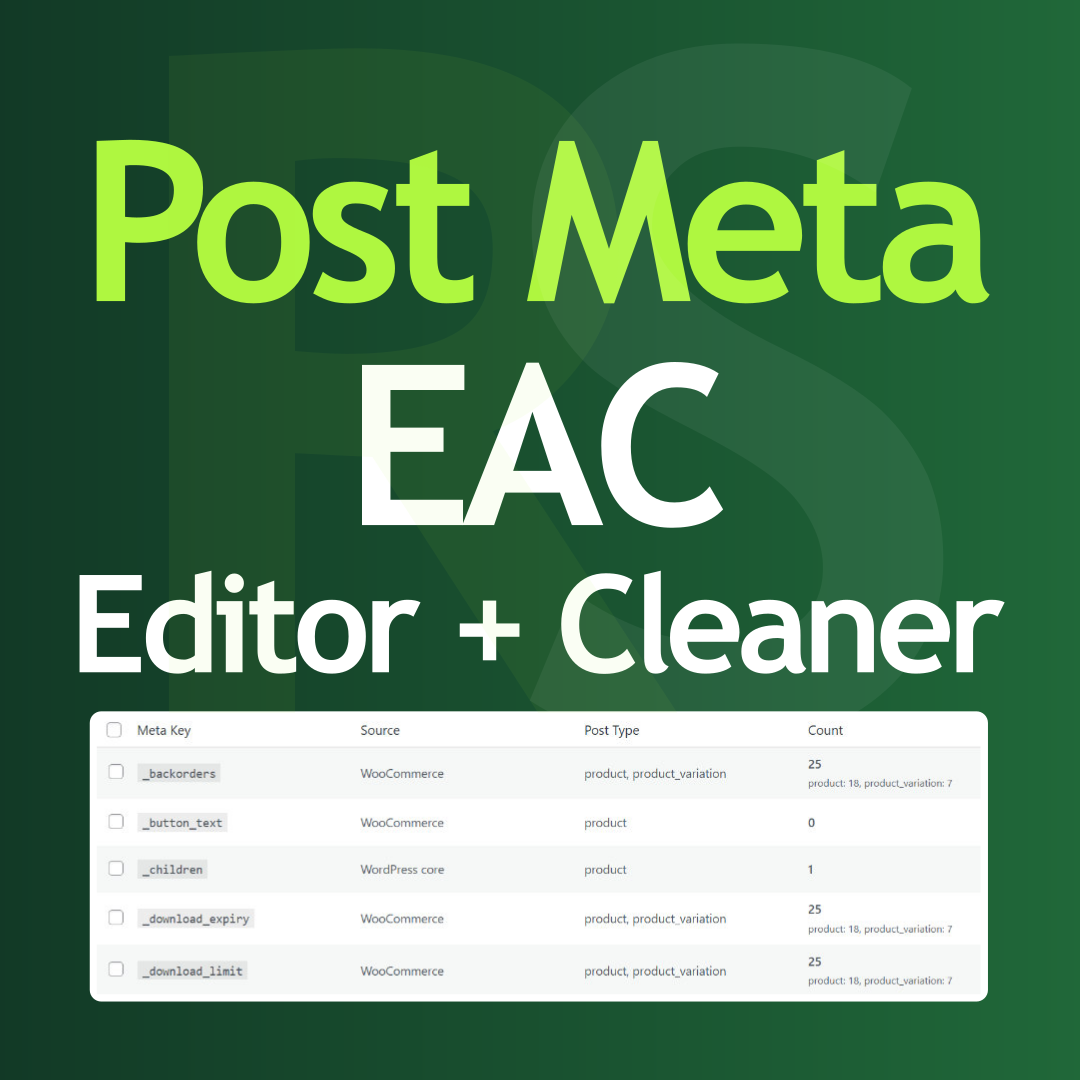

Post Meta bulk editor to delete unused data, overwrite values, run search and replace, and clean your database directly from the admin panel.
Hungarian: Magyar nyelvű bővítmény leírás
Why use this plugin?
Over time, WordPress sites accumulate post meta data from plugins, themes, and page builders. When you switch or remove plugins, their meta often stays in the database — bloating tables, slowing queries, and making backups larger. Post Meta Editor and Cleaner gives you direct control over this data.
Key benefits
- Database optimization — Remove orphaned meta from deleted plugins to reduce database size and improve performance.
- Source identification — See which plugin or theme created each meta key. The built-in source map recognizes 50+ popular plugins (WooCommerce, Yoast, Rank Math, Elementor, Jetpack, WPML, and many more).
- Bulk delete — Delete more meta keys at once. Adjust process speed to avoid timeouts on large sites.
- Search and replace — Update URLs, domain names, or text across all posts. Works with serialized data (arrays, objects) — both values and keys can be updated.
- Flexible deletion — Delete the entire meta key and its values, or clear values only while keeping the key structure.
- Safe editing — Overwrite meta values in bulk, or perform targeted search-and-replace. Ideal for migrations, domain changes, or fixing incorrect product data.
What you can do
- Clean up after removing plugins or themes.
- Migrate a site and update old URLs in meta fields.
- Fix WooCommerce product attributes, SEO meta, or custom fields in bulk.
- Identify and remove unused or duplicate meta keys.
- Reduce
wp_postmetatable size for faster backups and queries.
Important
Before making any changes, create a backup, as modifications and deletions can only be restored from a backup.
More
Do you have other plugins? Yes, check my plugins website: rotistudio.com Where can we learn more about your work? Check my personal website there: rottenbacher.hu