
✅ MULTILINGUAL SCRIPT SUPPORT: Serbian, Bosnian, Montenegrin, Russian, Belarusian, Bulgarian, Macedonian, Kazakh, Ukrainian, Georgian, Greek, Arabic, Armenian, Uzbek, Tajik, Kyrgyz, Mongolian, Bashkir
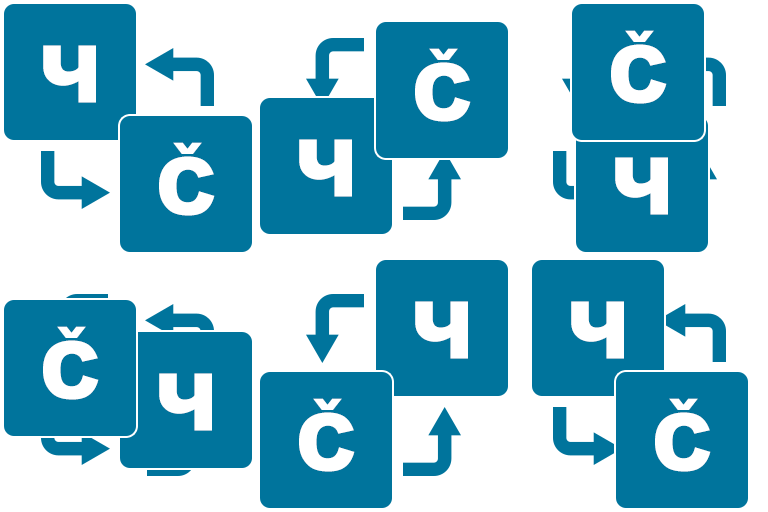
This plugin provides a modern, modular, and extensible solution for transliterating WordPress content between Cyrillic and Latin scripts – with additional support for Arabic-based and other regional alphabets. Originally launched as “Serbian Transliteration,” it has evolved into a general-purpose transliteration tool built to serve a wider multilingual audience.
📝 Discover the evolution of this plugin
You can transliterate entire posts, pages, permalinks, media filenames, usernames, and even selectively control output using built-in shortcodes. Whether you’re managing a bilingual site or just want cleaner slugs, you remain in control.
🔁 Features include:
- Real-time conversion between Cyrillic and Latin scripts
- Transliteration of titles, content, permalinks, filenames, usernames
- Shortcodes for partial or conditional transliteration
- Bilingual search across both script types
- Developer API with hooks and filters
- No database changes – safe to enable or disable anytime
- Supports Arabic, Greek, Cyrillic, and regional language variants
All settings are available under Settings → Transliteration.
📦 In terms of functionality, this plugin covers and extends what several popular tools offer individually, such as: SrbTransLatin, Cyr-To-Lat, Allow Cyrillic Usernames, Filenames to Latin, Cyrillic Permalinks, Latin Now!, Cyrillic 2 Latin, Ukr-To-Lat, Cyr to Lat Enhanced, HyToLat, Cyrlitera, Arabic to Latin, Geo to Lat, RusToLat, and srlatin.
Instead of relying on multiple separate tools, this all-in-one plugin brings together everything you need in a single, lightweight package – without compromising performance or flexibility.
Every feature in this plugin can be selectively enabled or disabled based on your needs. Additionally, developers can make use of available filters and hooks to further customize behavior. We’ve designed this plugin with flexibility and compatibility in mind.
🧩 Fully compatible with popular plugins and page builders, including:
- WooCommerce
- Polylang
- Elementor
- CF Geo Plugin
- Yoast SEO
- Data Tables Generator by Supsystic
- Slider Revolution
- Avada theme
- Themify
- Divi
Make your multilingual content readable, searchable, and SEO-friendly – Transliterate once. Control forever. Latin now!
Plugin Updates
We regularly update the Transliterator plugin to improve its functionality, enhance performance, and ensure compatibility with the latest versions of WordPress and PHP. Keep your plugin up to date to benefit from the latest features and fixes. To stay informed about updates, visit our plugin page on WordPress.org or follow us on social media.
Support and Feedback
If you encounter any issues or have suggestions for improving the plugin, please don’t hesitate to reach out. You can contact us through the support forum on WordPress.org, or directly via GitHub repository. We value your feedback and are committed to providing prompt and effective support.
Compatibility
The Transliterator plugin is compatible with a wide range of WordPress versions and works seamlessly with many popular plugins. However, due to the vast number of available plugins, there’s a small chance of encountering conflicts. If you experience any issues, please check for plugin conflicts and update your WordPress installation and all plugins.
Contributing
We welcome contributions from the community! If you’re a developer or a user with ideas for improvement, visit our GitHub repository to contribute. You can report issues, suggest new features, or submit pull requests.
Credits
Special thanks to all contributors and beta testers who helped in developing and refining this plugin. Your feedback and support are invaluable.