
ShopCode Owl Carousel WooCommerce Widget
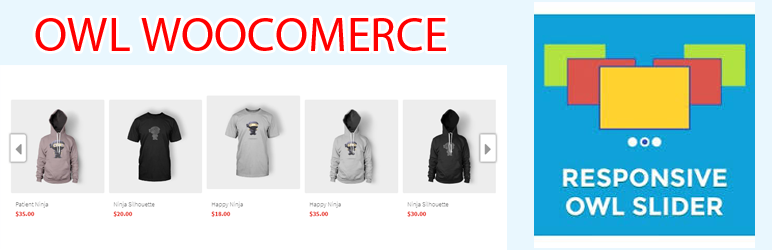
ShopCode Owl Carousel WooCommerce Widget is a WooCommerce plugin that allows you to display product on homepage in wordpress woocommerce with selected category filters in Widget.
It displays products in a responsive carousel slider you can Show product WooCommerce categories on homepage
Demo: woo.shopcode.org
HOW USING
1.Install and active Plugin
2.Post products are in the category of WooCommerce (check)
3.Go To Widget (Setting)
4.Drag and Drop (Owl Carousel WooCommerce Widget)
5.Select: category options on the number of products
6.Select the image size to resize (images are automatically created in the cache and automatically removed when you remove the widget)
7.Optional type responsive 5-> 1 product
FEATURES
How To:
Woocommerce owl carousel
Display product with selected category filters
Responsive carousel slider
Choose what products to be displayed
Resize image automatically custom pixels
show woocommerce product on homepage easy
show featured products on homepage in wordpress woocommerce
Show woocommerce products on page
Woocommerce display products by category