
Super Web Share – Native Social Sharing Button
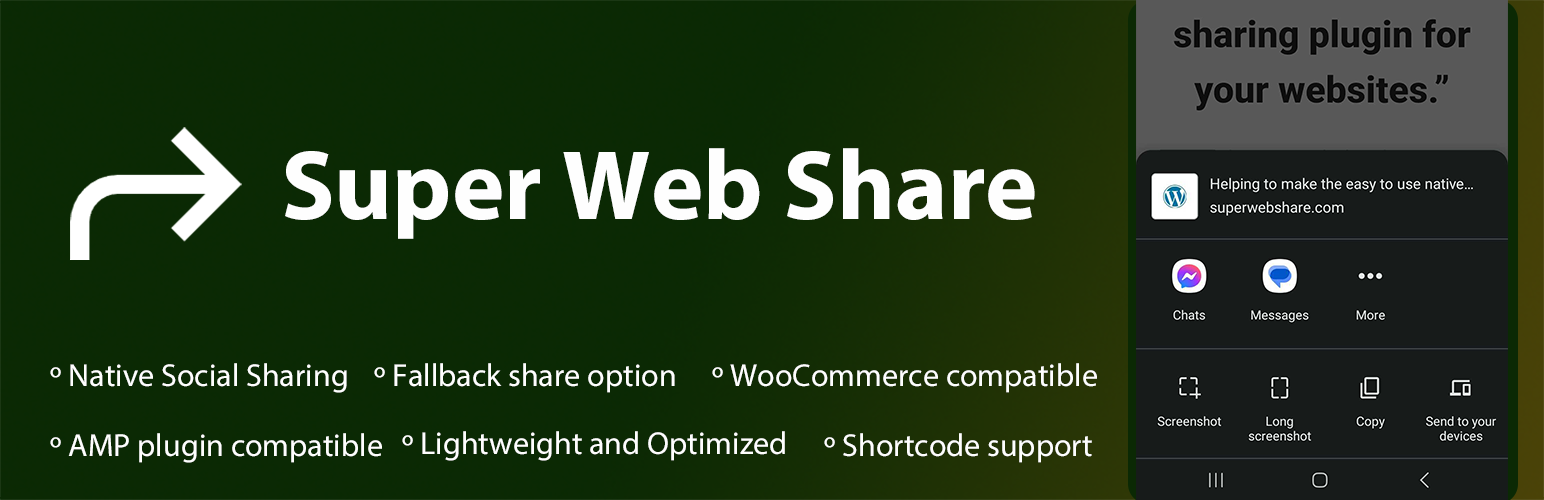
Super Web Share is a WordPress-based native share plugin that prompts the native share action and helps users easily share a page or post with others.
We developed from the ground up with simplicity and performance in mind to increase your shares. As SuperWebShare only shows the apps installed within the device upon the share prompt, the rate of sharing of posts/pages will be higher than showing all the social share icons on a page. Due to this key reason, website developers can skip the usage of other social media icons on their website and make the share more prominent.
WordPress 用プラグイン Super Web Share は、ワンクリックでウェブサイトを友人やソーシャルメディアに共有し、トラフィックとエンゲージメントを高めるのに役立ちます。Super Web Share は、Android 版 Chrome、Android 版 Edge、Android 版 Brave、Android 版 Opera など、サポートされているすべてのブラウザーで動作します。他の人と記事を共有すると、デバイスにインストールされているネイティブアプリが表示されます。このため、ユーザーはワンクリックで簡単にページや記事を他のユーザーと共有することができます。ネイティブ共有では、iOSやAndroidのネイティブ共有シートのようなプロンプトが表示され、ユーザーが希望すれば、簡単にウェブサイトページのリンクをコピーできます。
Super Web Share の設定は1分もかからず、作成したデータ入力を全て削除することで、クリーンなアンインストールを提供します。また、あなたが手動で設定を保存するまで、あなたのデータベースにいかなる設定も保存しません。また、ネイティブウェブシェアがブラウザ内でサポートされていない場合、フォールバックのネイティブポップアップを提供します。
Currently, the Super Web Share plugin provides a social share button before and after the post/page content and a floating share button where you can set the color, the text of the share buttons, and the position of the floating button; it can also set the pages or posts which you would like to show the share buttons via our Settings page, to easily add the share feature to your websites. As a plugin that focuses on simplicity, we are fully compatible with the AMP plugin, which means you can add the native share to your AMP pages provided by the AMP plugin.
Social Platforms supported
1) On Web Sharing API supported devices: You will notice the social share prompt (also called as sharesheet) where you can share the page via all applications installed on your device that accept the sharing (mobile – Android and iOS devices, tab, desktop – for Microsoft Edge browser). This means all the social sharing platforms on your website visitor’s devices can be selected from the list to share the page in a simple click! 2) If the device or browser won’t support the native share: If the website is viewed from a browser or device that won’t support native sharing, our fallback modal works. Within the fallback modal, you can select the social platforms you want to show for your website via our settings page (SuperWebShare > Fallback). The social share platforms that are interested to show on the WordPress website can be selected. Right now, we are providing social media like Facebook, X (Twitter), LinkedIn, Pinterest, Mastodon, Telegram, Pinterest, and Email. We’re expanding with more social platforms.
Super Web Share を利用するメリット
- Fast and lightweight social sharing plugin for your WordPress that won’t slow down your site
- ユーザーによるページや投稿の共有率の向上
- 開発者/ブロガーは、ページや投稿で使用するソーシャルアイコンの数を簡単にスキップすることができます。
- AMP に完全対応したネイティブシェアプラグイン
- Support on all content types like Posts, Pages
- Fully compatible with WooCommerce Product pages
- You can hide or show the sharing button based on each post/page and all via the content types
Super Web Share がウェブサイト上でどのように機能するかテストしてみたいですか?
- サポートされているデバイスでSuperWebShare.comを開きます。サポートされているブラウザについては、よくある質問をご覧ください。
- 右下にフローティングボタンが表示されます
- それをタップすると、即座に、ページを共有することができるアプリケーションとネイティブの Web シェアプロンプトが表示されます。
- プロンプトからアプリケーションのアイコンをタップし、送信します。
- If the website does not support the Native Share option, you will notice the fallback popup where you can add the social media platforms via our Fallback settings, which we created to make an intuitive share plugin with a copy link option for your website.
Super Web Share を利用するために必要な条件とは?
- The Website should be fully served via a secured origin, i.e., the green padlock should be on the address for a working Super Web Share.
- また、デフォルトでは、WhatsApp、Facebook、LinkedIn、Twitter などの主要なソーシャル共有プラットフォームで共有できるブラウザでは、フォールバックポップアップが表示され、コピーリンクオプション( https サイト)も付属しています。
How to contribute?
You can easily contribute to the plugin by translating it into your language. Click on the link below, choose your language, and translate the strings into Development (trunk).
- Translate plugin to your language
- Do you know coding? Then you can also contribute to this plugin via our GitHub repository to make this the best one.
Super Web Share のカスタマイズ
ページや投稿コンテンツの前後に表示させたいボタンの色、位置、ページ、フローティング共有ボタン、フォールバックカラーをプラグインで簡単にカスタマイズすることができます。カスタマイズするには、WordPress の管理画面のダッシュボードから Super Web Share にアクセスしてください。