
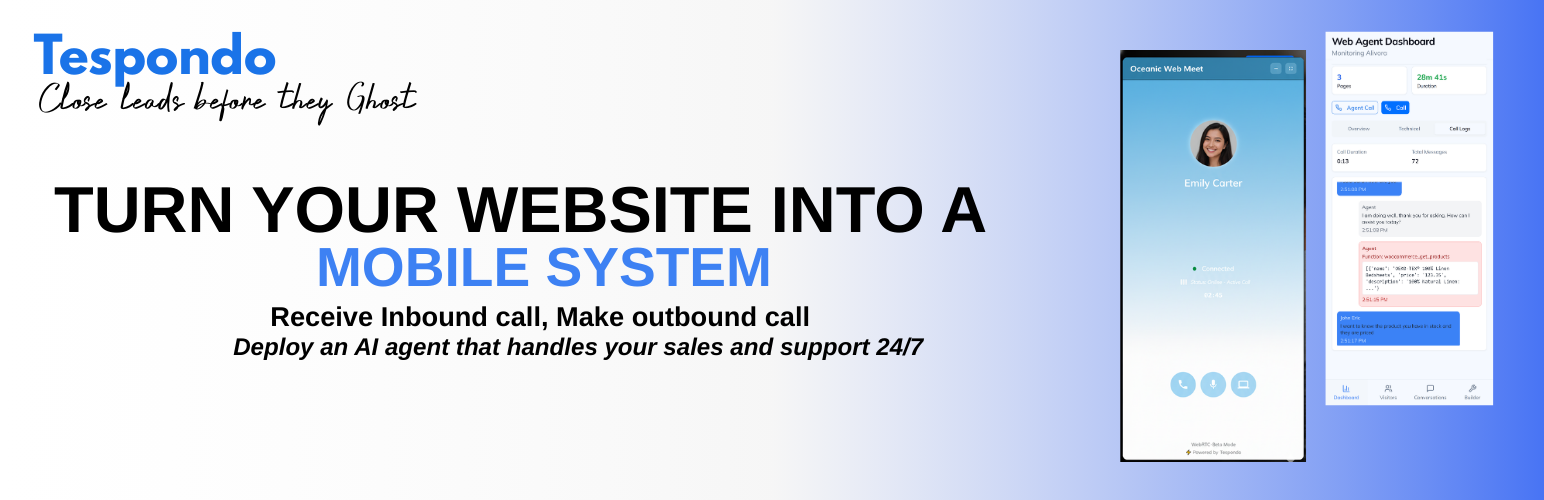
Tespondo Connect lets you connect your WordPress site to the Tespondo AI platform in seconds.
Features:
- One-click connection — log in to Tespondo and your site is linked automatically
- Automatically reads your pages, posts and WooCommerce products to build a knowledge base
- AI-powered chat widget injected on every page via
wp_footer— no code needed - Voice agent capabilities for phone-based customer support
- Works with or without WooCommerce
How it works:
- Install and activate the plugin.
- Go to Settings → Tespondo Connect and click Connect to Tespondo.
- Log in to your Tespondo account (or create one for free).
- Your knowledge base is automatically generated from your site content.
- The chat widget goes live immediately.
Third-Party Service Notice:
This plugin connects your WordPress site to the Tespondo platform (https://tespondo.com), an external AI service. When you activate this plugin and connect your site:
- Your site URL, name, and admin email are shared with the Tespondo server to establish the connection.
- Your published pages, posts, and WooCommerce products (if applicable) are read by the Tespondo server to generate an AI knowledge base.
- A chat widget script hosted on the Tespondo server is loaded on your site’s front end.
- Visitor interactions with the chat widget are processed by the Tespondo server.
The Tespondo server is located at https://dev.tespondo.com.
By using this plugin, you agree to Tespondo’s: