
Advanced Accordion Gutenberg Block – 아름다운 FAQ, 콘텐츠 아코디언 및 인터랙티브 탭 만들기
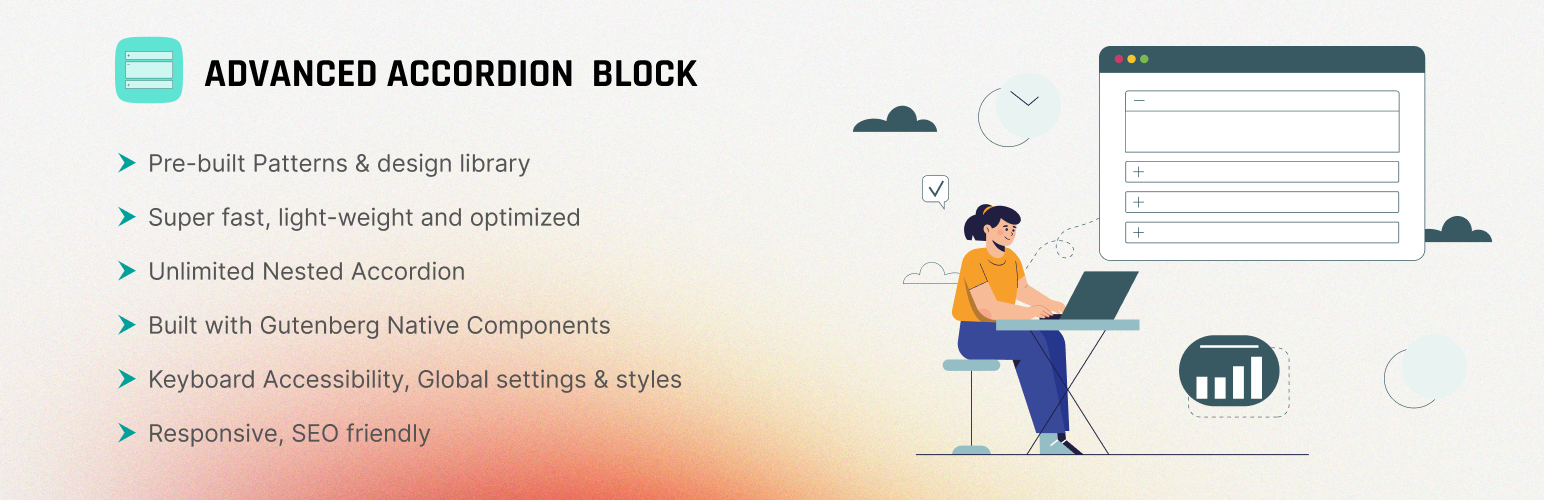
Advanced Accordion 구텐베르크 블록은(는) 구텐베르크 편집기에서 전문적인 FAQ 섹션, 펼칠 수 있는 콘텐츠 아코디언, 대화형 탭을 직접 만들 수 있게 해주는 #1 워드프레스 플러그인입니다. 100% 네이티브 구텐베르크 구성요소로 제작된 이 가벼운 플러그인은 웹사이트 속도를 늦추지 않으면서도 놀라운 결과를 제공합니다.
블로거, 에이전시 및 비즈니스에 적합 — 콘텐츠를 정리하고 사용자 참여를 개선하며 SEO 성능을 향상시키려는 분들을 위해 코드 한 줄 없이 사용할 수 있습니다.
Why Choose Advanced Accordion Block?
✓ 초고속 성능 – 최적화된 코드로 불필요한 부하 없음. 블록을 사용하는 페이지에서만 로드됩니다. ✓ 100% 구텐베르크 네이티브 – 워드프레스 통합을 위해 구텐베르크 컴포넌트로만 제작되었습니다. ✓ 무한한 유연성 – 아코디언을 중첩하고, 다양한 콘텐츠 유형을 혼합하며, 모든 세부사항을 사용자 정의하세요. ✓ 지속적인 업데이트 및 개선 – 플러그인을 안전하고 성능 좋게, 기능 풍부하게 유지하기 위한 정기적인 업데이트와 개선. ✓ SEO 최적화 – FAQ 스키마 마크업과 반응형 디자인으로 더 높은 순위에 도움이 됩니다. ✓ 완전한 접근성 – 전체 키보드 내비게이션(Tab, Shift+Tab, Enter/Space, 화살표 키) 지원. ✓ 코딩 기술 불필요 – 드래그 앤 드롭 편집기로 누구나 쉽게 사용 가능합니다.
Video Overview
빠른 링크
핵심 기능
무료 버전 포함 항목:
무제한 아코디언 – 모든 페이지 및 게시물에 걸쳐 필요에 따라 필요한 만큼의 FAQ 및 아코디언 섹션을 생성하세요.
중첩 아코디언 지원 – 복잡한 콘텐츠 계층을 위한 다단계 아코디언을 구축하세요. 구조화된 문서와 프로세스 가이드에 적합합니다.
글로벌 스타일 설정 – 한 곳에서 전역 아코디언 스타일을 설정합니다. 단일 클릭으로 전체 웹사이트에 일관된 브랜딩을 적용하세요.
반응형 디자인 – 데스크톱, 태블릿 및 모바일 등 모든 기기에서 완벽하게 표시됩니다. 터치 친화적이며 완전히 반응형입니다.
가로 아코디언 블록 – 제목, 부제목, 아이콘 및 모든 내부 블록을 포함해 아코디언을 나란히 표시합니다. 제품 비교 및 기능 쇼케이스에 적합합니다.
고급 사용자 정의 – 각 아코디언 항목의 여백, 안쪽 여백, 테두리 반경, 색상, 배경 등 을 사용자 정의하세요.
다중 콘텐츠 유형 – 아코디언 섹션 안에 텍스트, 이미지, 동영상, 표, 버튼 및 기타 모든 블록을 삽입하세요.
사전 제작 패턴 – 전문가가 디자인한 아코디언 패턴으로 즉시 시작하세요. 수시간의 디자인 작업을 절약할 수 있습니다.
키보드 접근성 – 전체 키보드 내비게이션 지원: • Tab – 다음 아코디언 • Shift + Tab – 이전 아코디언 • Enter/Space – 펼치기/접기 • 화살표 키 – 항목 간 내비게이션
페이지 로드 시 활성화 – 페이지가 로드될 때 특정 아코디언 섹션을 자동으로 펼치기하여 사용자 참여를 높입니다.
FAQ 스키마로 SEO 최적화 – 자동 FAQ 구조화된 데이터 마크업이 검색 순위를 개선하고 Google 검색에서 리치 결과를 활성화합니다.
연결된 아코디언 – 동기화되어 상호 연결된 콘텐츠 경험을 위해 아코디언 항목들을 연결합니다.
사용자 지정 색상 팔레트 – 브랜드에 완벽하게 맞추기 위해 무제한 색상 옵션 중에서 선택하세요.
프리미엄 기능
Upgrade to Pro and unlock powerful advanced capabilities:
Instant Search – Enable a search bar to help users find specific FAQs quickly. It’s useful when you have a long list of FAQs.
Question & Answer (Q&A) Style – Display FAQs in a structured question-and-answer format for easy readability and user engagement.
Voting Feedback – Add feedback voting buttons to each FAQ item. From the total vote count, you can understand how helpful an accordion is.
Anchor Link – Generate unique links for each FAQ item. It’s handy for directing users to specific FAQs from external sources or within the same page.
Open All / Close All – A functionality that lets users expand or collapse all accordion items simultaneously. It provides convenience, especially when users want to view or hide all FAQ items at once.
Read More Button – Expand the accordion content beyond a certain character limit or line count, displaying a “Read More” button or link to reveal the entire content.
Activator Event – Choose the event type to activate the accordion. You can choose from Click and Hover.
Steps Layout – Sequentially open accordions, marking previously opened ones as checked, guiding users through a step-by-step process.
Checklist Layout – Convert accordions into a checklist format, allowing users to tick off completed items, ensuring thorough task management.
Featured Icon – Integrate custom icons/images into your accordion title to represent different types of themes visually. This enhances user experience and helps quickly differentiate content.
Subheading Support – Add unique subheadings to each accordion section for better content organization. This improves user navigation, making it easy for visitors to find and engage with specific information.
Custom CSS Field – With full custom CSS support, you can tailor your accordion’s colors, fonts, and animations to seamlessly align with your website’s style.
Filter Tab by Category – Easily filter and view specific content within your accordion sections. Set custom tags in the parent accordion, and watch the magic happen with dynamic filtering for a more organized and user-friendly experience.
Show More Button – Enhance user experience by enabling the “Show More” button in Group Accordion. Control how many items are displayed per click, keeping content organized and accessible.
Labelling Option – User can add custom text label beside the Single accordion title, making it easier to highlight key information and categorize content effectively.
Autoplay Functionality – Enable automatic section switching in Group Accordion blocks. Accordions will rotate between sections without user clicks, improving engagement and saving time.
Feature Image Support – Add a custom image to each Group Accordion block for a more visually appealing and easily recognizable layout.
Auto-Numbering with Color Support – Automatically number accordion items with customizable colors, giving your content a cleaner and more organized appearance.
Next/Previous Navigation – Enable smooth sequential browsing inside accordion content with built-in Next and Previous navigation controls, helping users move through sections without closing the accordion.
Creating an Accordion FAQ with Advanced Accordion
적합 대상
📰 Bloggers & Content Creators – Organize long-form content into scannable, reader-friendly sections.
🛍️ E-commerce Sites – Build product FAQs that reduce customer support inquiries and boost conversions.
📚 Service Providers – Create comprehensive FAQ sections for agencies, consultants, and SaaS companies.
🏛️ Educational & Training – Build interactive step-by-step guides and course content with nested accordions.
🏢 Corporate & Enterprise – Professional Q&A sections with advanced filtering and custom styling.
💼 Job Boards & Directories – Expandable listings with custom organization and search capabilities.
다음은 무엇인가요?
Advanced Accordion를 좋아하신다면, 저희 다른 워드프레스 플러그인들도 확인해 보세요:
EazyDocs – 전문 문서, 위키 및 도움말(도움말/도움) 섹션을 쉽게 생성하고 관리할 수 있는 강력한 지식 기반 플러그인.
Antimanual – AI 기반 어시스턴트로 콘텐츠 생성, 문서화 및 지원을 자동화하여 정적 사이트를 동적 경험으로 전환합니다.
Changeloger – 일반 텍스트 변경 로그를 페이지 네비게이션과 버전 링크가 포함된 시각적으로 뛰어나고 정리된 형태로 변환합니다.
Forumax – 투표, 비공개 답글 및 Elementor 통합을 갖춘 독립형 기능 풍부한 커뮤니티 포럼 플러그인.
Jobus – 대시보드와 ATS를 갖춘 사이트를 채용 플랫폼으로 탈바꿈시키는 종합 채용 게시판 솔루션.
Spider Elements – Elementor를 강화하고 전문적인 웹사이트를 구축하기 위한 20개 이상의 다용도 크리에이티브 위젯 라이브러리.