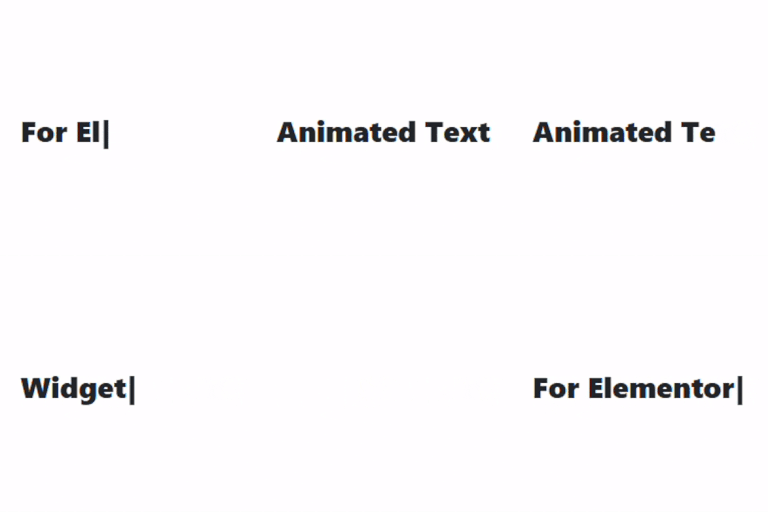
Animated Text Widget for Elementor

Animated Text Widget for Elementor adds two animated text effects to your Elementor pages: Typing Text and Rotating Words. Display multiple text strings with a typing animation or rotate words within a sentence to create engaging headings. Customize animation settings, text content, colors, and typography directly from the Elementor editor.
The widget works seamlessly in both the Elementor editor with live preview and on the frontend, using lightweight JavaScript for smooth animations.
Features:
* Two animation modes: Typing Text and Rotating Words.
* Display multiple typing text strings separated by the pipe (|) character.
* Rotate multiple words or short phrases within a sentence.
* Customize typing speed.
* Customize delay between typed strings.
* Customize rotating word speed.
* Show or hide the typing cursor.
* Independent typography and text color controls for Typing Text.
* Independent typography and text color controls for Rotating Words.
* Separate typography and text color controls for rotating words.
* Live preview in the Elementor editor.
* Lightweight JavaScript for smooth performance.
How It Works:
Choose between the Typing Text and Rotating Words animation modes.
Typing Text types and deletes multiple text strings in sequence, while Rotating Words cycles through multiple words or short phrases inside a sentence. All animation settings and styling options can be customized directly from the Elementor editor.