
BellePopups
WordPress Popup Builder
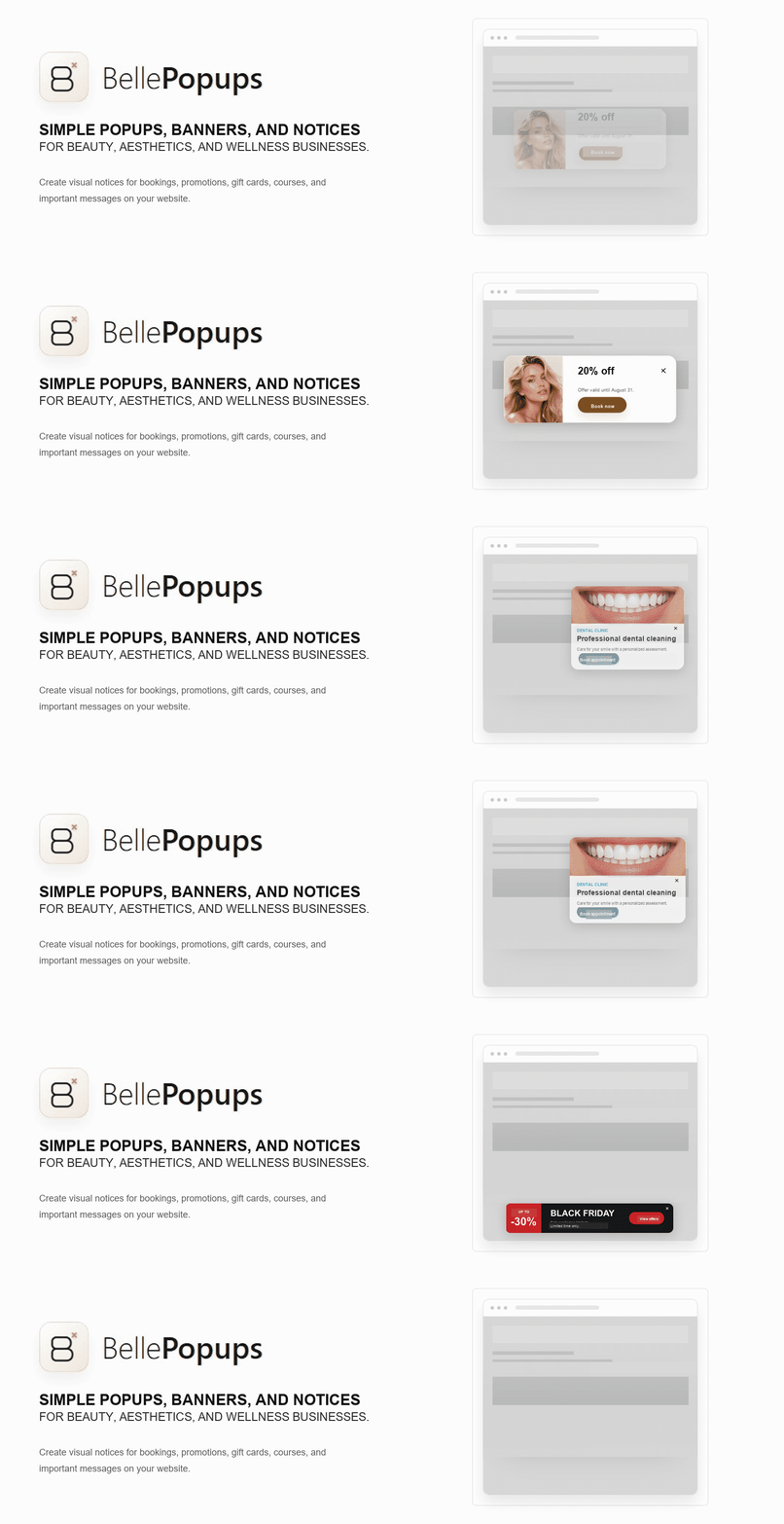
BellePopups is a visual WordPress popup builder for creating responsive popups, modal windows, announcement bars, floating banners and on-site notices without code.
Create promotional campaigns, booking reminders, special offers and important announcements with ready-to-use templates and a guided visual editor.
Choose where and when each campaign appears with page targeting, device controls, date scheduling, triggers and visitor frequency settings.
BellePopups is designed for beauty, aesthetics, wellness and service businesses that need clear visual messages without complex setup.
Version 0.1.2 includes:
- Centered popups.
- Top and bottom bars.
- Floating banners.
- Side notices.
- Compact notices.
- Basic templates for bookings, promotions, courses, gift cards, agenda notices, and seasonal campaigns.
- Display rules for the whole website, the home page, or selected locations.
- Optional start and end dates.
- Device targeting for all devices, desktop, or mobile.
- Display frequency after a visitor closes a notice.
- Basic visual settings for colors, borders, and button shape.
- Independent mobile image height and focal-position controls with safe inheritance from desktop and tablet framing.
- Quick admin actions to activate, pause, or move notices to the trash.
BellePopups does not make its own external requests, does not load its own external fonts, does not create its own cookies, and does not include its own external tracking.
Privacy
BellePopups does not send data to external servers and does not create its own cookies. To avoid showing a closed notice repeatedly, it may use browser local storage with keys prefixed with bellepopups_*.
This storage only remembers that a notice was closed and, when applicable, when that close state expires. It does not contain personal data, does not store IP addresses, does not store emails, and does not identify the visitor.
BellePopups does not include its own external tracking.
Uninstall
In this version, BellePopups does not automatically delete notices created by the user when the plugin is uninstalled. This conservative behavior helps avoid accidental content loss.