
Carbon Code
·
Adds the beautiful code editor from carbon.now.sh to the block editor.
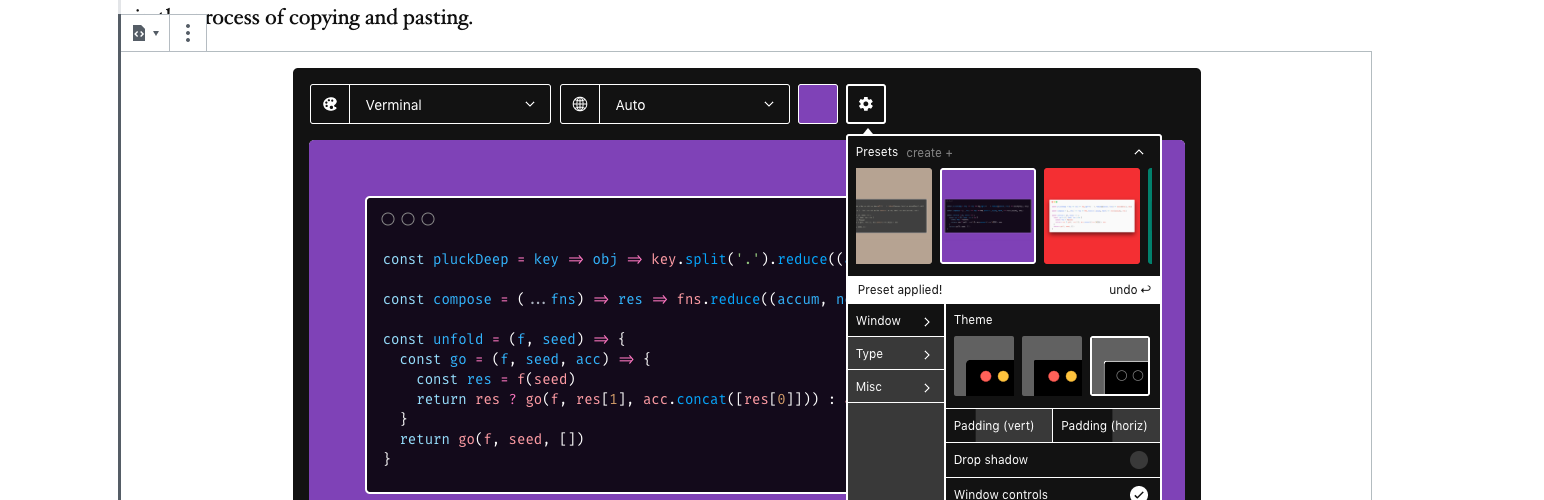
Carbon Code
The easiest way to create beautiful images of code comes to Gutenberg, the WordPress block editor!
How To
- Add a \”Carbon Code\” Block to your post.
- Write your code directly in the editor, copy/paste, or even drag a file into it.
- Use the toolbar to customize the syntax highlighting theme, background color/image, window effects/paddings, fonts, and even upload your own. Then save your customizations as a preset.
- Brace for awesomeness!
- Your preview or published post will render your customized block with a handy copy to clipboard button.
Thanks
To everyone who worked on Carbon, which this project forked.