
CheckView – Form & Checkout Testing
Websites rarely fail loudly. Forms stop submitting. Leads disappear. Emails never send. Checkout buttons break quietly in the background. These issues often go unnoticed until sales or leads are lost.
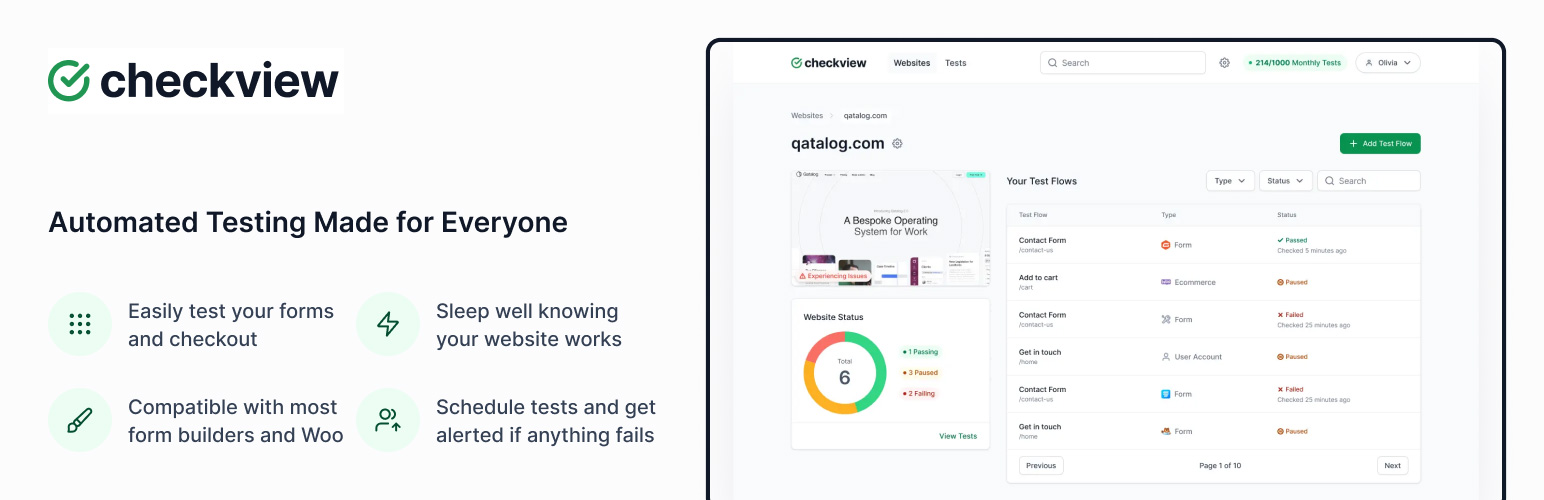
CheckView automatically tests your WordPress forms on a schedule, using real browser sessions to verify that submissions complete successfully and emails are sent. It also supports testing logins, carts, and WooCommerce checkout flows.
Built specifically for WordPress and WooCommerce, CheckView helps site owners, developers, and agencies detect problems early and resolve them faster, without writing code or setting up complex testing infrastructure.
Works Well With
CheckView works well with popular WordPress form and eCommerce plugins including Contact Form 7, WPForms, Gravity Forms, Fluent Forms, Ninja Forms, Formidable Forms, WS Form, and WooCommerce.
Important
This plugin requires an active CheckView account. The plugin can be installed and activated without an account, but automated testing features are only available once the site is connected to the CheckView platform.
Key Features
Automated WordPress Form Testing
- Run real browser-based tests on WordPress forms, including multi-step and dynamic forms
- Validate form submissions from start to finish, including email notifications
- Test WooCommerce checkout flows alongside forms for the most complete coverage
- Verify full form submissions, including email notifications and stored entries
- Confirm WooCommerce order creation when testing checkout flows
- Test real WooCommerce products or automated test products
- Detect silent failures that uptime monitoring alone cannot catch
Scheduled Monitoring & Alerts
- Schedule tests to run automatically
- Receive alerts right away when a test fails
- View detailed failure logs and video recordings showing exactly where the test broke
No-Code, One-Click Setup
- Connect your site to CheckView with a single click
- No Chrome extensions, GitHub repositories, or custom scripts required
- Replace repetitive manual testing with reliable automated coverage
- Tests are executed externally without impacting visitor page load times
Custom Test Flows
- Customize test steps to match your theme, plugins, and site structure
- Adjust URLs, selectors, and checkout behavior using the built-in test flow editor
- Designed to adapt to real-world WordPress customization
Who CheckView Is For
- Sites that rely on contact, lead, or application forms
- WooCommerce stores where checkout reliability matters
- Agencies managing multiple WordPress sites
- Teams that want automated testing without writing code
Common Use Cases
- Monitoring contact and lead forms after plugin or theme updates
- Verifying checkout functionality before marketing campaigns
- Catching silent failures caused by security, theme, or plugin conflicts
Built for Form-Heavy Sites, Agencies & Multiple Websites
- Monitor multiple sites from a single dashboard
- Track site health and test results across client websites
- Complement existing uptime monitoring with functional testing
Privacy & Data Protection
- Test data is automatically purged from your website after each run
- No personal customer data is stored
- Designed to protect the integrity of form submissions and WooCommerce orders
- All requests are authenticated, and the plugin only responds to authorized CheckView test traffic
Account and Pricing
- CheckView is currently available to agencies and site owners via the CheckView platform. An active account at CheckView is required. Please visit the site for current plans and availability.
Data Usage Transparency
When connected, CheckView may access the following non-sensitive data strictly for testing purposes:
- WordPress site metadata (core version, active theme, installed plugins)
- Form and WooCommerce metadata needed to generate and validate tests (no personal customer data)
- Product names and images used for checkout test selection
What CheckView Does Not Do
CheckView does not replace manual QA, visual regression testing, or load testing tools. It is designed specifically to verify that critical WordPress actions, such as form submissions and checkout flows, function correctly over time and may require manual adjustment depending on your specific website setup.
Documentation
Extensive documentation can be found in our Docs hub.
Support
Support is available directly within the CheckView dashboard. Our team can help troubleshoot issues, configure your tests, and build custom test flows for your site.