
Conditional View Transitions
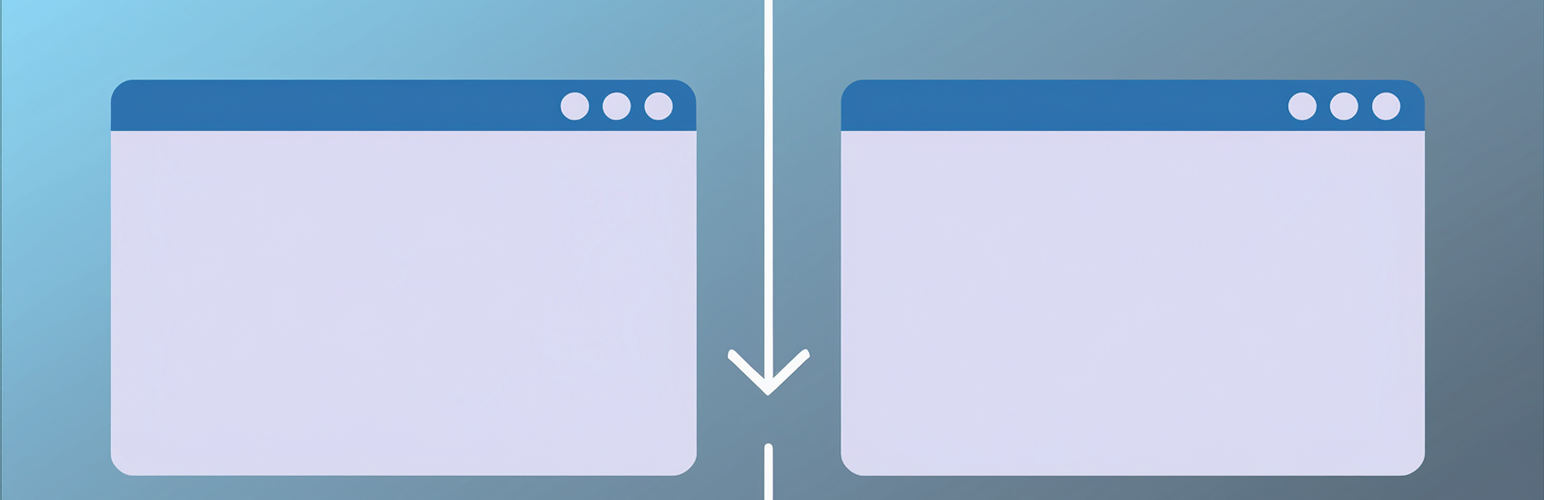
Adds smooth transitions between navigations to your WordPress site. This plugin is a fork of “View Transitions”. Note: add “page-animated” category to post or page you want to have a transition animation other than the default fade. This plugin checks for taxonomy capability and adds the capability to pages if not already enabled.
Key Features: * Conditional animation support – only pages/posts with the “page-animated” category get enhanced transitions * Multiple animation types including fade, slide, swipe, and wipe effects * Automatic category taxonomy support for pages * Browser compatibility detection * Customizable CSS selectors for different themes
Browser support
Cross-document view transitions are supported in a variety of browsers, including Chrome, Edge, and Safari. Users with browsers that currently do not support it should not see any adverse effects when the plugin is active. They will simply not benefit from the feature and continue to experience the traditional hard transitions between URLs.
Please refer to “Can I use…” for a comprehensive overview of browser support for the feature.
How to Use
- Install and activate the plugin
- Add the “page-animated” category to any post or page you want to have enhanced transitions
- Configure settings in Settings > Reading to customize animations and selectors
- Test navigation between pages to see the smooth transitions
Animation Types
- Fade – Smooth fade in/out (default)
- Slide – Elements slide in from different directions
- Swipe – Swipe effect with customizable offsets
- Wipe – Wipe effect with angle control