
Custom Image Login Logo
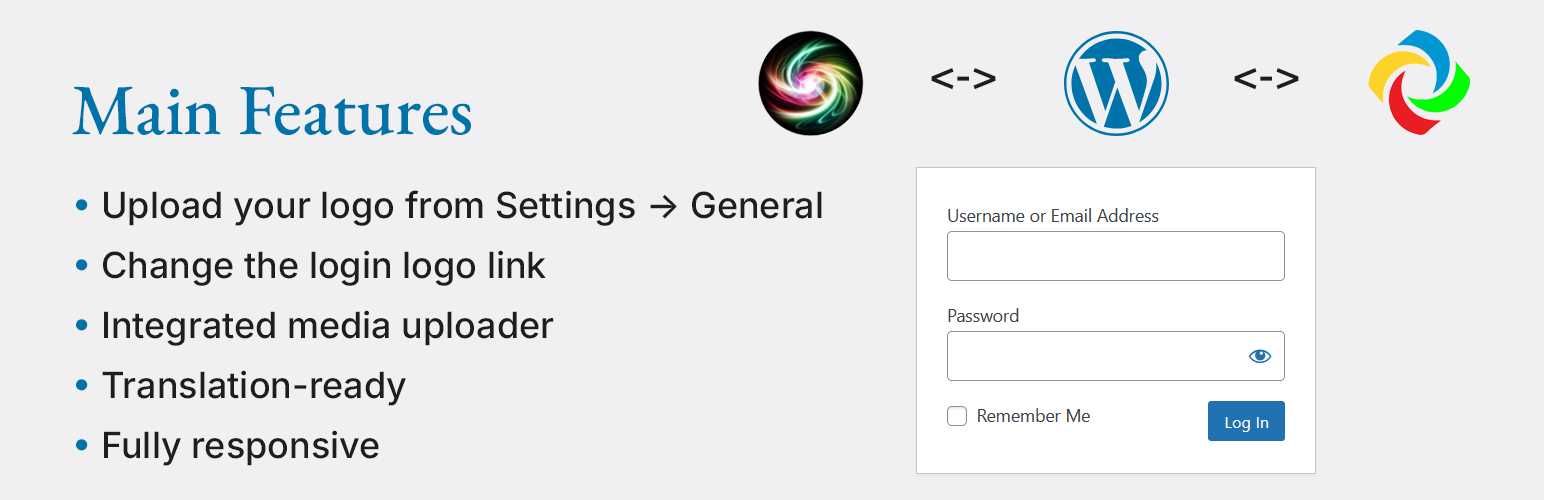
Custom Image Login Logo allows you to replace the default WordPress login logo with your own. You can upload a custom logo, change the logo’s link and remove title, and ensure it displays correctly on all screen sizes.
🎨 Main Features: ✅ Upload your logo from Settings → General ✅ Change the login logo link ✅ Fully responsive on mobile and tablet ✅ Translation-ready ✅ If no custom or theme logo is selected, the default WordPress logo is displayed ✅ Integrated media uploader – select images directly from the Media Library ✅ cill-admin.js – enhances media uploader functionality for better user experience
🆕 New in Version 1.4:
– Optimized CSS loading – styles are now loaded from a separate CSS file
– Fixed theme logo detection – now correctly applies the theme’s custom logo
– Enhanced sanitization – improved security for stored settings
– Integrated cill-admin.js – improves media library selection and image removal
– If no custom or theme logo is selected, the default WordPress logo is displayed
📌 Want to contribute a translation? Submit your translation via WordPress.org!
Usage
-
Upload your logo:
- Navigate to Settings > General
- Enter or select an image URL from the Media Library
-
Customize login page settings:
- Set the login logo link (default: homepage)
-
Fallback to default WordPress logo:
- If no custom or theme logo is selected, the default WordPress logo will be used
-
Use Media Library for logo selection:
cill-admin.jsenables smooth integration with WordPress media uploader- Supports selecting, previewing, and removing images easily
How do I restore the default WordPress logo?
Q: How do I restore the default WordPress logo? A: Just deactivate the plugin.
Is this plugin compatible with multisite?
Q: Is this plugin compatible with multisite? A: Yes, it works with WordPress Multisite.
Does the plugin support translations?
Q: Does the plugin support translations? A: Yes! The plugin is fully translation-ready.
Author
Volodymyr Hannibal 🌍 https://volhan.com
- Ownership Verification: This plugin is officially developed and maintained by Volodymyr Hannibal (volhan) – https://volhan.com
If you find this plugin useful, please leave a ⭐⭐⭐⭐⭐ rating on WordPress.org!