
🆕 New features: now you can add a background image and the link to your Privacy Policy page with a couple of clicks.
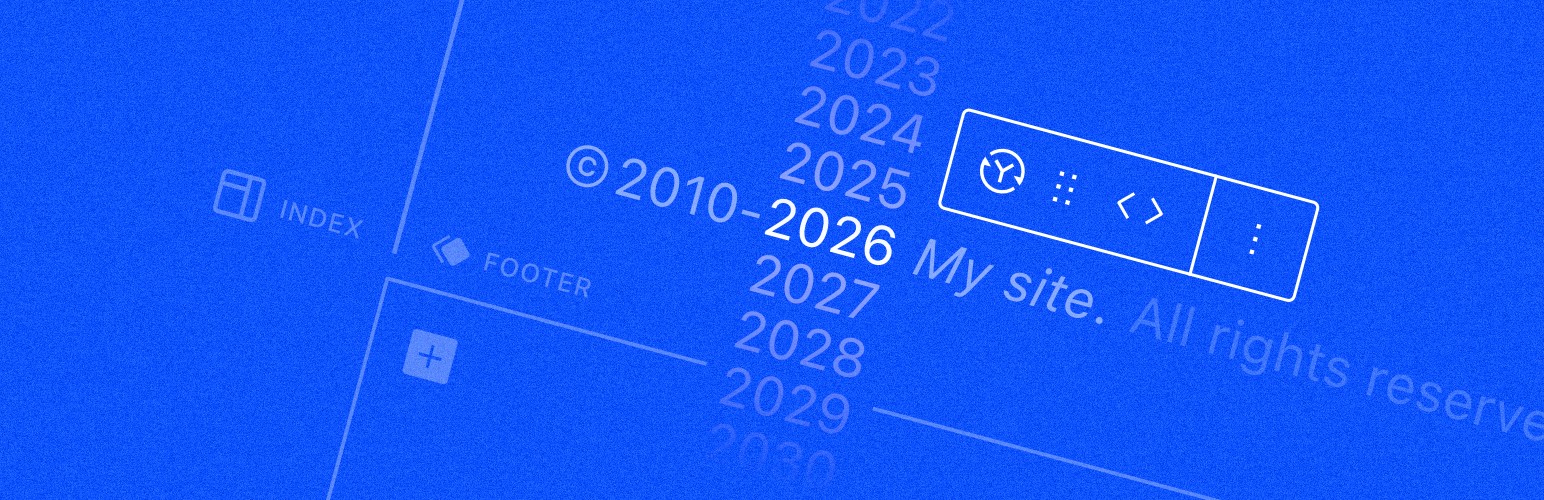
The Dynamic Year Block will automatically update the copyright year in your website footer. At the turn of each year, the number will automatically change to reflect the current year, freeing you from manually editing the year every new year’s eve.
The plugin works for both classic and block themes, but it is especially useful in the context of the Site Editor, where you can visually change the footer template part without messing with code. Just insert the Dynamic Year Block, enter your copyright notice and you’re done. 💪
You can open this WordPress Playground site in your browser to quickly test it.
⚠️ Important: please configure your timezone in “Settings → General → Timezone” in your WordPress dashboard, so that the year displayed by the block matches your server time and the timezone set in WordPress.
This is a community plugin that can always be downloaded for free without any paid subscription from the official WordPress repository.