
Just TinyMCE Custom Styles
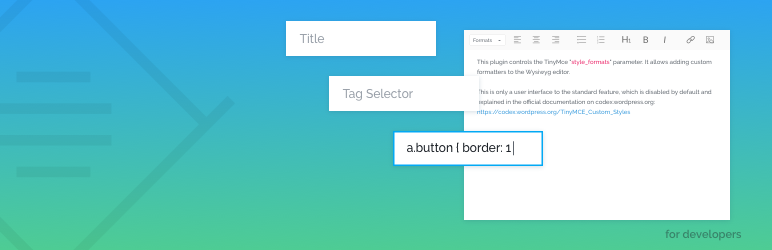
This plugin controls the TinyMce “style_formats” parameter. It allows adding custom formatters to the Wysiwyg editor.
This is only a user interface to the standard feature, which is disabled by default and explained in the official documentation on codex.wordpress.org: https://codex.wordpress.org/TinyMCE_Custom_Styles
Features
- Load Settings from DB or .json file from theme
- Enable/Disable some style_format features for more clean formatting
- Nice interface to quickly add your formats
- Ability to apply custom editor css for each rule separately
- You can group your styles for more clear usage
- Bootstrap preset: pre-defined bootstrap styles for editor.
Example: Custom link class
For example, you can define an addition dropdown option of the css classes for the link tag. To do so, create such row formatter:.
- Title: My Link Style
- Selector: a
- Classes: my-link-style
- Editor CSS: a.my-link-style { color:red; }
Plugin Demo
Presets
We added special feature called “Presets” – these are pre-defined styles included inside the plugin. You can import them to your site with a single click.
With presets we plan to add popular CSS framework classes to be able to use them inside the editor. We started with a Bootstrap preset, because it’s one of the most popular CSS framework right now.
ISSUES TRACKER
If you have any feedbacks or bugs found, please write to our GitHub issues tracker: https://github.com/justcoded/just-tinymce-custom-styles/issues