
JVM Rich Text Icons
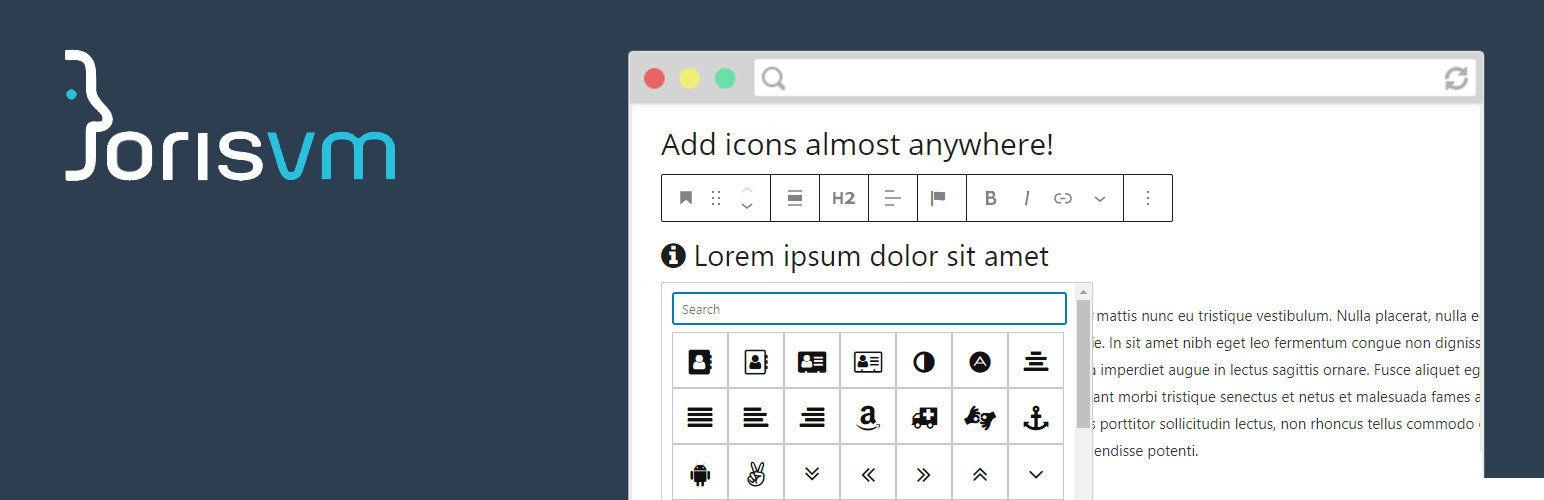
Add icons to any rich text field in the WordPress block editor. Insert icons inline in paragraphs, headings, lists, buttons, or use the dedicated single icon block.
Features
- Icon picker – Select icons from a searchable popup in the block editor toolbar.
- Font Awesome included – Ships with Font Awesome 4.7, 5.x and 6.x. Choose your preferred version from the settings.
- Custom SVG icon set – Upload your own SVG icons via a drag & drop uploader in the plugin settings. This is the recommended approach for the best performance.
- Single icon block – A dedicated block with font size, color, alignment and spacing options.
- ACF integration – Adds a “JVM Icon” field type for Advanced Custom Fields.
How it works
Pick an icon from the toolbar while editing any rich text field. The plugin inserts a small HTML tag that gets styled by the chosen icon set.
Why use a custom SVG icon set?
When you use a custom SVG icon set, the plugin defaults to inline SVG rendering. This is a great choice for performance! Google PageSpeed Insights will thank you.
- Better page speed – No render-blocking CSS or font files to download. Icons are part of the HTML itself.
- Only loads what you use – Unlike Font Awesome which loads CSS for hundreds of icons, inline SVG only includes the icons that are actually on the page.
- No external requests – Everything is served inline, so there are no extra HTTP requests for font or CSS files.
- Inherits text color – Icons automatically use the surrounding text color, no extra CSS needed.
- Fully reversible – The stored content in the database is not modified. You can switch between render technologies at any time from the plugin settings if you want to.
Alternative render technologies (CSS masks, ::before / ::after pseudo-elements) are also available for custom SVG icons if your use case requires it.
For developers
The plugin provides several filter hooks to customize its behavior. You can load your own icon set, CSS file, or change the icon class prefix.
Load a custom icon set file
add_filter( 'jvm_richtext_icons_iconset_file', function($file) {
    return get_stylesheet_directory() . '/path_to_my/icons.json';
});
Load a custom CSS file
add_filter( 'jvm_richtext_icons_css_file', function($cssfile) {
    return get_stylesheet_directory_uri() . '/path_to_my/cssfile.css';
});
To disable the default CSS file entirely:
add_filter( 'jvm_richtext_icons_css_file', '__return_false');
Change the icon class prefix
add_filter( 'jvm_richtext_icons_base_class', function() {
    return 'my-custom-css-class-name';
});
Disable the settings screen
add_filter( 'jvm_richtext_icons_show_settings', '__return_false');
Please note that if you are loading a custom icon set with the plugin hook: jvm_richtext_icons_css_file, you should make sure the plugin is not set to My SVG uploads as this setting does not load any CSS file.