
LingoJS – Website Translation Integration
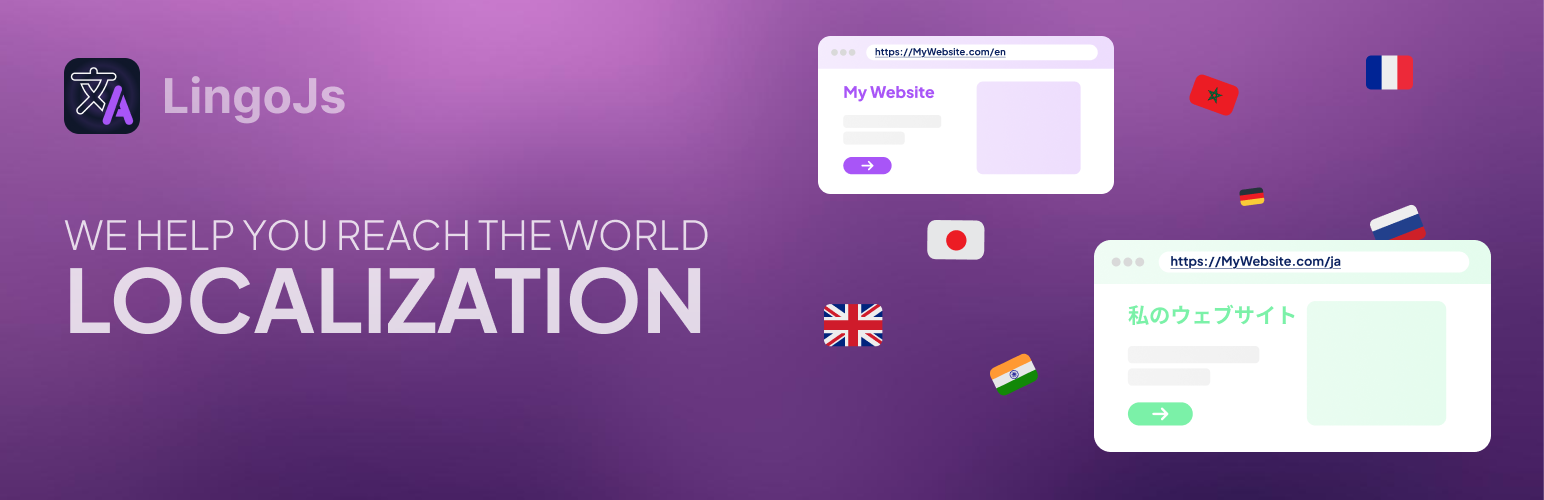
LingoJS Integration is the official WordPress plugin for connecting your website with LingoJS. No more editing your theme files! This plugin lets you add the LingoJS script and configure your translation settings from the WordPress admin panel. Note: This plugin integrates with the LingoJS SaaS platform and uses a remote script to connect to our translation engine. This is required to provide automatic, dynamic multilingual translations for your website.
Key features:
- Automatically insert the LingoJS script
- Define your LingoJS project key
- Set base and target languages
- Enable persistent language selection
- Show/hide the language switcher widget
- Support for dynamic content
Privacy Notice
This plugin integrates with the LingoJS SaaS platform by loading a remote script to provide automatic and dynamic multilingual translations.
By using this plugin, you acknowledge that a connection is made to LingoJS servers. You must have a valid LingoJS account and agree to our Terms of Service and Privacy Policy, available at:
https://lingojs.com/terms https://lingojs.com/privacy
The plugin itself does not collect any personal data directly. However, the LingoJS service may collect data as described in their privacy policy.
Please review our policies to understand how your data is handled when using this plugin.
Usage
After activating the plugin:
- Refresh your website page. The language widget should appear.
- If it shows “undefined,” refresh the page once more. This happens because the browser is still retrieving your LingoJS settings, so a quick reload ensures everything loads correctly.
- Go to your LingoJS dashboard and open the Translations section.
- Select the texts you want to publish or block.
- Texts marked as “published” will be automatically translated into all target languages of your project.
- Return to your website and refresh the page.
- You should now see your text translated based on your settings.