
LoginArmor – Email 2FA
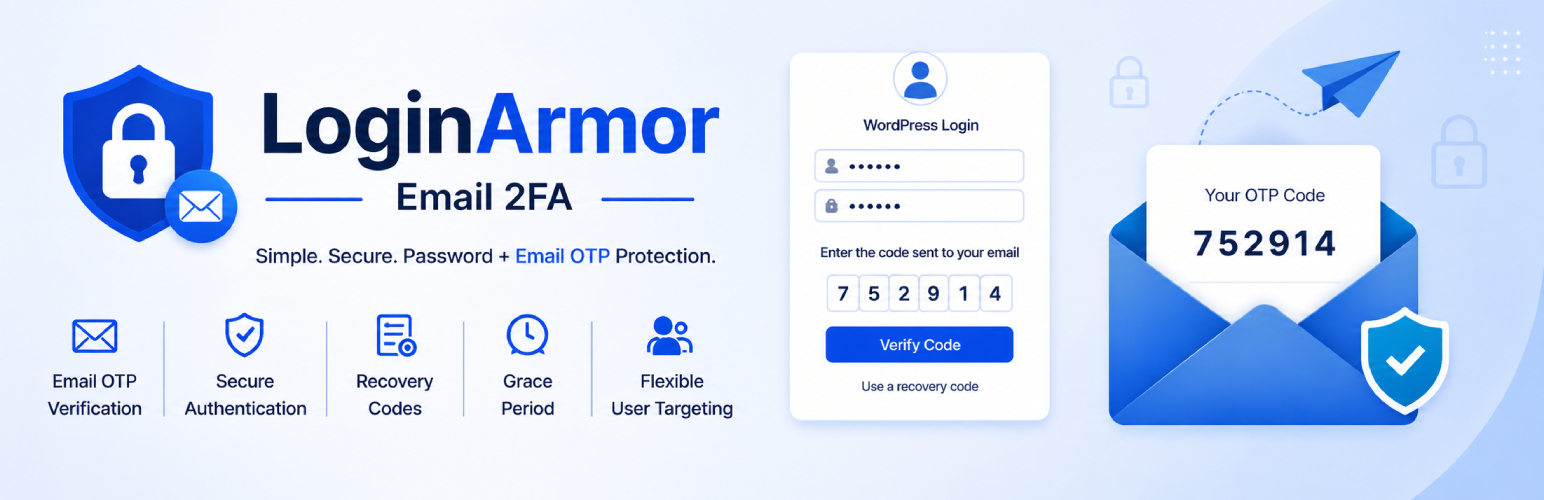
LoginArmor adds an extra layer of protection to WordPress logins by requiring a one-time verification code after a valid username and password are entered.
Key features
- Email-based one-time passcodes for WordPress logins
- Apply 2FA to selected user roles
- Apply 2FA to specific users
- Optional grace period before activation is enforced
- Recovery codes for backup access
- Customizable email subject and login code email template
- Optional debug logging to
wp-content/uploads/loginarmor-email-2fa/loginarmor-debug.log - Automatic log rotation to prevent unbounded log file growth
- Compatible with WordPress application passwords and REST API clients
- Dedicated settings screen inside the WordPress admin
How it works
- A user enters a valid username and password.
- LoginArmor sends a one-time code to the user’s email address.
- The user enters the code to complete login.
- If needed, the user can use a recovery code instead.
Recovery codes
The plugin includes recovery codes as a backup login option. Codes are stored securely as hashes in user meta. Plaintext codes are shown only temporarily so users can save or download them once.
Grace period
You can optionally set a grace period in days. During the grace period, eligible users can continue signing in while they complete activation. After the grace period ends, 2FA is enforced.
No external service required
LoginArmor uses WordPress email delivery and does not require a third-party 2FA service.
Developer notes
The plugin exposes a filter for sites running behind a reverse proxy (Cloudflare, load balancers, etc.) that need to supply the real visitor IP:
add_filter( 'la2fa_get_client_ip', function( $ip ) {
    return $_SERVER['HTTP_CF_CONNECTING_IP'] ?? $_SERVER['REMOTE_ADDR'] ?? 'unknown';
} );
Without this filter the plugin behaves exactly as before — it reads REMOTE_ADDR by default.
Privacy
LoginArmor does not connect to an external third-party verification service.
The plugin may process and store the following data on your WordPress site:
- Email-based one-time passcodes for login verification
- Recovery code hashes stored in user meta
- Optional debug log entries in
wp-content/uploads/loginarmor-email-2fa/loginarmor-debug.log - Temporary transients used for login, cooldown, and verification flow
This data stays on your site unless your own email delivery system or hosting stack routes it elsewhere.