
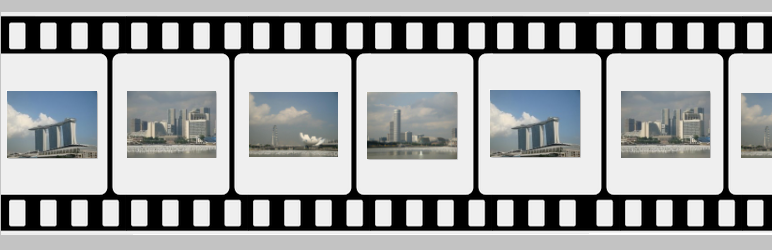
Marquee image crawler is a continuous scrolling image plugin. This plugin crawls the images left or right. Instead of automatic scrolling, image can optionally be mouse driven, so the location of the mouse cursor dictates which direction for the image crawl to go and at what speed of the crawl. In the plugin admin, we have the option to add and upload the images. In the short code we have the option to configure the crawler speed and image crawler gallery size.
Check official website for live demo http://www.gopiplus.com/work/2020/12/18/marquee-image-crawler-wordpress-plugin/
- Live Demo : Live Demo
- More Information : More Information
- Plugin : Plugin URI
Plugin features
-
Simple and easy installation.
-
Light weight JavaScript
-
Crawls the images left or right
-
Control scrolling direction and speed on mouse over
How to configure
-
Install and activate the Marquee image crawler plugin.
-
During activation it create 4 default records in the plugin admin.
-
Go to Settings >> Marquee image >> Add New in your WordPress admin to add and update the details.
-
To add the Marquee image crawler plugin in the page or post, copy the below given plugin short and use it in your post.
-
If you want to add in the widget, you can drag and drop the Marquee image widget in to your sidebar.