
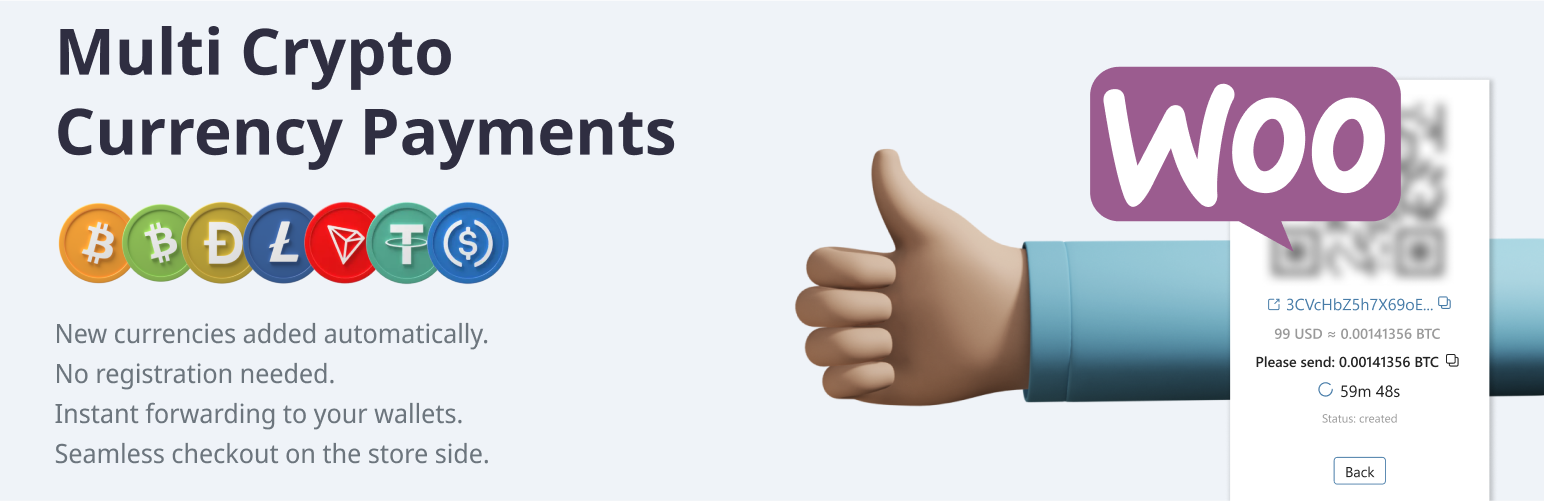
Accept the most popular cryptocurrencies (BTC, LTC, BCH, Doge etc.) on your store all around the world. Use any crypto supported by provider to accept coins using the Forwarding payment process.
Key features:
- Payment automatically forwards from temporarily generated crypto-address directly into your wallet (temp address identify payment to exact order)
- The payment gateway has a fixed fee which does not depend on the amount of the order. Small payments are totally free. https://apirone.com/pricing
- You do not need to complete a KYC/Documentation to start using our plugin. Just fill in settings and start your business.
- White label processing (your online store accepts payments on the store side without redirects, iframes, advertisements, logo, etc.)
- This plugin works well all over the world.
- Tor network support.
How does it work?
The Buyer adds items into the cart and prepares the order. Using API requests, the store generates temporary crypto (BTC, LTC, BCH, Doge) address and show a QR code. Then, the buyer scans the QR code and pays for the order. This transaction goes to the blockchain. The payment gateway immediately notifies the store about the payment. The store completes the transaction.
Supported currencies
- Bitcoin
- Bitcoin (testnet)
- Litecoin
- Bitcoin Cash
- Dogecoin
- TRON
- Ethereum
- BNB SMART CHAIN
- TON/GRAM
- USDC (TRC20), USDC (ERC20), USDC (BEP20)
- USDT (TRC20), USDT (ERC20), USDT (BEP20), USDT (TON)
Installation via WordPress Plugin Manager
Go to WordPress Admin panel > Plugins > Add New in the admin panel. Enter “Multi CryptoCurrency Payments” in the search box. Click Install Now. Fill settings of your crypto addresses into Plugin Settings: WooCommerce > Settings > Payments > Multi CryptoCurrency Payments. Turn the “On” checkbox in the Plugin on the same setting page.
Third Party API & License Information
- API website: https://apirone.com
- API docs: https://apirone.com/docs/
- Privacy policy: https://apirone.com/privacy-policy
- Support: support@apirone.com