My Wp Brand – Hide menu & Hide Plugin
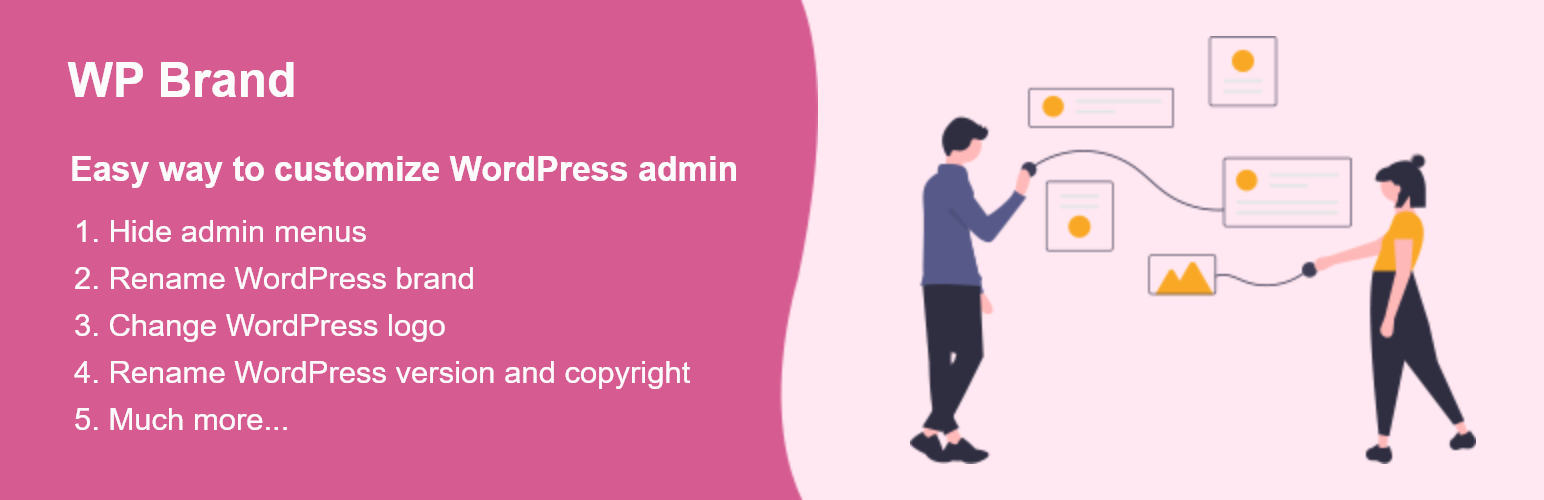
This plugin gives the facility for hiding and showing the admin menu of the side / top bar, it also gives you the options to hide the plugin lists, WordPress version, rename, and style the brand of WordPress into your brand.
Ever want to style the appearance of the WordPress admin pages by hiding the menu, renaming the brand, changing the logo, etc.
Which Reason Makes the WordPress WP Brand Plugin Outstanding?
There are the following reasons that make the WordPress WP Brand Plugin Outstanding.
-
HIDE ADMIN MENU AND ADMIN BAR You can hide the items in the admin menu and admin bar.
-
HIDE ADMIN MENU ITEMS FOR SPECIFIC USERS If you have multiple users on your website, you will sometimes need certain people to have specific permissions. It is the best way to do it for your particular user role.
-
Hide Plugin You can hide all the plugins or particular plugins from the plugin page.
-
HIDE WORDPRESS VERSION You can easily hide WordPress version by one click.
-
REBRAND (NAME, LOGO, WELCOME MESSAGE) You can easily rename the WordPress into your brand name.