
Photo Gallery – Image Gallery & Portfolio
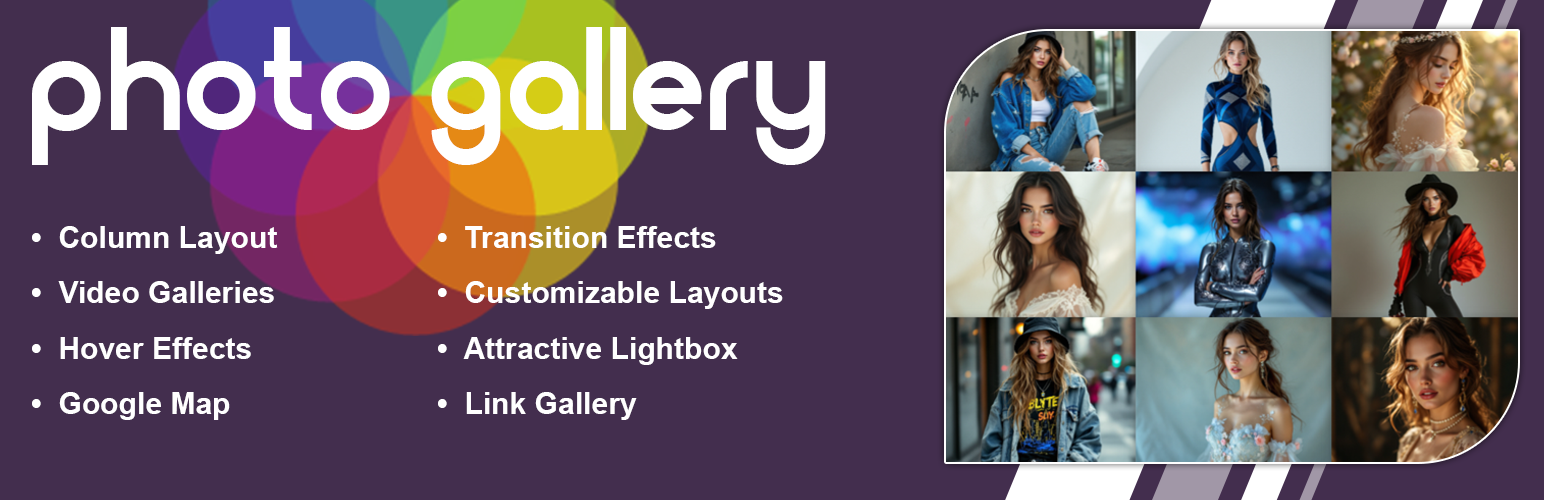
New Photo Gallery helps you build a beautiful Photo Gallery and responsive Image Gallery. It is also perfect for showcasing a professional Portfolio on your WordPress site.
Check Live Demos
Photo Gallery Free | Photo Gallery Premium | Where To Buy
The plugin displays your Photo Gallery or Image Gallery in a clean grid. When users click an image, it opens in a modern popup window. This window is called a lightbox. It lets users view your images in full size.
You can also add videos from YouTube and Vimeo. This is great for a video gallery, business portfolio, and team pages. You can upload media and get shortcodes in seconds. No complex settings are needed.
Create a Stunning Photo Gallery
Display your photography in a beautiful grid. You can organize files in columns from two to six. This is great for event albums, travel blogs, or design archives. Visitors can browse your photos without any distractions. The responsive layout keeps everything perfectly aligned on every single screen size.
Organize an Advanced Image Gallery
Create unlimited galleries with zero restrictions. You can add titles, descriptions, and custom hover styles to each thumbnail. A built-in grayscale feature allows for a vintage look. With our optimized scripts, your image lists load very quickly. This ensures your visitors stay engaged.
Showcase a Professional Portfolio
Highlight your best creative projects cleanly. This layout is perfect for web designers, artists, and architects. You can easily merge images with YouTube and Vimeo video thumbnails. This creates a modern, mixed-media portfolio showcase. Users can copy shortcodes and publish pages in seconds.
Key Features (Free Version)
- Responsive grid system that adapts to any screen size.
- Lightbox functionality for viewing images and videos without leaving the page.
- Create unlimited galleries with no restriction on the number of images.
- Support for YouTube and Vimeo video embedding.
- Image protection for gallery
- Grayscale effect for images.
- Options to add titles and descriptions to your media.
- Multiple column configurations (ranging from 2 to 6 columns).
- Hover effects for gallery thumbnails.
- Shortcode system for easy insertion into posts and pages.
- Translation support for multilingual websites.
Premium Features
Upgrade to the premium version for additional capabilities:
- Masonry Layout – Utilize a dynamic Pinterest-style grid for varied image aspect ratios.
- Advanced Hover Effects – Choose from 30 distinct animation styles for thumbnails.
- Load More Pagination – Implement a “Load More” button for large collections.
- Map Integration – Associate images with location data on a map.
- Custom Links – Attach specific URLs to individual gallery items.
- Fixed Dimension Lightbox – maintain consistent sizing for the lightbox viewer.
- Transition Effects – Smooth 2D animations when enhanced gallery navigation.
- Visual Enhancements – Apply shadow and glow effects to thumbnails.
- Interface Customization – Adjust colors for the lightbox tool and background.
- Custom CSS – Apply your own style rules for precise control.
- Priority Support – Receive direct assistance for technical inquiries.
How to Use
- Navigate to Photo Gallery > Add New in your WordPress dashboard.
- Provide a title for your new gallery.
- Upload your desired images using the standard media uploader.
- Adjust the gallery settings, such as column count and spacing.
- Copy the shortcode generated by the plugin.
- Paste this shortcode into any page or post editor.
- Publish the page to view your live gallery.