
PDFDraft – Drag & Drop PDF Builder, PDF Viewer, Embed & Download PDF, Certificate & Invoice Designer
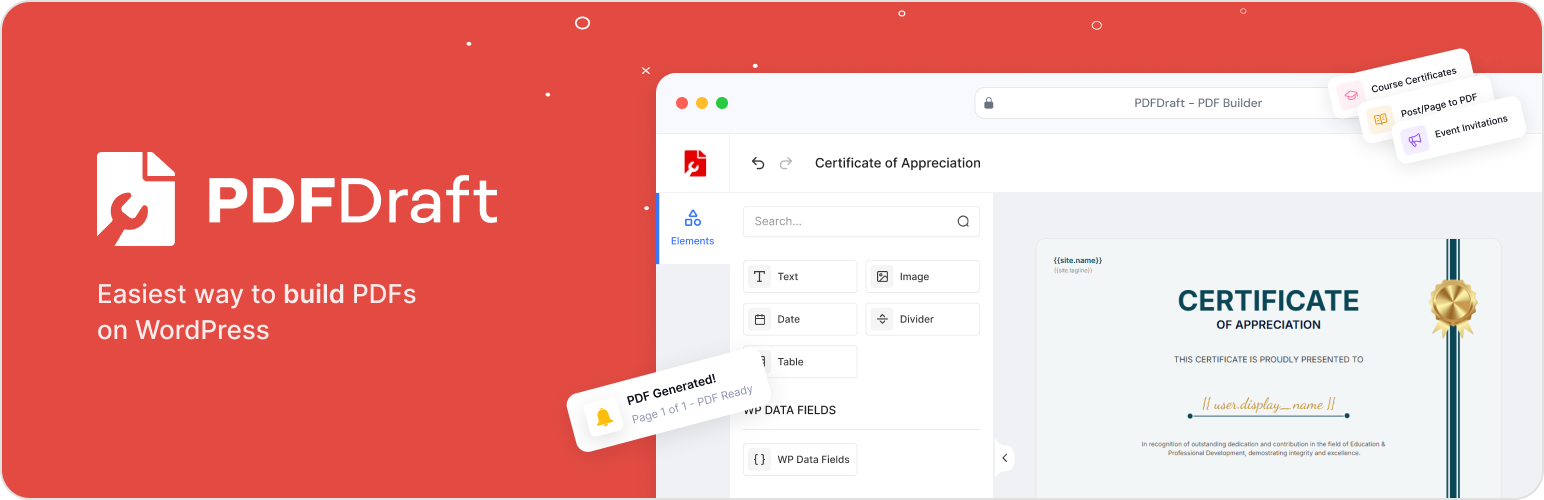
A PDF builder, PDF generator, and PDF embedder for WordPress — design, generate, and publish professional documents with no coding required.
Every other WordPress PDF plugin makes you compromise — fixed templates, rigid layouts, output that never quite looks right. PDFDraft gives you a free-form canvas where you place anything, anywhere, and the result looks exactly the way you designed it.
Drop in a smart tag and it stops being a static document entirely. Our PDF generator auto-fills it with real WordPress data — names, emails, post titles, site details — personalized for every single WordPress user.
⚡ Quick Links:
🏗️ PDF Builder Features:
- Free-canvas drag & drop PDF builder: Place text, images, and tables anywhere on the canvas with pixel-perfect precision.
- Smart Tags and Dynamic Fields: Add dynamic fields to your PDF for WordPress data like post title, post meta, author, user details, site name, and site URL using smart tags.
- Typography controls: Customize font, size, weight, line height, and letter spacing for every text element.
- Template Library: Start quickly with professionally designed PDF templates for certificates, invitations, invoices and more.
- Brand Customization: Control fonts, colors, backgrounds, and logo placement in the PDF.
- Print-Ready Output: Produce clean, crisp PDFs that look professional on screen and on paper.
⚙️ PDF Generator Features:
- Instant PDF Generation: Generate PDFs immediately when content is ready, with no manual server setup.
- Dynamic Smart Tags: Pull any WordPress data field into any part of a PDF document automatically.
- Runs locally: All PDF generation happens on your WordPress server — no data is ever sent to third-party services.
📄 PDF Embedder & Embed Options
- Multiple Embed Options: Show PDFs with an inline viewer, download button, shortcode, or block.
- Gutenberg blocks included: Embed a PDF inline viewer or add a download button anywhere in your content using native WordPress blocks.
- Shortcode support: Embed your PDF or download link anywhere shortcodes are accepted — no page builder required.
🎯 What You Can Build with PDFDraft
- Course Creators: Generate completion certificates with learner and course details
- Event Organizers: Create personalized invitation PDFs for each guest using dynamic smart tags
- Blogs and Content Sites: Convert posts and pages into branded downloadable PDFs
- Awards & recognition documents: One template, unlimited personalised outputs
- Anything you can design: The free canvas means no limits on what you build
👥 Who Uses PDFDraft?
For personalisation — Course creators, educators, and membership site owners who need every PDF to feel made for that specific person.
For automation — Site owners and publishers who want to design once and have PDFs generate automatically for every post, user, or event.
For power users — WordPress builders and developers who want to pull any data field into any part of a PDF without writing custom code.
🚀 Quick Setup – Under 2 Minutes
- Install and activate PDFDraft from your WordPress dashboard.
- Choose a PDF template from the library or start from a blank canvas.
- Design your layout with the visual drag-and-drop builder.
- Add smart tags to auto-fill data from WordPress into your PDF.
- Publish and generate your PDF.
External Services
PDFDraft does not connect to external services. PDF generation runs locally on your WordPress site with no data sent to third-party servers.
Coming soon
PDFDraft is actively growing. A WooCommerce addon for automated invoices, packing slips, and order PDFs is currently in development and coming soon.