
Swift – Buy Now Button for WooCommerce
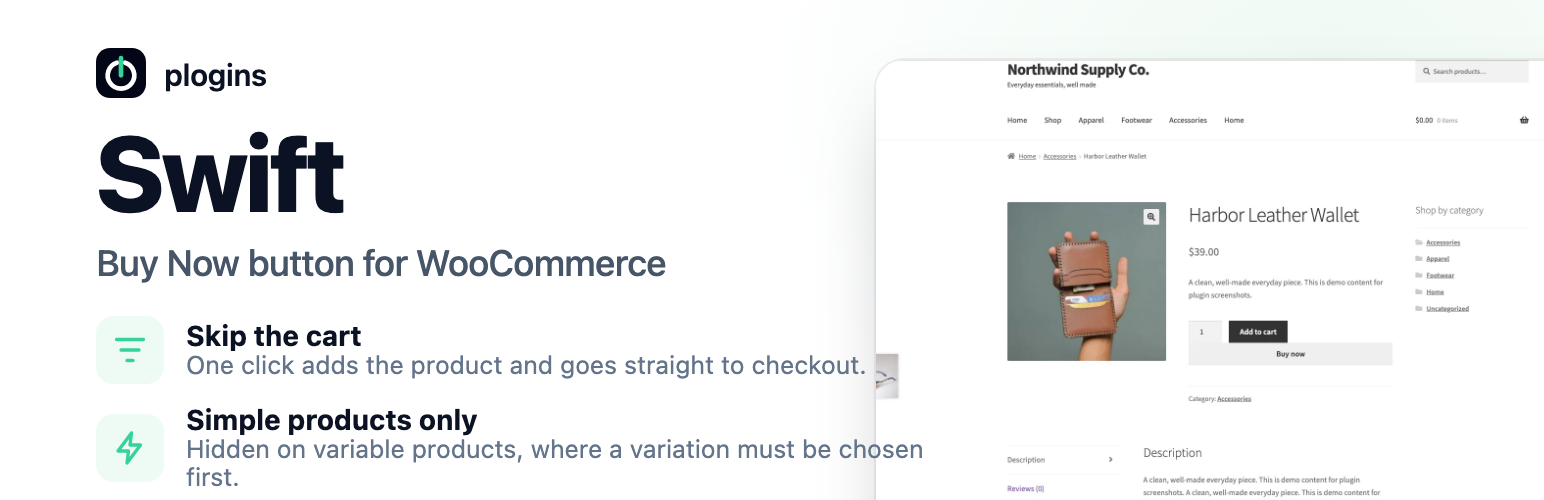
Swift adds a “Buy Now” quick buy button to your WooCommerce products. One click adds the product to the cart and sends the shopper straight to checkout, skipping the cart page so a purchase takes one click instead of three.
The button can appear on single product pages, on shop and archive loops, or both. You choose the label, where it redirects (checkout or cart), and whether the cart is emptied first so the buyer checks out with only the product they clicked.
Swift is stateless: it stores no per-product data and creates no database tables. It handles the button hooks, nonce verification, cart handling and redirect, and nothing else.
Swift is developed in the open. Source code, bug reports and feature requests live at https://github.com/wppoland/plogins-swift.
Documentation and links
- Documentation – https://plogins.com/plogins-swift/docs/
- Plugin page – https://plogins.com/plogins-swift/
- Source code – https://github.com/wppoland/plogins-swift
- Bug reports and feature requests – https://github.com/wppoland/plogins-swift/issues
What it does
- Adds a “Buy Now” button that adds-to-cart and redirects in one click.
- Works on single product pages and/or shop and archive loops.
- Place the button before or after the native add-to-cart button on single product pages.
- Drop the button anywhere with the
[swift_buy_now]shortcode or the Elementor “Buy Now Button” widget (optionally targeting a product by id). - Redirects to the checkout (skip the cart) or to the cart, whichever you prefer.
- Optionally empties the cart first so checkout shows only the chosen product.
- Optionally respects the quantity chosen on the product page (simple products).
- Pick a button style, theme default, solid, or outline, with an optional accent colour.
- Honours stock and purchasability, the button is hidden for out-of-stock or non-purchasable products, and is not shown for variable products.
Settings
A simple WooCommerce settings page (WooCommerce → Swift Quick Buy) lets you:
- Enable or disable the Buy Now button.
- Set the button label.
- Choose where the button appears (single product, shop loops, or both).
- Choose whether it sits before or after the add-to-cart button on single products.
- Choose where it redirects (checkout or cart).
- Choose whether to empty the cart before adding.
- Choose whether to respect the quantity selected on the product page.
- Pick a button style (theme, solid, outline) and an optional accent colour.
Shortcode and Elementor
Use [swift_buy_now] to render the Buy Now button anywhere, inside a page, post or block. It targets the current product by default; add an id to target a specific simple product:
[swift_buy_now id="123"]
If Elementor is active, the same button is available as a “Buy Now Button” widget. The Product ID control is the shortcode’s id argument: leave it at 0 on a product page.
External Services
Swift does not connect to, send data to, or load anything from any external service. There is no SDK, no API client, no remote font, CDN or analytics endpoint, and no phone-home or licensing check, its CSS and JavaScript are bundled with the plugin and enqueued from your own site.
All of Swift’s work happens on your server. It reads and writes a single settings option (swift_settings) and a schema-version marker (swift_db_version), and creates no custom database tables and no product meta. The Buy Now button adds the chosen product to the visitor’s own WooCommerce cart and redirects them within your site to your checkout or cart page; nothing about the product, the cart or the shopper leaves your installation.
Translations
Swift is fully translatable and ships the plogins-swift.pot template. Translations are delivered by WordPress.org language packs from translate.wordpress.org, which is where Polish, German and Spanish are being contributed; the package itself carries no compiled translation files.