Post Visibility Control
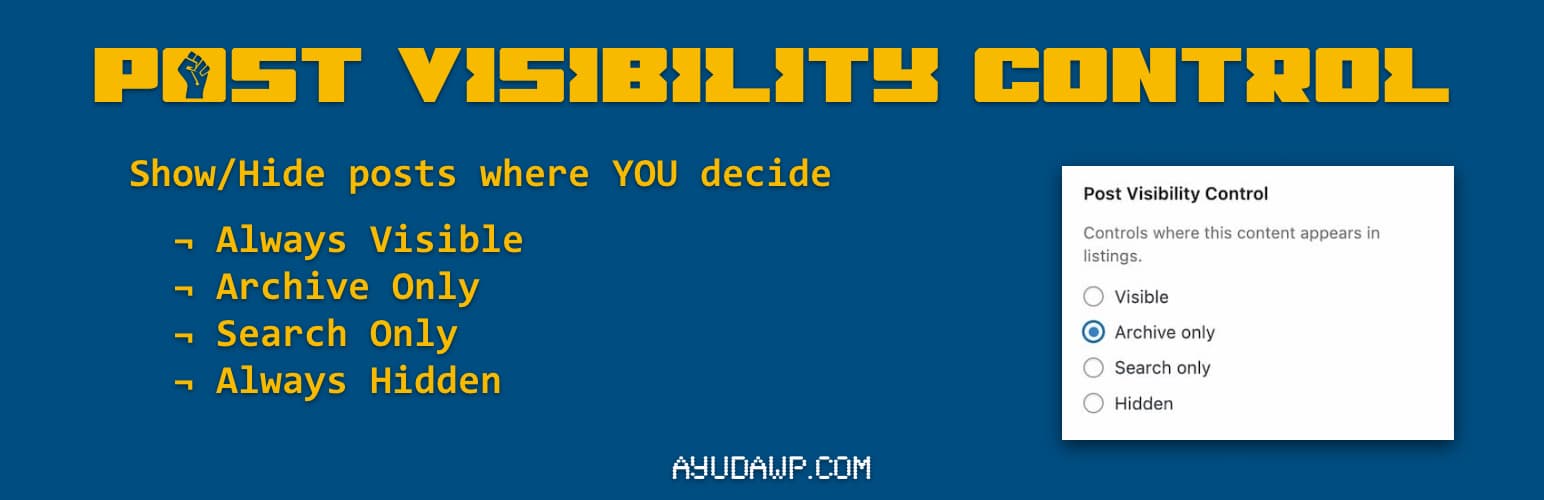
Post Visibility Control adds visibility options to posts, pages, and custom post types. Control exactly where your content appears without making it private.
The plugin integrates seamlessly into the native WordPress interface. In the Block Editor (Gutenberg), you will find the options inside the Status & Visibility popup when you click on the post status. In the Classic Editor, the options appear within the Visibility section of the Publish metabox, right where you would expect them.
Features:
- Works with posts, pages, and custom post types
- Four visibility options: Visible, Archive only, Search only, Hidden
- Compatible with both Classic Editor and Block Editor (Gutenberg)
- Hidden content remains accessible via direct URL
- Automatically excludes WooCommerce products (they have their own visibility)
- Lightweight and follows WordPress coding standards
- Translation ready
Visibility Options:
- Visible – Content appears in archives and search results (default)
- Archive only – Content appears in archives but not in search results
- Search only – Content appears in search results but not in archives
- Hidden – Content is hidden from archives and search, accessible only via direct link
Use Cases:
- Hide landing pages from blog archives
- Exclude specific posts from search results
- Create content accessible only via direct links
- Control which posts appear on your homepage
How to Use
Block Editor (Gutenberg):
- Edit any post or page
- In the right sidebar, look for the “Status” section (usually shows “Draft” or “Publish”)
- Click on the status to open the Status & Visibility popup
- You will see “Visibility Control” options with four radio buttons
- Select your preferred visibility option
- Save or publish your post
Classic Editor:
- Edit any post or page
- In the Publish metabox (right sidebar), find the “Visibility” section
- Click “Edit” next to Visibility if needed to expand the options
- Below the standard WordPress visibility options, you will find “Visibility Control”
- Select your preferred option from the radio buttons
- Save or publish your post
Support
Need private support or custom development?
Do you need one-on-one help, priority troubleshooting, or a custom feature, integration, or tweak built specifically for your site? I offer private support and custom development. Just contact me and tell me what you need.
Need help or have suggestions?
Love the plugin? Please leave us a 5-star review and help spread the word!
About AyudaWP
We are specialists in WordPress security, SEO, and performance optimization plugins. We create tools that solve real problems for WordPress site owners while maintaining the highest coding standards and accessibility requirements.