Premium Blocks – Gutenberg Blocks, Patterns & Templates
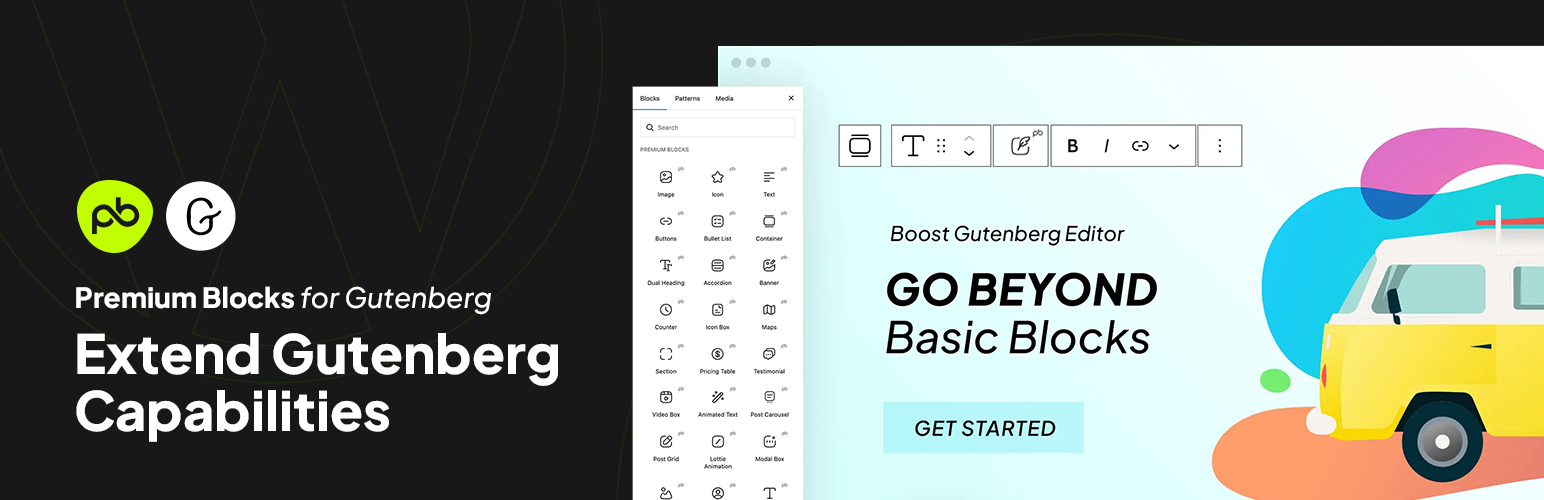
With Premium Blocks for Gutenberg, you get a free, comprehensive collection of advanced blocks and features for the WordPress block editor. Our plugin helps you go beyond the basics to create stunning, responsive websites with ease. With a constant flow of new customization options, it’s the ultimate toolkit for designers and developers looking to build and maintain high-performing sites.
유용한 링크
KEY FEATURES
- Fast & Optimized – Smooth Gutenberg editor performance.
- 33+ Free Gutenberg Blocks.
- Ready-Made Patterns – Pre-designed sections for pages, posts, and FSE.
- Global Settings – Manage styles across the site
- Responsive Controls – Customize desktop, tablet, and mobile.
- Display Conditions – Show or hide blocks by user, device, or date.
- Entrance Animations – Animate blocks on load.
- Equal Height Feature.
- Copy/Paste Styles – Transfer styling between blocks.
- Advanced Gallery – Multiple image layouts.
- Lottie Animations.
- SVG Draw Effects.
- Post Grid & Carousel – Showcase posts and custom types.
- One-Page Scroll.
- Translation Ready – Fully WPML compatible.
플렉스박스 컨테이너 구텐베르크 블록
Flexbox의 강력함을 이용해 복잡하고 반응형 레이아웃을 손쉽게 만드세요. Gutenberg 편집기 내에서 요소를 나란히 배열하거나 수직으로 쌓거나 심지어 고도의 제어와 유연성을 바탕으로 고르게 분배할 수 있습니다.
Gutenberg Templates
Speed up your workflow by inserting pre-designed patterns directly into any page, post, or FSE template with a single click. Learn More
Premium Blocks For Gutenberg Global Settings for Gutenberg Editor
모든 Gutenberg 블록에 대해 글로벌 스타일과 기본값을 설정하여 시간을 절약하고 작업 흐름을 간소화하세요. 한 번 폰트, 색상, 간격 등을 사용자 지정하면 전체 WordPress 웹사이트에 원활하게 적용할 수 있습니다.
다양한 구텐베르크 블록용 사전 설정 및 변형
Elevate your website design in seconds with Free Blocks for Gutenberg’s extensive library of pre-designed presets and variations. Forget the hassle of starting from scratch – simply choose a preset that aligns with your vision, and then personalize it further with a variety of built-in variations.
구텐베르크를 위한 복사/붙여넣기 스타일 기능
Copy/Paste Style 기능으로 디자인의 일관성을 손쉽게 달성하세요. 한 Gutenberg 블록에서 다른 블록으로 서식과 스타일을 신속하게 복사하여 전체 WordPress 웹사이트에서 통일성 있고 브랜드화된 외관을 보장하세요.
Display Conditions for Gutenberg Blocks
Free Global Features lets you control the visibility of any block—core, Premium Blocks, or third-party—based on user role, device, location, browser, date, and more. Build dynamic, personalized content with no code. View Demo
Gutenberg용 Equal Height 기능
Equal Height 기능을 사용하여 Gutenberg 웹사이트 전체에서 시각적 조화를 유지하세요. 단 한 번의 클릭으로 열, 블록 또는 기타 요소들의 높이를 맞춰 깔끔하고 정제된 외관을 연출하세요.
Gutenberg 블록용 입장 애니메이션 기능
탁월한 입장 애니메이션으로 귀하의 Gutenberg 블록에 주목을 끌고 웹사이트 방문자들을 매료시키세요. 다양한 미리 제작된 입장 애니메이션 중에서 선택하여 각 요소가 역동적인 멋으로 돋보일 수 있도록 만드세요.
자산 파일 생성 기능
Optimize your WordPress website performance with lightning-fast loading times using the Asset File Generation feature for Gutenberg. Automatically optimize and compress images, icons, and other assets for the web, ensuring a smooth and speedy user experience.
사용 가능한 요소
- Banner – Create interactive banners using Gutenberg Banner block which offers ready-made styles alongside numerous customization options.
- 버튼 – 완전히 사용자 정의 가능한 버튼 블록을 사용하여 Gutenberg 편집기 내에서 강력한 호출을 추가하세요.
- Counter – Showcase your impressive facts and figures on your WordPress website using dynamic counters.
- 듀얼 헤딩 – Gutenberg 편집기 내에서 제목과 부제목을 결합하여 인상 깊은 메시지를 전달하세요.
- 헤딩 – 다양한 스타일 중에서 선택할 수 있는 전문가 수준의 제목을 제공합니다.
- 아이콘 – 의미 있고 스타일리시한 Font Awesome 및 WordPress-Dash 아이콘으로 Gutenberg 콘텐츠를 풍부하게 만드세요.
- Google Maps – Embed interactive Google maps directly into your WordPress website.
- Pricing Table – Seamlessly, present pricing plans clearly and attractively inside your Gutenberg editor.
- 섹션 – WordPress 웹사이트 콘텐츠를 체계적이고 시각적으로 매력적인 섹션으로 구성하세요.
- Testimonials – Highlight customer reviews or positive quotes and build trust using the Testimonials Gutenberg block.
- Accordion – Organize and present FAQs or expandable content efficiently inside Gutenberg editor.
- 아이콘 박스 – 눈길을 사로잡는 정보 블록을 위해 아이콘과 텍스트를 결합하세요.
- 비디오 박스 – Gutenberg 편집기 내에서 YouTube, Vimeo, Dailymotion 비디오를 추가하거나 직접 업로드한 맞춤 비디오를 삽입하세요.
- 플렉스 컨테이너 – 강력한 Flexbox 컨테이너 블록을 사용하여 고급 반응형 설정과 함께 Gutenberg 레이아웃 내의 콘텐츠 요소를 그룹화하고 정리하세요.
- 애니메이션 텍스트 – Gutenberg 편집기 내에서 역동적이고 애니메이션 효과가 가미된 텍스트로 주목을 끌어보세요.
- 로티 애니메이션 – 로티 애니메이션 Gutenberg 블록을 사용하여 매력적이고 가벼운 애니메이션 요소와 주요 시각 자료를 추가하세요.
- Modal Popup – Create pop-up windows for additional content or calls to action inside your Gutenberg editor.
- Image Separator – Divide your Gutenberg sections with stylish and customizable image separators.
- Bullet List – Present information clearly and concisely with styled bullet lists on your WordPress website.
- 팀 멤버 – 사진, 프로필, 소셜 링크를 통해 팀 멤버를 소개하세요.
- Content Switcher – Offer alternative content options with a toggle switch within your Gutenberg editor.
- 인스타그램 피드 – 귀하의 인스타그램 피드를 WordPress 웹사이트에 직접 표시하세요.
- Post Carousel – Showcase your blog posts in a visually appealing carousel.
- 포스트 그리드 – 블로그 포스트를 깔끔하고 정리된 그리드 레이아웃으로 보여주세요.
- SVG Draw – Create dynamic and interactive SVG drawings directly on your WordPress website.
- 폼 – 직관적인 Gutenberg 폼 블록으로 아름다운 연락처 양식 등을 만드세요.
- 이미지 – 다양한 마스크, 스타일, 컨트롤, 옵션을 갖춘 Gutenberg의 이미지 블록을 탐험하여 시각적 콘텐츠를 향상시키세요.
- Gallery – Engage your Images in various layout
- Tabs – For making advanced tabs with content
- Off Canvas – Create hidden, slide-in panels for navigation menus, sidebars, or promotional content using multiple triggers; Button, Image, Icon, SVG, and Lottie Animations.
- One Page Scroll – Build engaging full-screen scrolling websites with customizable navigations dots, menu items, arrows and smooth transitions. Ideal for modern landing pages, product showcases, storytelling, portfolios and more.
- Star Ratings – Display customizable star ratings with adjustable colors and icons—including any SVG—fully editable without any coding required.