
Product Configurator for WooCommerce
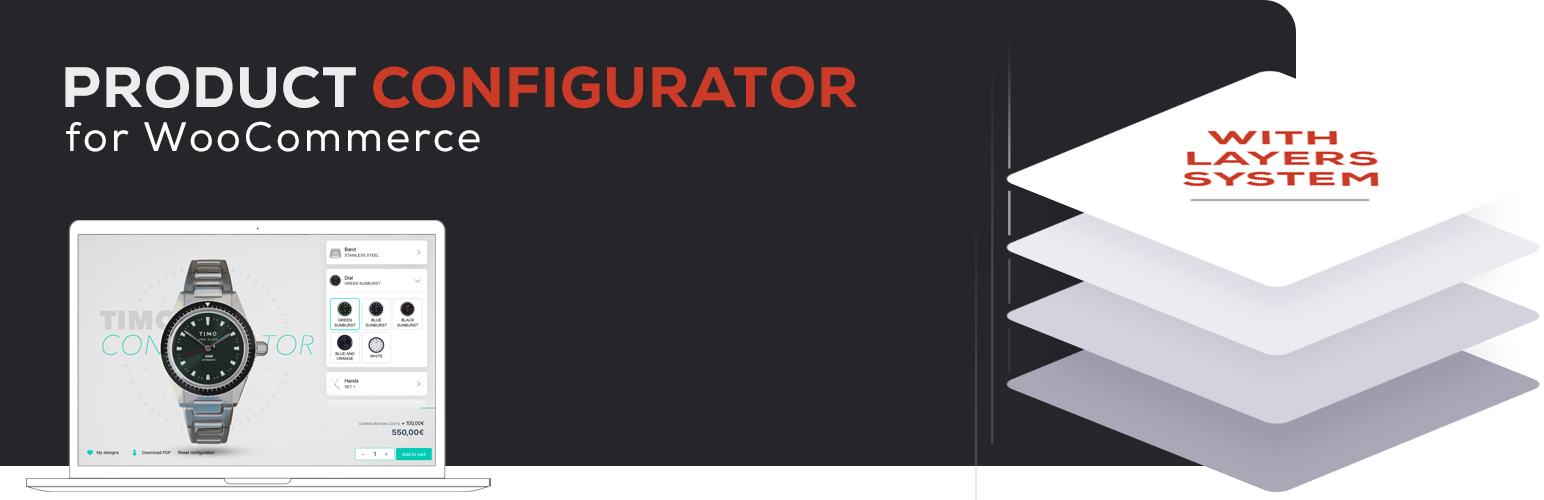
Product Configurator for WooCommerce allows you to use transparent image layers to build real-time visual previews of custom products.
Give your customers an interactive experience and eliminate the need for hundreds of product variations and images. Export image layers from Photoshop, 3D renders, or other sources, and let the user assemble their product dynamically—no need for technical skills or bulky setups.
Whether you’re customizing jewelry, watches, clothing, furniture, or electronics, this plugin lets you offer flexible configuration options while keeping your store lightweight and manageable.
Easily add a product configurator to WordPress, with the plugin Product Configurator for Woo!
🎮 Check out the live demos 🛠️ Set up a sandbox with admin access
Have feedback, ideas, or found a bug? Report issues on GitHub or use the support forum.
Features
- 🖼️ Layered Image Rendering – Compose product previews using transparent PNG layers—no need to create images for every combination.
- 🔄 Multiple Views – Show multiple angles or perspectives (e.g., front, side, back) of the product.
- 📋 Multi-Step Configurator – Split complex product builds into multiple steps to streamline user experience.
- 💰 Price per Option (via add-on) – Assign additional pricing to individual options (great for premium upgrades).
- 📝 Form Fields (via add-on) – Let users enter text, numbers, or upload files—ideal for personalized orders.
- 🧮 Custom Pricing Formulas (via add-on) – Calculate advanced prices dynamically based on user input and selected options.
- 🔀 Conditional Logic (via add-on) – Show/hide options dynamically depending on user selections—perfect for complex logic flows.
- 📦 Inventory & Stock Management (via add-on) – Track inventory per option inside the configurator, or by linking to actual WooCommerce products.
- 🔗 Linked Products (via add-on) – Link any configurator choice to a real product in your WooCommerce shop:
- Add real components to the cart
- Track SKUs and inventory
- Support ERP/warehouse integration
- Build composite/bundled products
- Use or override linked product pricing
- 🔤 Live Text Overlay (via add-on) – Let customers preview custom text with your fonts and colors—ideal for engraving, embroidery, and personalization.
- 🧑💻 Developer Friendly – Includes hooks, filters, and a clean, commented codebase. Limited docs for now, but open support is available.
- 🐕🦺 Accessible – Full keyboard use, screen-reader friendly labels and live announcements, validation errors shown in-page with links to each field—no blocking JavaScript alerts.
Shortcodes
-
Configurator Button: [mkl_configurator_button product_id=1 classes=”button primary”] Optional content: [mkl_configurator_button product_id=1]Button text[/mkl_configurator_button]
-
Inline Configurator: [mkl_configurator product_id=1 classes=”your-css-class”]
Themes
- Includes several built-in high quality themes (see Screenshots)
- Easily create your own theme for full control
- Supports WordPress Customizer (Appearance > Customize) to change visual styles
Premium Add-ons
The core plugin is fully functional. Extend it with these premium modules:
- Extra Price – Add custom pricing to options
- Save Your Design – Let users save and return to their designs
- Multiple Choice – Enable multi-select per layer
- Linked Products & Stock Management – Link options to WooCommerce products, track inventory, sync with ERP
- Conditional Logic – Dynamically show, hide, or auto-select items based on conditions
- Form Fields – Add forms to collect extra input, and perform price calculations
- Text Overlay – Let users preview personalized text in real time
💬 For custom development or tailored integrations, contact me here.