
Read Only Fields for Gravity Forms
·
Adds readonly (uneditable) fields to Gravity Forms, allowing you to display information users cannot change.
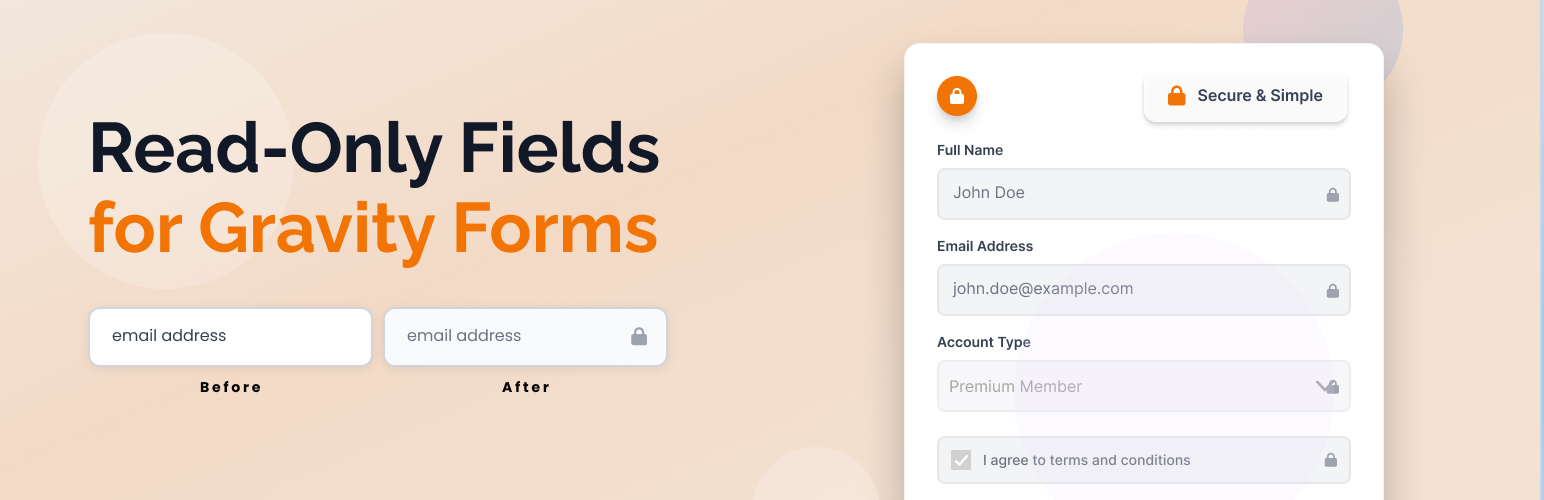
Easily add a universal “Read Only” option to any Gravity Forms field. This plugin adds a checkbox to every supported field in the Gravity Forms editor, allowing you to make any field read-only on the frontend. Includes a tooltip warning to avoid using required or merge-tag default values with read-only fields.
Fully compatible with Gravity Forms v2.x.x and v3.x.x.
Features
- Adds a “Read Only” checkbox to all supported Gravity Forms fields in the form editor
- Shows a tooltip warning about not using “Required” or merge tags as default value
- Makes any supported field type (text, textarea, select, checkbox, radio, etc.) read-only/disabled on the frontend if enabled
- Excludes unsupported field types (hidden, html, captcha, page, section, form, fileupload) from the Read Only option
- Optimized for all supported field types and easy to maintain
- Adds subtle styling to read-only fields for better user experience
- Fully translatable and ready for localization
Usage
- Only supported field types will show the “Read Only” option.
- Read-only fields are visually styled and cannot be edited by users on the frontend.