
Recently Purchased Products For Woo
Video | Docs | Support | Demo | Website
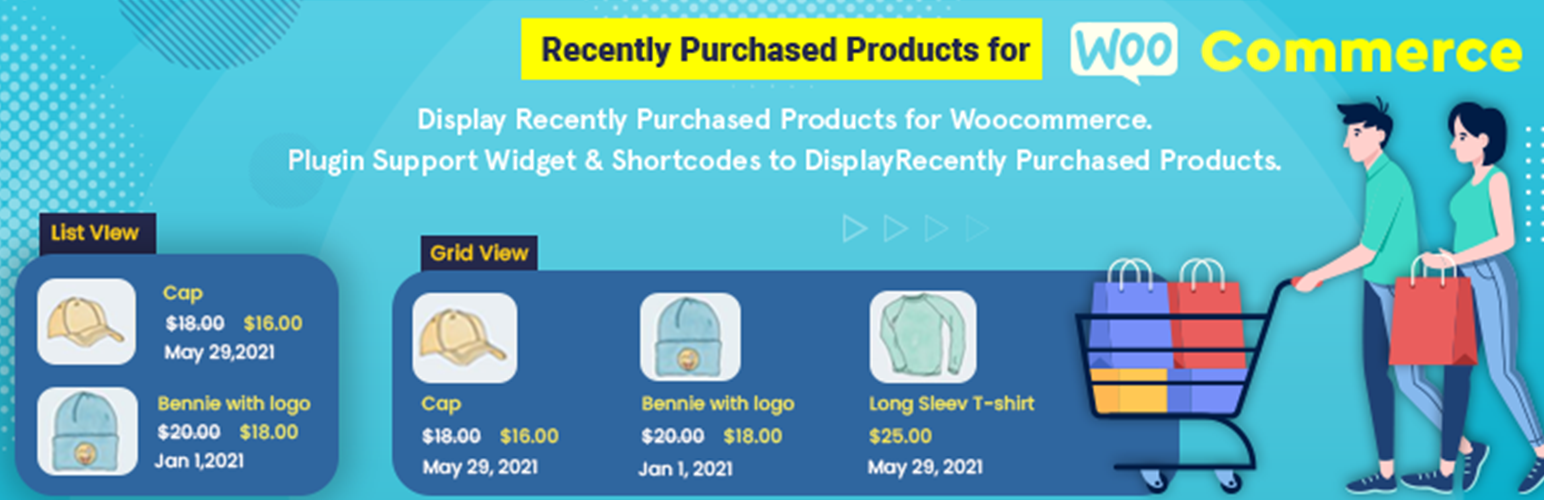
Display Recently Purchased Products for Woocommerce. Plugin supports Widget and Shortcodes to display recently purchased products.
Main Features * Shortcode with list, grid and slider options. * Widget to display lists in sidebar. * Define how many products you want to display.
How to use The Shortcode
You can use the shortcode to dispaly list of recently purchased products. Here’s an example of how you can show the recently purchased 6 products with grid view:
[recently_purchased_products allow_category="" limit="8" view="grid" category="hide" grid_cols="4" img_size="150" img_type="product" cart="Show" rating="show" customer_info="show"]
Below are the shortcode supported options:
- title: Display the title on top of listing. Default is empty.
- allow_category: It allows you to display orders belonging to specific categories, add category IDs with comma separator (example: 1,2,3). Leave blank to display for all categories.
- limit: Used to limit the number of products. Default is 5.
- order: Order of listing either ASC or DESC. Default is DESC.
- img: Show or hide the product image in listing. Default is Show.
- img_size: Specify image size 50 if you want 50×50 image Default is 100.
- img_type: Image type like product image / customer avatar image, Option are product and avatar, Default is product.
- date: Show or hide product date. Default is Show.
- price: Show or hide the product price. Default is Show.
- category: Show or hide the product category. .
- cart: Show or hide the Add to cart button. Default is Hide.
- rating: Show or hide the Product rating. Default is Hide.
- view: Define the view layout. Option are grid and list. Default is list.
- grid_cols: Number of grid columns will show, if grid view is set Default is 4.
- customer_info: Show customer information with the recent product, Default is show and it will display Full Name, ‘first_name’ is for First Name, ‘last_name’ is for Last Name.
Here’s an example of how you can show the recently purchased 6 products with Slider view:
[recently_purchased_products_slider title="" allow_category="" limit="6" category="show" cart="Show" rating="hide" order="DESC" img="show" img_size'="150" img_type="product" customer_info="first_name" date="show" price="show" slidestoshow="4" slidestoscroll="1" autoplay="true" dots="true" arrow="true" infinite="true"]
Below are the shortcode supported options:
- title: Display the title on top of Slider. Default is empty.
- allow_category: It allows you to display orders belonging to specific categories, add category IDs with comma separator (example: 1,2,3). Leave blank to display for all categories.
- limit: Used to limit the number of products. Default is 5.
- category: Show or hide the product category. Default is Show.
- cart: Show or hide the Add to cart button. Default is Hide.
- rating: Show or hide the Product rating. Default is Hide.
- order: Order of listing either ASC or DESC. Default is DESC.
- img: Show or hide the product image in Slider. Default is Show.
- img_size: Specify image size 50 if you want 50×50 image.
- img_type: Image type like product image / customer avatar image, Option are product and avatar, Default is product.
- customer_info: Show customer information with the recent product, Default is show and it will display Full Name, ‘first_name’ is for First Name, ‘last_name’ is for Last Name.
- date: Show or hide product date. Default is Show.
- price: Show or hide the product price. Default is Show.
- slidestoshow: Show number of slide visible. Default is 1.
- slidestoscroll: Number of slide scroll on next/prev slide. Default is 1.
- autoplay: Autoplay slider. Option are true and false Default is true.
- dots: Show dots for the slider, Option are true and false, Default is true.
- arrow: Show arrow for the next and previous slide. Option are true and false, Default is true.
- infinite: Scroll infinite loop for the slider. Option are true and false, Default is true.
Widget: Recently Purchased Products For Woocommerce
Below are the Widget supported options
- Title: Display the title on top of Widget.
- Image: Show or hide the product image in Widget.
- Image Size: Specify image size 50 if you want 50×50 image.
- Image Type: Image type like product image / customer avatar image, Default is product.
- Number of products to show: Used to limit the number of products.
- Date: Show or hide product date. Default is Show.
- Price: Show or hide the product price. Default is Show.
- Category: Show or hide the product category. Default is Show.
- Product Rating: Show or hide the Product rating.
- Order: Order of listing either ASC or DESC. Default is DESC.
- Add to Cart Button: Show or hide the Add to cart button.
- Customer Info: Show customer information with the recent product, Default is show and it will display Full Name, ‘first_name’ is for First Name, ‘last_name’ is for Last Name.
- Show in Slider: Show or hide the Widget as Slider.
- Slider Dots: Show dots for the slider.
- Slider Arrow: Show arrow for the next and previous slide.
- Auto Play: Show Slider as Autoplay slider.
- Slider Infinite: Scroll infinite loop for the slider. Default is true.