
Web Stories Widgets For Elementor
Web Stories Widgets for Elementor
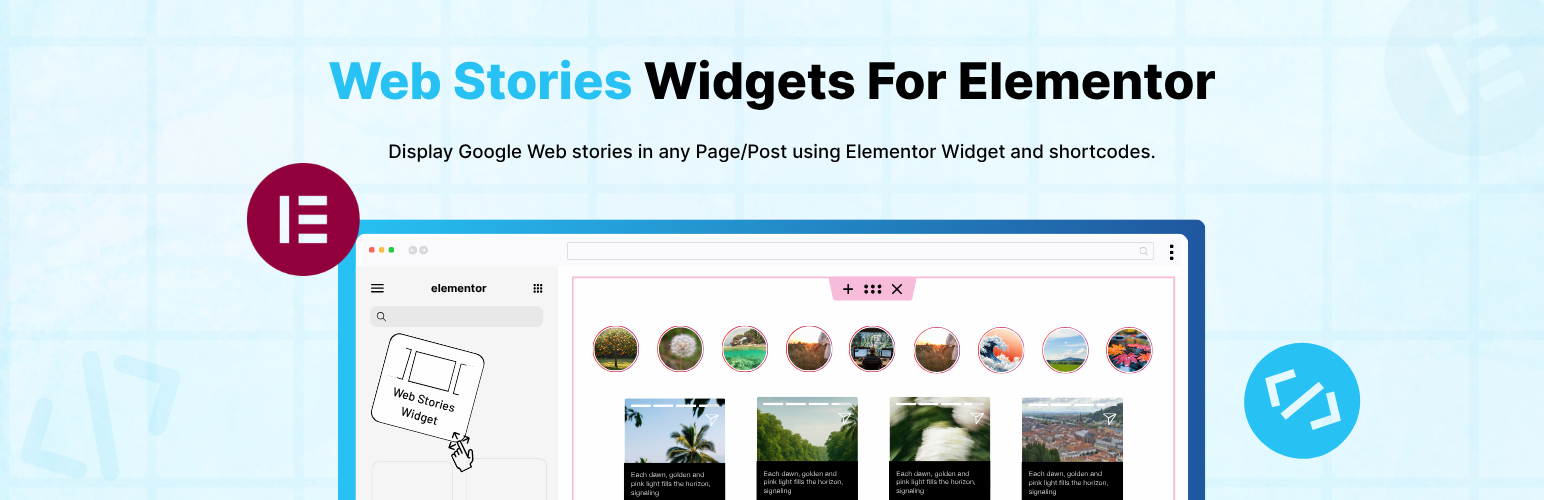
Web Stories Widgets for Elementor is a simple and powerful addon that extends the official Web Stories plugin and adds a Web Stories widget inside Elementor. With this plugin, you can easily display your Web Stories anywhere on your website using Elementor or shortcodes.
Key Features
-
Elementor Widget : Adds a dedicated Elementor widget so you can easily display Web Stories inside any Elementor. Just drag and drop the widget and choose your preferred story layout and options.
-
Shortcode Friendly: Whether you are working with Elementor, Gutenberg, or Classic Editor, simply paste the shortcode and display your web stories.
-
Recent Stories Display: Show your most recently created Web Stories anywhere on your website using a shortcode or the Elementor widget.
Use the shortcode below and replace the ID with your story’s ID:
Read Full Documentation:- Shortcodes & Docs
[webstory id=”{ add here story id}” button-text=”Default view” show-button=”yes”]
- Multiple Stories: You can display all stories or limit the number of stories to any value you prefer.
[Recent-stories column=”3″ show-button=”yes” show-no-of-story=”all” button-text=”Default view” order=”DESC” btn-color=”#8BCDA0″ btn-text-color=”#000″]
-
Choose Story Order: Sort your Web Stories in ascending (ASC) or descending (DESC) order.
-
Typography and Style Settings: Customize button fonts, size, spacing, and color directly from Elementor. This makes it easy to match your theme’s style.
-
Beginner-Friendly Setup.
-
Fully Responsive.
Use of 3rd Party Services: This plugin connects to the Cool Plugins feedback server only for optional usage data sharing and voluntary feedback submission (for example, during plugin deactivation). Data is transmitted solely after explicit user consent. No hidden tracking is performed, and no frontend visitor or site user data is collected. For more details, please review our Data Usage Policy, TOS, and Privacy Policy.