
SnapTapGo Gallery
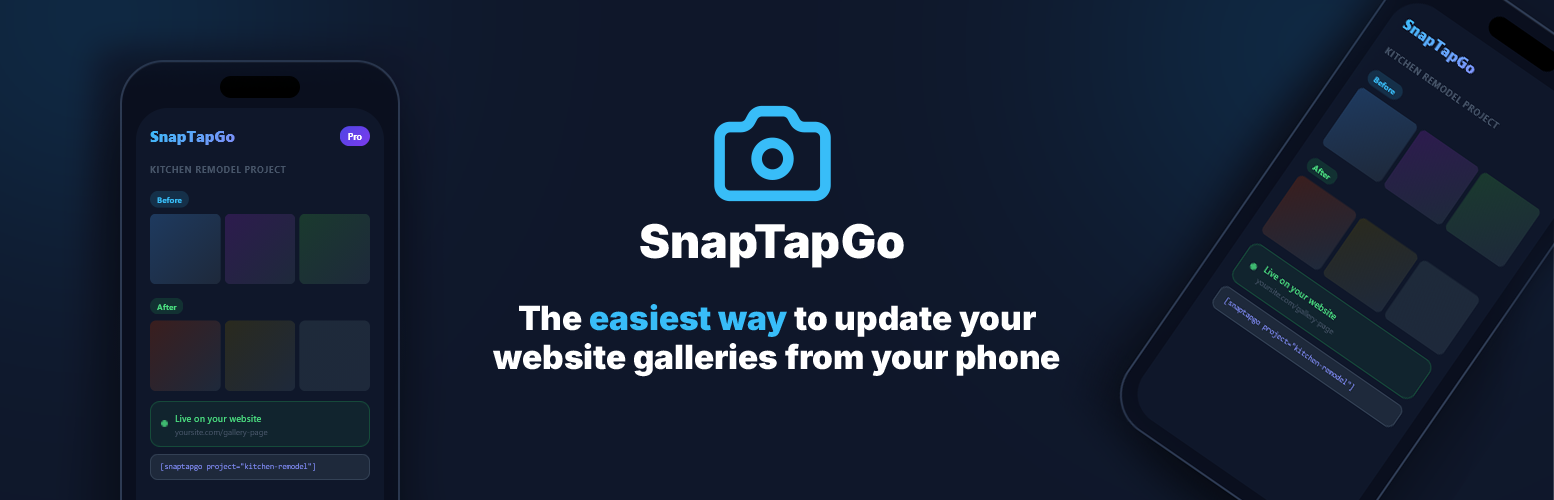
SnapTapGo Gallery connects your WordPress site to your SnapTapGo account in two powerful ways:
1. Live gallery shortcodes — Add one shortcode to any page or post. Manage every photo from your phone. The gallery on your site updates the moment you add, remove, or reorganize photos — no WordPress login needed.
2. Upload to WordPress from your phone — Send photos directly from your phone to your WordPress media library. No desktop, no FTP, no logging into WordPress. Just tap and upload.
How live galleries work
- Create a project in the SnapTapGo app and upload your photos
- Organize photos into named groups (e.g. “Before”, “After”, “Kitchen”, “Deck”)
- Tap Share to get your project link
- Paste the shortcode on any WordPress page — done
The gallery pulls photos live from SnapTapGo and caches them for performance. Groups appear as clearly labeled sections automatically.
How to upload photos from your phone
- Go to Settings in the SnapTapGo app
- Copy your connection token and paste it into Settings → SnapTapGo in WordPress
- Enter your site URL in the SnapTapGo app to connect
- Open any project and tap Upload to Site — photos go straight to your media library
Gallery layouts
- Grid — equal-sized square tiles, responsive columns
- Masonry — natural photo heights, Pinterest-style flow
- Carousel — one photo at a time, swipe-friendly with optional autoplay
- Strip — portrait photos side by side, perfect for project sequences with optional autoplay
All layouts include a full-screen lightbox with navigation arrows, keyboard support, swipe gestures, and a download button.
Great for
- Contractors — show before/after photos on your website. Update from the job site.
- Landscapers & home service pros — build a live portfolio that never goes stale.
- Interior designers — display project rooms as organized, labeled gallery sections.
- Real estate agents — embed property photo galleries without touching the media library.
- Wedding photographers — share galleries with clients via a private link, then publish to your site.
- Anyone — if you take photos on your phone and want them on your website, this is the simplest way.
Shortcode examples
Basic grid: [snaptapgo project=”YOUR_TOKEN”]
Masonry with 4 columns: [snaptapgo project=”YOUR_TOKEN” layout=”masonry” columns=”4″]
Carousel with autoplay (4-second interval): [snaptapgo project=”YOUR_TOKEN” layout=”carousel” autoplay=”4″]
Strip layout, no gaps, no lightbox (for hero use): [snaptapgo project=”YOUR_TOKEN” layout=”strip” columns=”4″ gap=”0″ lightbox=”false”]
Strip with rounded corners and autoplay: [snaptapgo project=”YOUR_TOKEN” layout=”strip” columns=”4″ radius=”12px” autoplay=”4″]
All shortcode attributes
project(required) — your share token or full share URLlayout—grid(default),masonry,carousel,stripcolumns— 1–6 columns (default:3; applies to grid, masonry, strip)gap— spacing between photos in pixels (default:8; use0for no gap)radius— border radius on photos, e.g.8px,12px,50%(default:0)limit— maximum number of photos to display (default:24)show_names— show uploader name on each photo:trueorfalse(default:false)autoplay— seconds between auto-advances for carousel and strip (default:0= off)lightbox— set tofalseto disable click-to-open; useful for hero/display-only use (default:true)
Appearance settings
Go to Settings → SnapTapGo to:
- Set a default layout for all galleries
- Customize group label font, size, weight, and color
- Override per-gallery with shortcode attributes
Group labels inherit your theme’s heading font by default — no custom CSS needed.
Requirements
- A free SnapTapGo account at snaptapgo.com
- Paste your connection token from the SnapTapGo app into Settings → SnapTapGo in WordPress
- No API key setup — connect with a single token
Note: some SnapTapGo features (such as the WordPress gallery) require a Pro plan on the SnapTapGo service. Plan details at snaptapgo.com.
External Services
This plugin connects to app.snaptapgo.com, a third-party service operated by SnapTapGo.
- Gallery display: The plugin fetches photo data from
https://app.snaptapgo.com/api/public/using your project share token. This request is made from your WordPress server and results are cached for 60 seconds. - Photo uploads: When the upload feature is used, photos are sent from the SnapTapGo app to your WordPress site via a secure REST endpoint. No visitor data is transmitted.
- Privacy policy: https://snaptapgo.com/privacy
- Terms of service: https://snaptapgo.com/terms
No visitor or user data from your WordPress site is ever sent to SnapTapGo.