
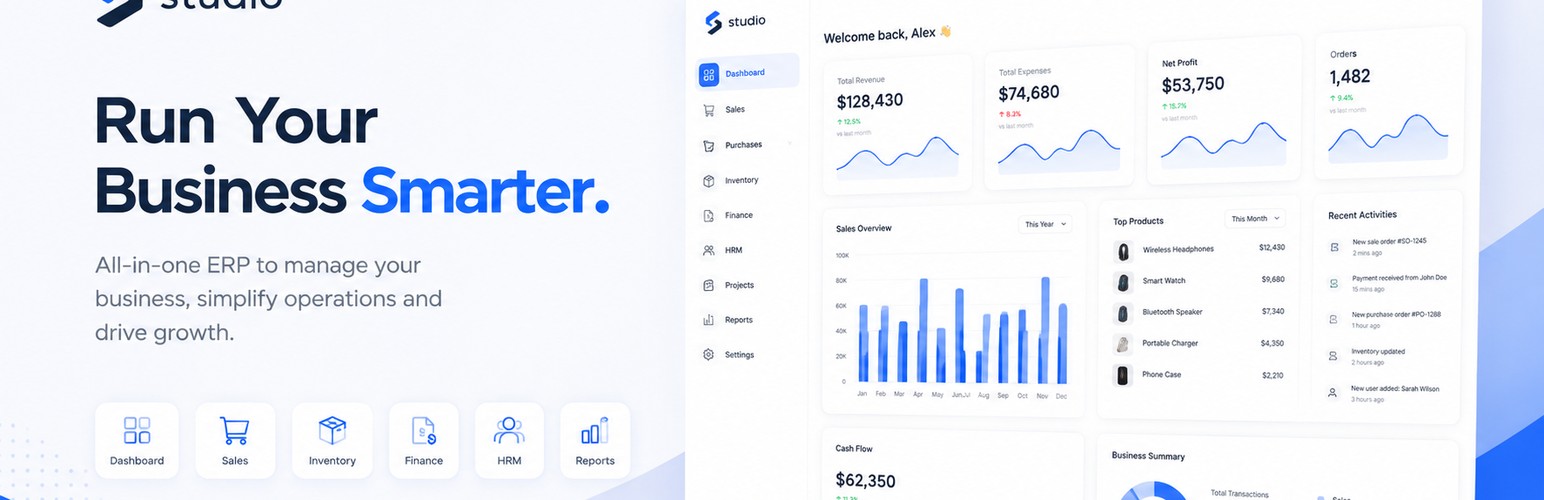
This plugin connects a WooCommerce shop to a Soldx Studio account and pushes products from the shop into Studio (WooCommerce → Studio, one-way only).
- Manual push only: pick which products to sync on the Articles page. Nothing happens automatically — no cron jobs, no background tasks.
- Per-article options: for each product, choose a sale unit (required), purchase unit, deposit, and tags from lists pulled from your Studio establishment.
- Category mapping: map your WooCommerce categories to Studio categories. Create Studio categories directly from the mapping page.
- Tag auto-match: WooCommerce product tags are auto-matched to Studio tags by slug. You can also select tags manually.
- Image sync: product images and gallery images are uploaded to Studio.
- Pricing is synced; stock is intentionally NOT synced.
- Read-only: this plugin never modifies, deletes, or reorders your WooCommerce products, orders, or settings.
- Re-syncing a product updates the matching Studio article in Studio — not in WooCommerce.
Privacy / data flow
The plugin reads product data from WooCommerce (name, price, description, images, SKU, weight, categories, tags) and sends it to your Studio installation, along with the configured Studio API key. Studio creates or updates the corresponding Article.
No data is sent anywhere until you manually click “Push to Studio”.