
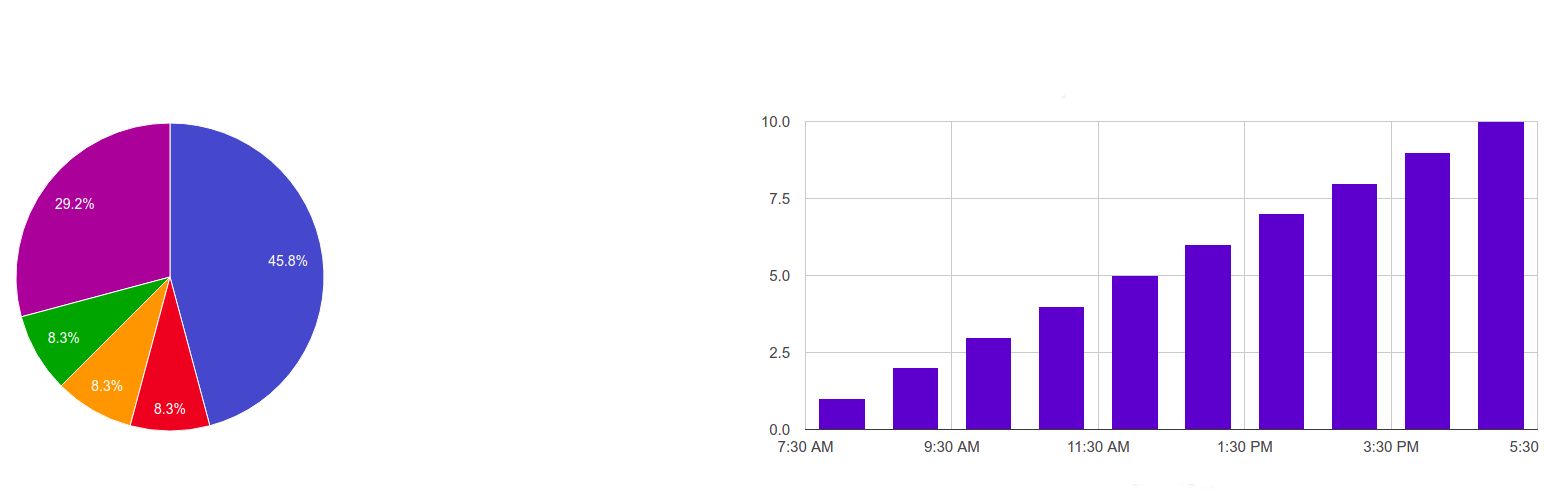
The plugin can create beautiful charts based on your SQL queries, then you can use those charts in any part of your website. You can use both native wp and non-wp mysql tables in your queries.
Pie chart, Donut chart, Line chart, Bar chart, Column chart, Area chart
How to use
-
Give any name to your report.
-
Use our preinstalled chart or create new one yourself: choose desired chart type, type sql query, enter field names, labels and then press to Publish/Update
-
You can use multiple SQL queries too. Just split them by ; sign. You can also add shortcode argument to SQL query. For example if you type “select * from wp_posts where ID>{arg1}” then it you can pass arg1 value to the query with [gvn_schart_2 id=”2″ arg1=”11″] shortcode.
-
After update/save you will see needed shortcode below there. You can use that shortcode anywhere in your website: in pages, posts, widgets etc.
-
Just check “Show table-view data below the graph” in order to get table-list view below each chart.
-
Using “Dynamic Filters” you can create dynamic variables inside SQL code. It also creates corresponding dynamic input form above each chart.
Dynamic filters
Use this format: variable_name~default_value~variable_label~variable_type | variable_name~default_value~variable_label~variable_type etc.
- variable_name – any single name you want.
- default_value – default value when no any variable chosen by a user
- variable_label – Label which would be visible at a form above the chart
- variable_type – number, text or date
- ~ is a separator between variable elements.
- | is a separator between variables
For example if to put
limit_tag~10~Count~number | post_date_tag~2010-07-05 17:25:18~Date Published~date,
then you can use this SQL code
select * from wp_posts where post_date<{post_date_tag} limit {limit_tag}
in SQL CODE field. {post_date_tag} and {limit_tag} would be replaced with dynamic variables.
So, the plugin will automatically recognize it and put corresponding selectboxes above the chart.
홈페이지 (있으면 적어주세요)
https://guaven.com/my-sql-charts/
문서화
https://guaven.com/my-sql-charts/#docs
Bug Submission and Forum Support
Please Vote if you liked our plugin
Your votes really helps us. Thanks.
Available Filters
apply_filters( ‘guaven_sqlcharts_table_empty_cell’);
apply_filters(‘guaven_sqlcharts_pre_print_vars’);
apply_filters( ‘guaven_sqlcharts_final_output’);
apply_filters(‘guaven_sqlcharts_rendered_sql’);