
Title Toggle for Storefront Theme
·
Hide titles on a per post/page basis. Must be using the Storefront theme.
평가
버전
1.3.0
활성화된 설치 항목
3K
최근 업데이트일
Oct 1, 2024
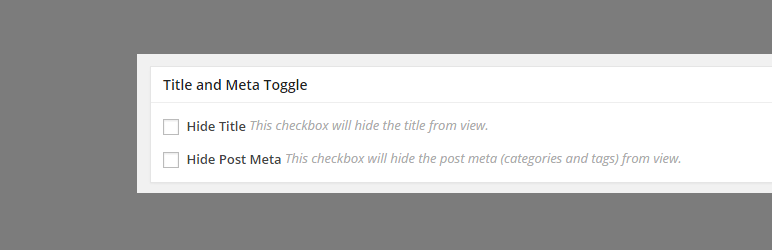
This plugin lets you easily remove the page title from specific pages or posts. The basic case scenario is to be able to hide the title that you will be setting for your “Home” page.
This plugin is built to work only for the Storefront theme
How to use:
- To hide the title for a certain page, you need to login to your WordPress dashboard, and edit the page that you want to hide the title.
- On the edit page, scroll down until you see the Title and Toggle meta box. Check “Hide Title” checkbox and update your page.
- After the page has been updated, check your page to see if the title has been successfully removed.
There is also an option to remove the post meta (tags and comment count) for posts.