
TablePress – 워드프레스에서 쉽게 만드는 표
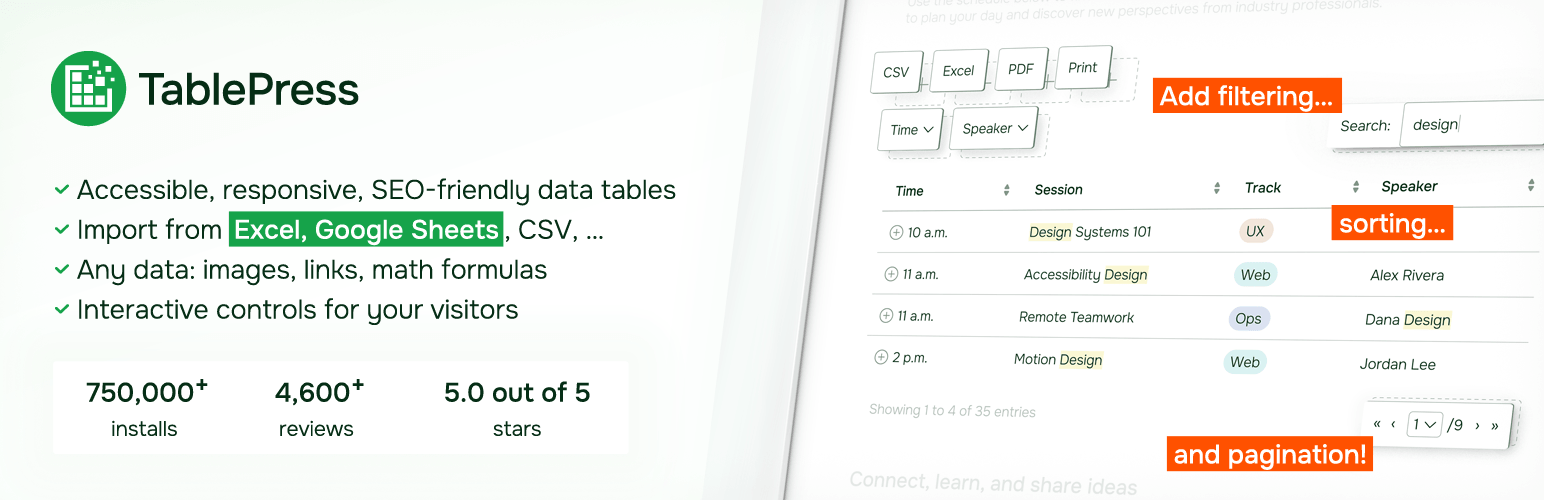
방문자가 좋아할 기능이 풍부한 표로 웹사이트를 강화하세요!
TablePress는 가장 인기 있고 평점이 높은 워드프레스 표 플러그인입니다.
- Easily create, edit, and manage beautiful and modern data tables, from simple price lists to searchable directories, product and model tables, inventories, schedules, and research datasets.
- Add live sorting, pagination, searching, and other interactive features that help visitors find what they’re looking for on any device.
- Use any type of data and enrich your tables with images, links, and even math formulas.
- Import and export tables from/to Excel, CSV, HTML, and JSON files or URLs, including spreadsheet data from Google Sheets, Excel Online, and files stored on Dropbox or OneDrive.
- 블록 편집기, Elementor 위젯 또는 단축코드를 사용하여 글, 페이지 또는 기타 사이트 영역에 표를 삽입하세요.
- 코딩 지식이 전혀 필요 없습니다!
TablePress Premium 라이선스 플랜을 이용하시면 귀하와 사이트 방문자를 위한 더욱 유용한 기능과 우선 이메일 지원을 이용하실 수 있습니다. 지금 바로 확인해 보세요!
Common use cases
TablePress will handle a wide range of tables, from simple price lists to searchable directories and large datasets. Popular examples include:
- Product and model tables
- Service and price lists
- Directories and listings
- Schedules and timetables
- Participant and member lists
- Inventories and collections
- Comparison tables
- Research and statistical data
Accessible and SEO-friendly tables
TablePress creates accessible HTML tables whose content can be searched by visitors, WordPress search, and search engines alike. Interactive features like sorting, filtering, and pagination include accessibility enhancements for screen readers and other assistive technologies. This makes it easy for visitors to find relevant information, whether they are browsing a large directory, searching a product table, or using your site’s search function.
추가 정보
자세한 내용은 tablepress.org를 방문하거나, 예시 표를 살펴보거나, 무료 체험 사이트에서 TablePress를 사용해 보세요. 최신 소식을 확인하려면 Twitter/X에서 @TablePress를 팔로우하시거나 TablePress 뉴스레터를 구독하세요.
TablePress 사용 방법
플러그인을 설치한 후 워드프레스 대시보드의 “TablePress” 화면에서 표을 만들고 관리할 수 있습니다.
글이나 페이지에 표를 삽입하려면 블록 편집기에서 “TablePress 표” 블록을 추가하거나 Elementor 페이지 빌더에서 위젯을 추가하고 원하는 표를 선택하거나 다른 페이지 빌더와 함께 단축 코드를 사용하세요.
Beginner-friendly step-by-step tutorials, guides, and how-tos show how to achieve common and popular tasks with TablePress. You can find examples for common styling changes via “Custom CSS” code on the TablePress FAQ page. You may also add features like sorting, pagination, searching, filtering, alternating row colors, row highlighting, and more by enabling the corresponding options on a table’s “Edit” screen.
Premium features
Need additional functionality for larger tables or advanced use cases? Premium license plans for TablePress add features such as:
- Options for responsive tables
- Advanced filtering and search
- Fixed table headers and columns
- Automatic periodic imports
- Custom styling options
- And much more
Priority email support is also included. Check out the details on the TablePress website.