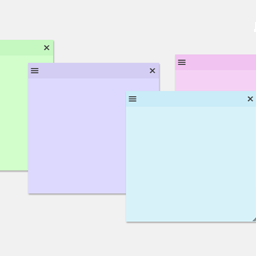
Sticky Notes for WP Dashboard

Need a simple way to stay organized inside your WordPress admin area? Sticky Notes for WP Dashboard lets you add customizable sticky notes right to your dashboard—just like the ones on your desk, but smarter.
Use it to jot down reminders, create to-do lists, or leave quick notes for other users. Each note can be styled, resized, and moved around to fit the way you work. Whether you’re managing a personal site or running a team, Sticky Notes makes it easy to keep important information front and center.
Why you’ll love Sticky Notes for WP Dashboard:
– Create as many sticky notes as you need, anywhere in the admin dashboard – Change colors, fonts, and themes to match your style – Drag and drop notes to position them exactly where you want – Show or hide notes with one click – Duplicate, archive, and organize notes easily – Control who can access notes with user role restrictions – Option to hide notes on specific admin pages for a cleaner view
With an intuitive interface and zero setup required, Sticky Notes for WP Dashboard is a must-have productivity tool for any WP site owner.
Features
- Create sticky notes directly on your WP admin dashboard
- Easy-to-use interface for quick note management
- Customize notes with themes, colors, and fonts
- Resizable and movable notes for better organization
- Hide or show notes globally with one click
- Duplicate notes with a single click
- Archive notes for future reference
- Disable sticky notes on specific admin pages
- Limit note access by user roles