
Show Variations as Single Products for WooCommerce
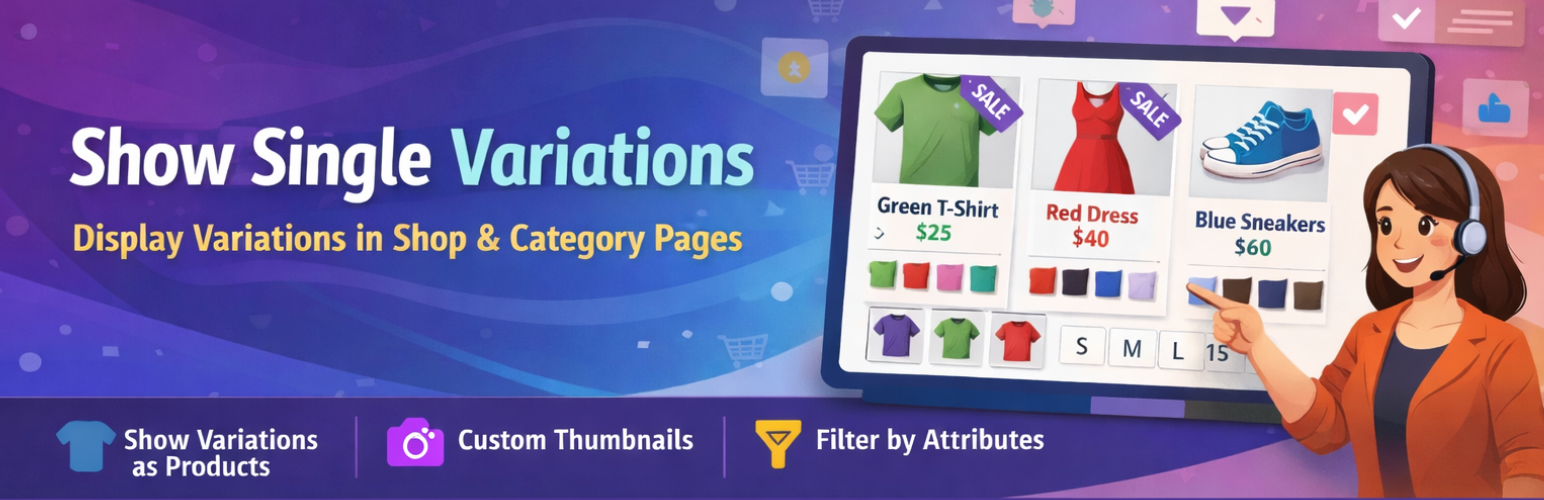
Show Variations as Single Products for WooCommerce lets you display each product variation as its own standalone product listing on your WooCommerce shop page, category pages, and product tag pages. Instead of forcing customers to click into a product detail page just to pick a size or color, they can browse, select, and add to cart directly from the listing — reducing friction and increasing conversions.
Whether you sell clothing, accessories, or any product with multiple variants, this plugin makes it simple for shoppers to find exactly what they’re looking for without extra clicks.
View Demo | Upgrade to Pro | Get Support
Why Use This Plugin?
Standard WooCommerce hides all variations behind a single parent product. This means customers must open each product page, choose their options, and then add to cart — an extra step that costs you sales. This plugin solves that by surfacing each variation as a standalone listing, making your shop faster to navigate and easier to buy from.
How to Get Started
- Install and activate the plugin.
- In your WordPress admin, go to Settings > Woo Variation Settings.
- Enable the setting to show variations as single products.
- Save — your shop, category, and tag pages will now display individual variations.
Free Version Features
- One-click setup — no coding required
- Show product variations on the shop page, category pages, and product tag pages
- Filter variations by product attribute
- Customers can add variable products to cart directly from listing pages
- Works with WooCommerce’s default product query
- Supports both variation listings and standard single-product listings side by side
Pro Version Features
Upgrade to Pro for advanced control over exactly how and where variations appear:
- Auto-hide parent variable products — show only the individual variations, not the parent
- Hide parent product per individual product — granular control on a product-by-product basis
- Exclude specific products from showing variations
- Exclude entire product categories from the variation display
- Custom display names for individual variation listings
- Priority support
Works Great With
This plugin works alongside WooCommerce’s default product loop, including WooCommerce search results. When customers search your store, matching variations will appear as individual results — making it even easier to find the right product.
More Plugins by the Same Author
- Short Description and Attributes in WooCommerce Loop
- Add to Quote for WooCommerce
- Product Shortcode – Widget – Block for WooCommerce
- Variation Dropdown to Radio Buttons for WooCommerce
- Product Enquiry for WooCommerce
- PDF Catalog for WooCommerce
- Restrict Payment Methods for WooCommerce
- Display Product Variations Dropdown on Shop Page