
WP 다크 모드 – Improve Accessibility with AI Powered Dark Theme
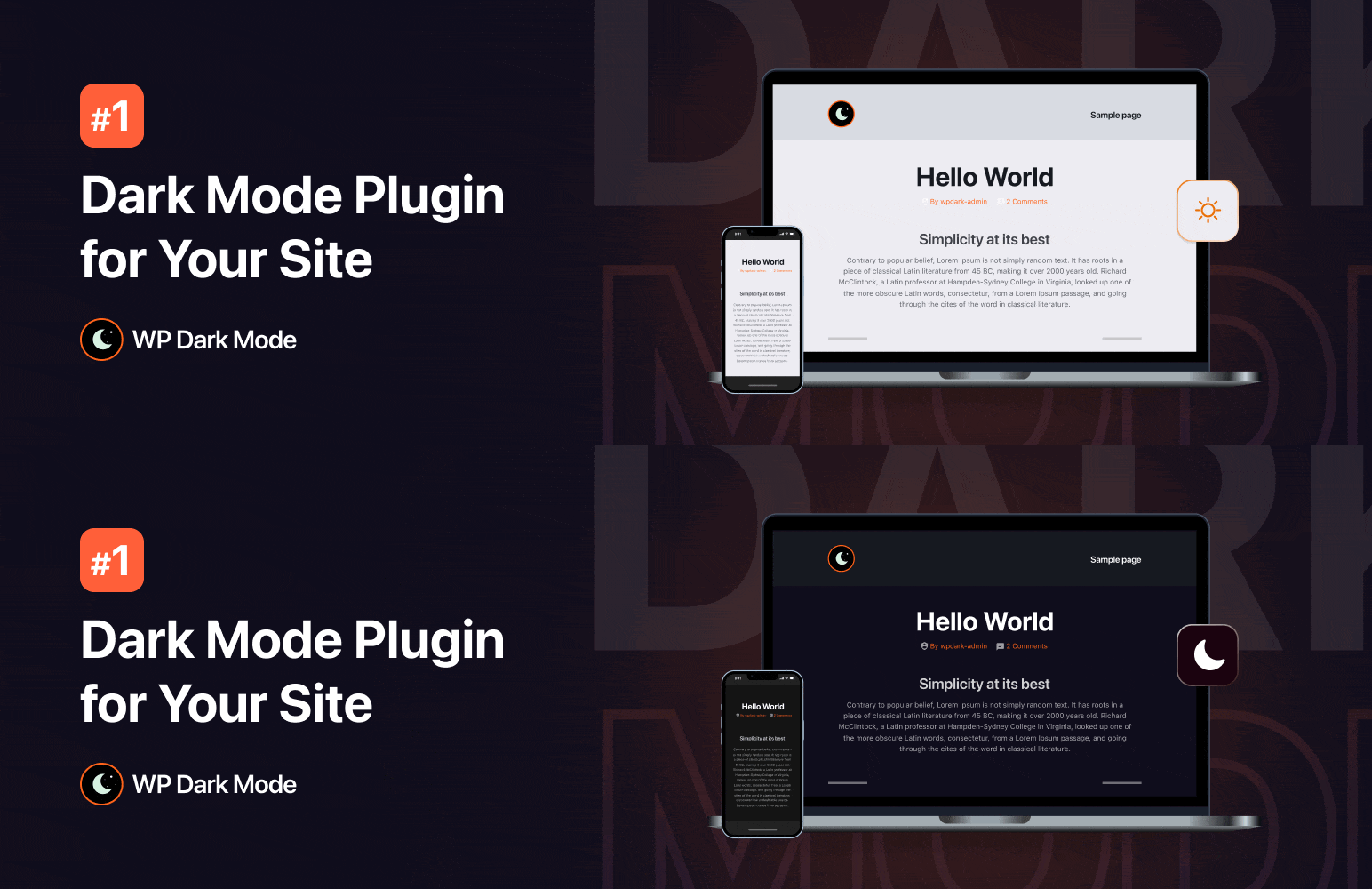
CREATE A COMPELLING DARK MODE VERSION OF YOUR WEBSITE ✨
Create a dark mode version of your website without any complicated setup. Activate the plugin and your site visitors will experience a dark mode or light mode version of your website as per their preferred operating system preference. This is a reliable dark mode plugin for WordPress, designed to make setup simple.
Let’s grow, connect, and thrive together!
- 🤝 Join Our Facebook Community
- 🌐 Follow Us on X (Twitter)
- 🎥 Subscribe on YouTube
- 👍 Like Our Facebook Page
인기 있는 WordPress 전문가 Matt(WPress Doctor)가 WP 다크 모드에 대해 어떻게 생각하는지 확인하십시오.
[유튜브 https://www.youtube.com/watch?v=CT8yy2v05tE?rel=0]
👁️ View Demo | 🚀 Get Ultimate | 🤝 Join Our Facebook Community
🔝 WP 다크 모드 기능
- Floating Dark Mode Switch – Display a floating switch in the footer of your website. The switch lets your site visitors easily toggle between different modes.
- Default Dark Mode – Make it the default mode of your website. Users will experience it first after entering your website.
- Elementor Widget Support – Place the mode switch on any page/post using the Elementor widget.
- Gutenberg Block Support – Place the mode toggle on any page/post using the Gutenberg block.
- Apply Light or Dark Theme Based on OS Setting – Detect an user’s device theme and automatically enable preferred mode for your visitors to ensure a seamless website experience.
- Admin Panel Dark Mode – Enable dark mode on the WordPress admin panel/dashboard. Give your eyes a much-needed rest while working long hours by enabling it.
- Dark Mode Color Presets – 2 exclusive color presets are available to quickly change the color from the predefined preset. Give your website a brand new look and feel by changing the preset.
- Remember User Preference – Enable the plugin to remember users’ choices and automatically enable preferred mode for visitors who used it before.
- Shortcode Support – Take advantage of the [wp_dark_mode_switch] shortcode to display the switch anywhere on your website.
- Low Image Brightness – Decrease the brightness and contrast of images in the dark.
- Accessibility Features – Toggle your preferred mode by using a keyboard shortcut (Ctrl + Alt + D) or using a URL/domain parameter.
- Toggle Animation – Choose the animation effect between dark/white theme with numerous options including Fade In, Pulse, Flip and many more.
- Social Share Buttons – Social share icons allow your website visitors to share your content with ease. With plenty of cool social media icon templates and share count displays, this plugin supports dedicated social share buttons.
- Caching Exclusion Option – Enable this feature to exclude WP Dark Mode from server-side caching and ensure a seamless mode transition.
- Device-wise Toggle – Easily choose where to display the mode switch: Desktop, Mobile or Tablet.
- Dark Mode Analytics – Track how many times site visitors have used dark theme in a certain period from the analytics menu and your WordPress admin dashboard.
- Custom CSS Support – With custom CSS, you can perfect the best mode version of your website. Customize specific sections/elements exactly how you want.
⚡ WP 다크 모드 얼티밋으로 그 이상을 누리세요
- Schedule Dark Mode – Schedule a time for enabling it on your website and take full control over your website’s appearance.
- Access 21 Floating Switch Styles – Get access to 21 beautiful dark mode switch styles. Choose your preferred switch button for the users to toggle.
- Customize Floating Switch Placement – Customize the placement of the mode switch. You can place it anywhere on your website.
- Time Delay Trigger for Floating Switches – Now you can set a time delay before the floating switch appears, giving visitors time to explore your site before the toggle shows up.
- Auto-Hide Switch with Timeout – Automatically hide the floating switch after a specified timeout, keeping your UI clean while still offering your preferred mode accessibility.
- Premium Color Presets – 13 exclusive ready-made color presets are available to quickly change the mode color from the predefined presets.
- Preset Color Customization – Tailor your experience to perfection. Choose a preset and customize the color of every element, starting from the body and text to links, input fields, buttons and even the scrollbar – exactly the way you want.
- Create Custom Color Preset – Create and customize your color presets. Dive into a palette of possibilities, shaping colors for every element – from the body to text and scrollbar.
- Automatic Dark Mode Based on Sunset – Automatically enable the dark theme based on your visitor’s time.
- Multiple Switch Options – Toggle between different mode switch options. Whether you need a menu switch, a floating switch, or a content switch for your posts/page, the power is on your end. Get a distinct switch style for every section.
- Custom Switch Support with Call-to-Action Customization – Upload a custom switch of your own choice and customize call-to-action text on your mode switch.
- Mode-Based Image Replacement – Replace light-mode images with the different images you want in the dark theme.
- Mode-Based Video Replacement – If your website has videos, you can replace them with something more fitting for a dark theme.
- Adjust Brightness Level & Apply Grayscale Effect – Adjust your images and video’s brightness level while dark theme is enabled to get an immersive content viewing experience. You can also add a grayscale effect to your images/videos.
- Exclude Preferred Mode on Certain Pages/Elements – Exclude specific pages/elements from changing into a dark theme.
- Include Preferred Mode on Selected Posts & Pages – Exclude all the pages and posts on your website from your selected mode except the specific ones where you want it.
- Exclude Post Tags & Categories – Exclude all the post tags from dark mode. Keep only the specific tags whitelisted.
- Include Preferred Mode on Custom Post Types – You can also enable your preferred mode only for specific post types, excluding all.
- WooCommerce 제품 및 카테고리 제외 – 특정 제품 및 카테고리를 제외한 WooCommerce 사이트의 모든 제품 및 카테고리를 다크 모드에서 제외합니다.
- Dark Mode Switch in Website Menu – You can display the switch as a menu item on any menu on your website.
- Font Size Toggle for Better Accessibility – Make your site more accessible by resizing your font size (increase/decrease).
- Plenty of Performance Options – This plugin comes with multiple performance settings, putting complete control at your fingertips. By using these features, you can improve page loading performance and track dynamic content.
- Choose Mode Behavior – You can choose between loading preferred mode or website content first by selecting these options.
- Scheduled Email Reporting on Dark Mode Usage – Get daily/weekly reports via email on the analytics of your website.
👁️ View Demo | 🚀 Get Ultimate | 🤝 Join Our Facebook Community
🤔 Why Choose WP Dark Mode?
It is used by thousands of WordPress sites to enhance accessibility and reading comfort. It adds a dark theme toggle for both frontend and WordPress admin, improving accessibility and user experience. With increasing device-level dark mode adoption, providing this option can improve the browsing experience for many visitors. The widespread use of dark theme features across mobile and desktop platforms makes this compatibility beneficial for modern websites.
🔨 Page Builder Compatibility
WP Dark Mode works with popular page builders, including:
- Gutenberg Block Editor
- Elementor Page Builder
- Divi Builder
- Beaver Builder
- Oxygen Builder
- SiteOrigin
- CornerStone
- Themify Builder
- MotoPress
- LayersWP
- WPBakery Page Builder
- Spectra
- Visual Composer
- …and more
- Check the full list
🎨 Theme Compatibility
WP Dark Mode is optimized to work with thousands of WordPress themes, including the most popular ones:
- Astra
- Divi
- Hello Elementor
- Neve
- Avada
- Kadence
- GeneratePress
- OceanWP
- Blocksy
- Betheme
- The7
- Flatsome
- BuddyBoss
- Hestia
- Inspiro
- Spacious
- Responsive
- Customizr
- ColorMag
- Phlox
- Photograph
- …and more
- Full theme list
↔ Slider Compatibility
WP Dark Mode is fully compatible with the most popular slider plugins:
- Revolution Slider
- Smart Slider 3
- Soliloquy Slider
- …and more
- Full list
WP Dark Mode works across all operating systems including Windows, Android, iOS and macOS. No additional setups are required. It detects the user’s system theme preference and applies a matching dark theme to the site. You can also enable a toggle to switch between different modes manually.
🔥 More Awesome Plugins
If you like WP Dark Mode, then consider checking out our other awesome plugins:
-
🟢 Google Sheets to WP Table: Try FlexTable – Sheets To WP Table Live Sync | Google Sheets allows you to input data on your Google sheet and show the same data on WordPress as a table effortlessly. Try Flex Table now!
-
🔄 Manage WooCommerce Inventory from Google Sheets: FlexStock – Stock Sync with Google Sheet for WooCommerce | Auto-sync WooCommerce products from Google Sheets. Flex Stock is an easy, powerful, and simple inventory management system to handle your WooCommerce products.
-
🛒 Manage Order with Google Sheets: Try FlexOrder – Bulk Order Sync with Google Sheet for WooCommerce | Manage WooCommerce orders from Google Sheets. WooCommerce order sync, e-commerce order management, and sales order management with Google Sheets. Try Flex Order now!
-
💬 Form to Chat: Try FormyChat | Connect Form to Chat Apps with Contact Form 7, WPForms, Gravity Form | Welcome Popup & Multi-agent Live Chat
개인 정보 정책
WP 다크 모드는 Appsero SDK를 사용하여 사용자 확인 시 일부 원격 측정 데이터를 수집합니다. 이를 통해 문제를 더 빨리 해결하고 제품을 개선할 수 있습니다.
Appsero SDK 는 기본적으로 데이터를 수집하지 않습니다. SDK는 사용자가 관리자 알림을 통해 허용하는 경우에만 기본 원격 분석 데이터 수집을 시작합니다. 당사는 모든 사용자에게 우수한 사용자 경험을 보장하기 위해 데이터를 수집합니다.
Appsero SDK를 통합하면 어떤 경우에도 사용자의 확인 없이 즉시 데이터 수집이 시작되지 않습니다
Appsero가 이 데이터를 수집하고 사용하는 방법에 대해 자세히 알아보세요.
또한 WPPOOL 개인 정보 보호 정책을 읽으십시오.
감사 인사
This plugin includes a modified version of a script from Dark Reader, an open-source browser extension licensed under the MIT license. We thank the Dark Reader team for their contribution to the open-source community. For more information about Dark Reader and their licensing terms, please visit https://github.com/darkreader/darkreader.