
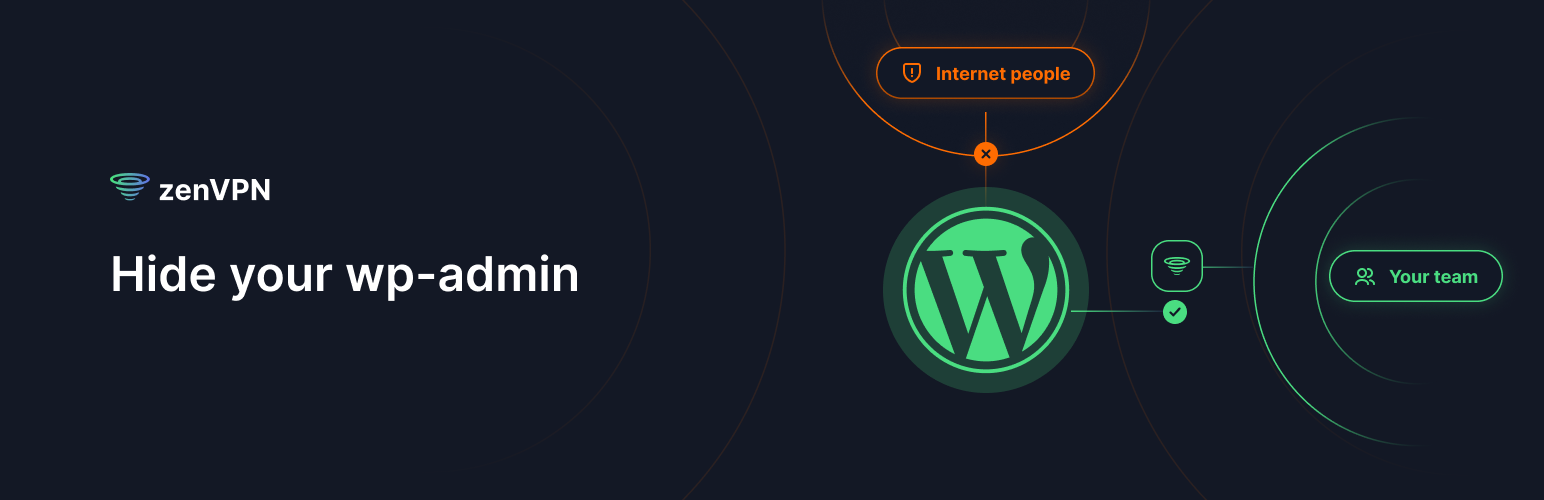
Add an extra level of security to the wp-admin section of your WordPress by allowing access only via a secure dedicated tunnel provided by zenVPN. Share the VPN tunnel with your team, and have everyone else get blocked.
How it works
zenVPN hides your WordPress back-office by adding IP filters on who has access to it.
Using our VPN service, you and your team visit your WordPress site through a secure tunnel by using a zenVPN app or browser extension.
On WordPress, our plugin blocks access to anyone who does not come through that tunnel.
You may use zenVPN for free just for your time, and using shared VPN locations. WordPress plugin will communicate with zenVPN via API to check your tunnel settings. Our cloud locations may be shared with other zenVPN users. For the highest level of security, we suggest buying a dedicated server with static IPs, just for you and your team.
zenVPN works via split tunnelling. It means you can leave zenVPN on, and we will route only your WordPress site through a secure tunnel. You do not need to keep VPN connection established all the time for all your traffic. Other websites remain intact, going their regular route.