
Lean Player – Video and Audio Player with Playlist for WordPress, Elementor and Gutenberg
🎬 See Players in Action 🎵 See Playlist Demo 🌐 Visit Official Website ⚡ Upgrade to Pro
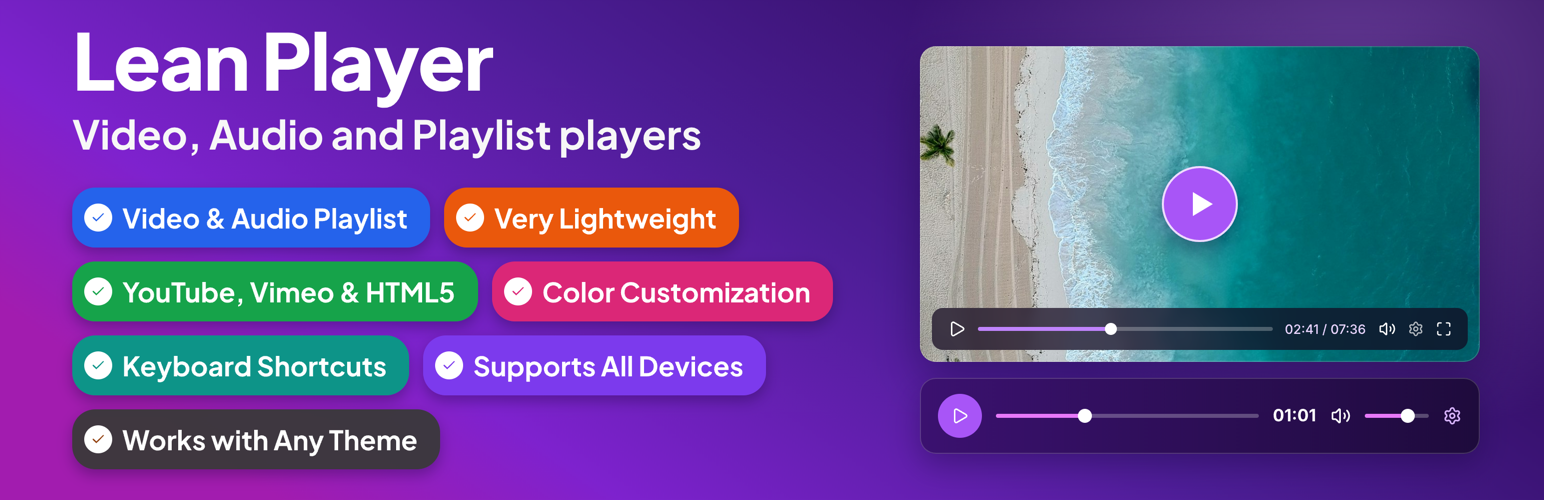
Lean Player is a lightweight video and audio player for WordPress with full playlist support. Embed players and playlists anywhere in 3 steps:
- Create a player or playlist from the admin
- Copy the shortcode
- Paste it anywhere — or use the Elementor widget, Block Editor, or Classic Editor
Works with YouTube, Vimeo, MP4 video (upload or direct URL/CDN), and audio files (MP3, AAC, OGG, WAV, M4A, FLAC — upload or direct URL/CDN). Plays nicely with Elementor, Block Editor, and Classic Editor on any theme, without slowing your site down.
Players Demo | Playlist Demo | Pro | Support
Lean Player also helps keep media-heavy pages fast. With Media Preload, you choose whether video and audio should load only basic info, wait until the visitor clicks play, or start loading immediately. This is useful for pages with multiple players or playlists.
Link directly to a moment in a video or podcast with Timestamp Links. Drop [lean_timestamp time="1:30"]Jump to intro[/lean_timestamp] anywhere in your post content, and clicking it seeks the player to that time and starts playback, no page reload. Great for podcast show notes, course sections, and video reviews.
Features
Player Management: * Global Player Settings – Set default behavior once for all players * Player Manager – Create and manage players through admin interface * Per-Player Configuration – Override global settings for individual players * Admin Columns – View all players at a glance with Player Type, Source Type, Source, Autoplay status, and copy-ready Shortcode * Preview Player – Preview your player before publishing directly from the players list or from the player edit page * Simple Shortcode – [lean_player id=”123″] to embed anywhere * Timestamp Links – [lean_timestamp time=”1:30″]Jump to intro[/lean_timestamp] to jump a player to a specific moment from your post content * Player Categories – Group and organize players using categories
Video Sources: * YouTube video support * Vimeo video support * HTML5 video (upload or URL/CDN)
Audio Sources: * Supported formats: MP3, OGG, WAV, M4A, AAC, FLAC * Audio streaming support (MP3, AAC streams) * Media library upload or direct URL/streaming URL
Playback Options: * Autoplay * Start Muted * Initial Volume control (0-100%) * Loop Playback * HTML5 Media Preload – Keep pages lighter by controlling when video and audio files start loading * Starting Playback Speed (0.5x to 4x) * Pause Other Players – Automatically pause other players when one starts playing (works across standalone players and playlists) [PRO] * Keyboard Shortcuts – Control playback when the player is focused, with optional global shortcuts for single-player pages * Time Display Format – Countdown or elapsed time [PRO] * Skip Forward/Back Amount – Set forward/back jump time (1-60 seconds) [PRO] * Reset to Start When Finished
Player Controls: * Fullscreen button * Click to play/pause * Picture-in-picture (PIP) mode * Keyboard shortcuts * Custom Player Controls – Show/hide and reorder controls (play-large, play, progress, current-time, mute, volume, captions, settings, pip, airplay, fullscreen, download) [PRO] * Auto-Hide Controls – Hide controls during playback [PRO]
Design & Styling: * Display your own preview thumbnail * Primary Color customization – Match player with your brand colors [PRO] * Compatible on all mobile & desktop devices * Very lightweight – no major impact on website speed * Works with all themes
Playlist: * Works with YouTube, Vimeo, HTML5 video, and audio files * Shortcode: [lean_playlist id=”123″] * Search players and add them to a playlist from the admin * Filter players by category and add all from a selected category at once * Panel position: left, right, top, or bottom of the player * Panel width, max width, and height (synced or fixed) * List layout with thumbnails (16:9 or 1:1 shape), duration badge, duration next to title, item numbers, and subtitle/artist text * Play icon: active item only or always visible * Playlist header with title and item count * Light and dark skin * Solid panel background * Auto-advance to the next track when one finishes * Audio now-playing compact view * Grid layout [PRO] * Accent color customization [PRO] * Custom gradient panel background [PRO] * Play icon hidden variant [PRO] * Audio now-playing large card [PRO] * Start from a specific item number [PRO] * Automatic Thumbnail – auto-fetch thumbnails from YouTube and Vimeo when no custom image is set [PRO]
Integration: * Elementor widgets (video, audio & playlist) * Block Editor (Gutenberg) support * Classic Editor support * Shortcode support everywhere
Video Player Elementor Widget
All player options are available directly in the Elementor panel – no shortcode needed. Widget-specific additions:
- Saved Player mode – pick an existing saved player by name; its settings apply automatically
- Player Accent Color – per-widget brand color override
- Controls Bar Color – per-widget icon and text color
- Per Element Style (Pro) – granular colors for play button, progress bar, volume slider, settings icon, tooltips, settings menu, and timer
- Layout (Pro) – icon size, button spacing, corner radius, progress track height
Audio Player Elementor Widget
All player options are available directly in the Elementor panel – no shortcode needed. Widget-specific additions:
- Saved Player mode – pick an existing saved player by name; its settings apply automatically
- Poster Card Style – background, text, border color, padding, radius, and thumbnail radius
- Player Accent Color – per-widget brand color override
- Controls Bar Color – per-widget icon and text color
- Per Element Style (Pro) – granular colors for play button, progress bar, volume slider, download button, tooltips, settings menu, and timer
- Layout (Pro) – icon size, button spacing, corner radius, progress track height
Playlist Elementor Widget
Embed any saved playlist on an Elementor page without a shortcode. All playlist settings (panel position, layout, colors, auto-advance) are configured in the Playlist Manager, not the widget.
- Select Playlist – pick from your saved playlists by name