
Baxtersweb Currency Converter – Multi-Currency Price Display
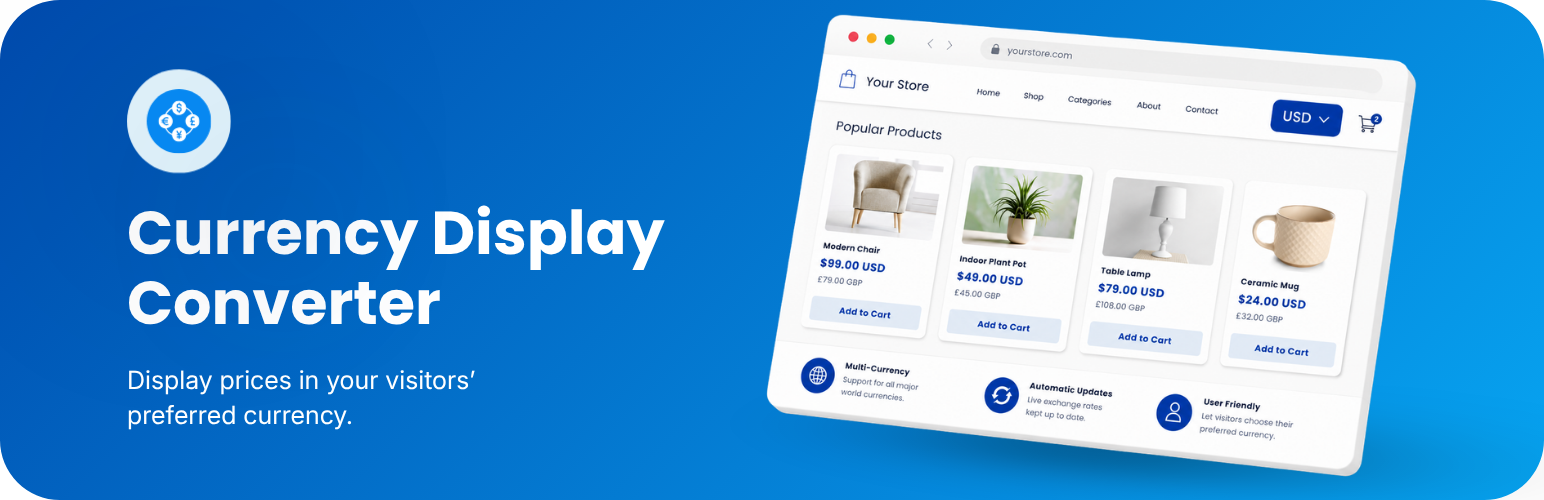
Baxtersweb Currency Converter displays existing price values in multiple currencies while keeping the original stored value and checkout currency unchanged.
Use it to convert:
- WooCommerce product price displays
- ACF or standard WordPress custom field values
- Direct numeric amounts supplied through a shortcode
- Prices inside page builders, theme templates and custom layouts
Visitors can choose a display currency using a configurable frontend selector. The selected currency is remembered in a browser cookie and applied to converted prices across the site.
The plugin retrieves daily reference exchange rates from the European Central Bank (ECB), stores the latest successful rates in WordPress, and cross-calculates rates when the source currency is not EUR.
💱 Display conversion only
This plugin is intended for presenting approximate prices in currencies visitors understand.
It does not:
- Change the WooCommerce store currency
- Process payments in another currency
- Change cart, checkout, order or account values
- Replace a full transactional multi-currency or currency-switcher solution
WooCommerce continues to process transactions in the store currency configured under WooCommerce settings.
✓ Choose the price source
Select one of two main workflows:
Custom price values
Convert a numeric ACF field, WordPress custom field or supplied shortcode value. ACF is supported when available, but is not required because the plugin can also read standard post meta.
WooCommerce product prices
Automatically replace standard product price displays on shop and product pages, or use the shortcode manually inside a custom template.
✓ Configure each currency
For every enabled currency, you can control:
- Currency code and symbol
- Percentage buffer or adjustment
- Optional manual exchange rate
- Rounding increment
- Number of decimal places
- Whether the currency is available to visitors
You can also choose the default display currency, selector format and converted-price format.
✓ Visitor currency selector
Add the selector anywhere shortcodes are supported:
[bxtr_currency_selector]
Add an optional visible label:
[bxtr_currency_selector label="Currency:"]
The selector can display currency codes, symbols and locally bundled SVG flags. Flag images are included with the plugin and are not loaded from an external service.
✓ Convert prices with a shortcode
Convert the configured field on the current post:
[bxtr_currency]
Convert a field with a specific name:
[bxtr_currency field="itinerary_price"]
Convert the configured custom field from a specific post:
[bxtr_currency id="123"]
Convert a WooCommerce product price manually:
[bxtr_currency source="woocommerce" id="123"]
Convert a supplied numeric amount:
[bxtr_currency value="2450"]
The older amount attribute remains available:
[bxtr_currency amount="2450"]
Add text before or after the converted value:
[bxtr_currency value="2450" prefix="From " suffix=" per person"]
✓ Use inside layouts and templates
Pass the current post ID when the shortcode is used inside a loop or custom layout:
[bxtr_currency id="{{ _layout.object_id }}"]
Pass a dynamic field value directly when your layout tool supports shortcode attributes:
[bxtr_currency value="{{ itinerary_price.value }}"]
PHP example:
echo do_shortcode( '[bxtr_currency value="' . esc_attr( $price ) . '"]' );
✓ WooCommerce display behaviour
When WooCommerce is selected as the price source, the plugin can automatically convert standard price HTML for:
- Simple products
- Sale prices
- Variable product price ranges
- Product and shop-page price displays using WooCommerce’s standard price filter
Cart, checkout and account pages retain the original WooCommerce currency and values.
Some themes, builders or custom templates bypass WooCommerce’s standard price output. In those cases, use the manual WooCommerce shortcode in the relevant template.
✓ Rate updates and fallback
ECB reference rates are retrieved when the plugin is activated and can be refreshed automatically once per day through WordPress cron.
You can also update rates manually under Tools > Currency Converter > Tools.
The latest successful rate set is stored in WordPress. If a later request fails, the stored rates remain available until they are successfully refreshed.
Documentation
Full setup and usage documentation:
https://docs.baxtersweb.com/currency-converter
Support
For support, use the public support forum for this plugin on WordPress.org. Please include the plugin version, WordPress version, selected price source and a clear description of the issue.
External services
Baxtersweb Currency Converter connects to the European Central Bank (ECB) to retrieve public daily reference exchange rates used for display conversion.
The plugin requests this fixed XML feed:
https://www.ecb.europa.eu/stats/eurofxref/eurofxref-daily.xml
The request is made from the WordPress website server:
- When the plugin is activated
- When an administrator selects Update rates now
- During the scheduled daily update when automatic updates are enabled
The plugin does not add visitor details, WordPress user details, customer information, payment information, website content, selected currencies or custom query parameters to this request. As with any server request, standard connection information such as the requesting server’s IP address may be processed by the external service.
The returned public exchange-rate data and update timestamp are stored locally in the WordPress database. ECB reference rates are informational and may differ from commercial, card-provider or payment-gateway rates.
European Central Bank information:
- ECB reference-rate feed: https://www.ecb.europa.eu/stats/eurofxref/eurofxref-daily.xml
- Disclaimer and copyright: https://www.ecb.europa.eu/services/using-our-site/disclaimer/html/index.en.html
- ECB privacy statement: https://www.ecb.europa.eu/services/privacy/html/index.en.html
By enabling and using exchange-rate conversion, the website makes requests to this external ECB service under the ECB’s applicable terms and privacy information.