
Chat Widget: Floating Customer Support Button for 30+ Channels, Supporting SMS, Calls, and Chat – Bit Assist
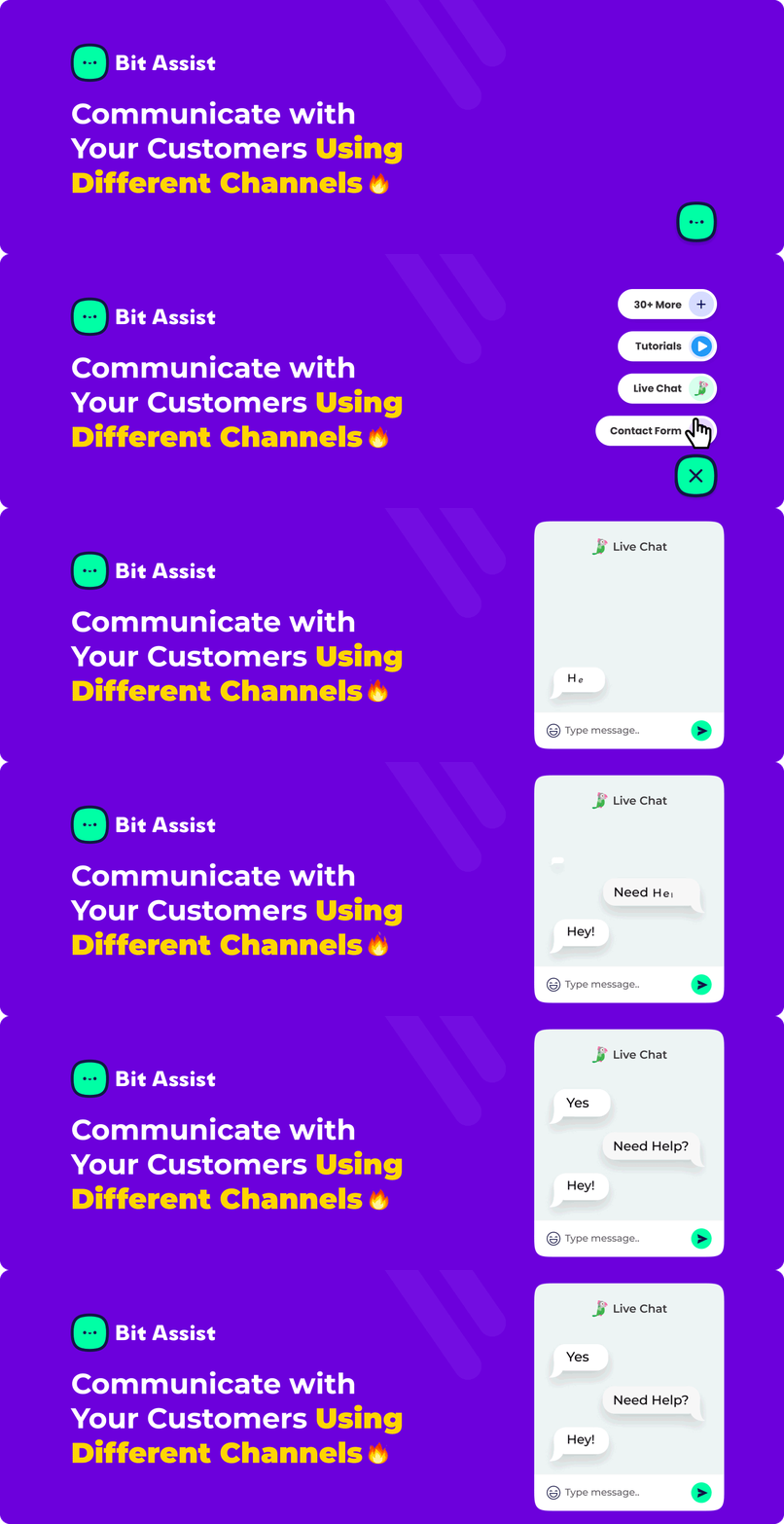
Bit Assist maakt het gemakkelijk voor je site bezoekers om snel contact op te nemen met je bedrijf via hun favoriete berichtenapps, waaronder WhatsApp chat, Facebook Messenger chat, Telegram chat, Instagram chat, Discord, Slack, Viber, TikTok, LinkedIn chat en meer. Het ondersteunt populaire live chat support integraties zoals Tidio live chat, Tawk live chat, Intercom live chat, Crisp live chat en meer, zodat je nooit een kans mist om direct met je klanten te communiceren.
Bit Assist Plugin Deep-Dive Tutorial! – by EZ WP 4U
🎯 Belangrijkste kenmerken: – Meer dan 30 sociale en live chat platforms in één widget – Aanpasbaar ontwerp, icoon, positie, animatie en gedrag – Werkt met live chat gereedschap zoals Tidio, Tawk.to, Crisp en Intercom – WooCommerce integratie voor het opzoeken van bestellingen en verzendingen – Ingebouwd contactformulier, FAQ sectie en kennisbank – Publicatie op externe sites (Shopify, Wix, Squarespace, enz.) – Webhook ondersteuning voor automatisering (Zapier, Make, Bit Flows) – Donkere modus en targeting op mobiel/desktop
Although Bit Assist isn’t itself a dedicated chat widget system, it easily integrates various messaging and social platforms into a single, intuitive floating chat widget for your WordPress website.
Bit Assist biedt unieke geavanceerde functies zoals een aanpasbaar contactformulier, een gebruiksvriendelijke FAQ sectie, een ingebouwde kennisbank, WooCommerce bestelling details, WordPress zoekopdracht, en Webhook.
Hoe voeg ik ALLE berichtenplatforms toe aan WordPress? | Bit Assist Tutorial – door WP Simple Hacks
You can also use Bit Assist on other platforms, such as Shopify, Wix, and Squarespace, using the External Publish feature, which allows for smooth customer support across all your online channels.
📢 Blijf op de hoogte en verbonden:
- 🚀 Probeer de demo | 🚀 Documentatie | 🚀 Premium | 🚀 Ondersteuning | 🚀 Facebook-community | 🚀 YouTube-kanaal
Free WordPress Floating Contact Button Plugin | Bit Assist Tutorial – by Quick Tips
** Chat eenvoudig met meer dan 30 kanalen:**
- Bellen
- Aangepast formulier
- Aangepaste iframe
- Aangepast kanaal
- Discord
- FAQ
- WooCommerce
- Google Map
- Kennisbank
- Line
- WP Zoeken
- Messenger
- Live Chat Messenger
- Slack
- Tidio
- SMS
- Snapchat
- Tawk
- Telegram
- Crisp
- TikTok
- Twitter-chat
- Intercom
- Viber
- Waze
- Calendly
- WhatsApp-chat
- YouTube
- Signaal
- TidyCal
✅ Chatwidget met meerdere berichtenkanalen
-
Ondersteunt 30+ kanalen waaronder WhatsApp, Facebook Messenger, Telegram, Line, Instagram, Discord, Slack, SMS, Twitter, LinkedIn, TikTok, Snapchat, Viber, Signal en meer livechat ondersteuningskanalen.
-
Integratie met populair gereedschap voor livechatondersteuning: Tawk to live chat ondersteuning, Tidio live chat ondersteuning, Intercom live chat ondersteuning en Crisp live chat ondersteuning.
✅ intuïtieve zwevende chat widget
-
Place the widget in any corner of your website (bottom-left, bottom-right, top-left, top-right).
-
Selecteer het widgetgedrag: Klikken om te openen, Bewegen om te openen of Standaard openen.
-
Multiple styles available to match your branding.
✅ Aanpasbare formulieren en veelgestelde vragen
-
Create customized contact forms tailored to your brand identity.
-
Add FAQs directly within the widget to quickly address common visitor questions.
✅ WooCommerce integratie
- Laat klanten snel de bestelstatus of verzendinformatie direct vanuit de widget controleren. Dit bespaart de gebruiker tijd en moeite.
✅ Ingebouwde kennisbank
- Easily integrate your existing knowledge base or create new articles to help customers find instant answers.
✅ Geavanceerde WebHook-integraties (Pro)
- Stuur formuliergegevens eenvoudig naar externe platforms zoals Bit Flows, Flowmattic, AutomatorWP, Uncanny Automator, WP Fusion, Make.com (Integromat), Pabbly, Zapier en vele anderen voor geavanceerde automatisering.
✅ Analytics & Insights (Pro)
- Houd widgetinteracties in de gaten via ingebouwde analyses of integreer ze met Google Tag Manager voor geavanceerde volging.
✅ External Website Compatibility (Pro)
- Use Bit Assist on websites beyond WordPress, including Drupal, Joomla, Shopify, Wix, Squarespace, and other external websites.
✅ Aanpasbare beschikbaarheids- en weergave-instellingen (Pro)
- Stel specifieke openingstijden in voor de beschikbaarheid van widgets.
- Use page-specific rules to control widget visibility on your website.
✅ Donkere modus en toegankelijkheid
- Ingebouwde ondersteuning voor de donkere modus zorgt ervoor dat je ogen minder snel vermoeid raken en de leesbaarheid toeneemt.
Functies van onze chat-plugin in de gratis versie:
-
Chat Widget: In Bit Assist free version, you can have one widget activated at a time.
-
Chat Widget Button or Channels: You can choose any of 24 channels from 30+ chat channels to activate and use on your website simultaneously in the free version.
-
Positie van chatwidget: Kies de plaatsing van de widget: linksonder, rechtsonder, linksboven of rechtsboven.
-
Widget triggeropties: kies wanneer de widget voor de eerste keer wordt weergegeven, bijvoorbeeld na een paar seconden of bij het scrollen op de pagina.
-
Widget gedrag: er zijn drie opties voor widgetgedrag: Klikken om te openen, Bewegen om te openen en Standaard openen.
-
Call To Action: With Bit Assist’s Call To Action in the WordPress chat plugin, prompt visitors to engage in chat after a set time, boosting conversions and improving customer satisfaction.
-
Customization: Bit Assist allows extensive customization for the chat widget, including color, icon, position, size, and shape.
-
Donkere modus: De donkere modus van Bit Assist in WordPress past een donker kleurenschema toe op de chatwidget en dashboardkanalen, waardoor de zichtbaarheid wordt verbeterd en de belasting van de ogen wordt verminderd bij weinig licht.
-
Widget actieve badge: pas de kleur van de actieve badge in de Bit Assist widget aan om de aandacht van bezoekers te trekken en mogelijk de klikfrequentie op je chatwidget te verhogen.
-
Aandachtsanimatie: Trek de aandacht van bezoekers met de animatiefunctie van Bit Assist. Kies uit waggelen, springen of schokgolven om de betrokkenheid en het aantal conversaties te verhogen.
-
Chat Widget Button Styles: You have the option to select from 4 visually appealing designs for your chat button.
-
Chat Widget Button Visibility: You have the flexibility to choose whether you want to display the chat widget on mobile devices, desktops, or both.
-
WhatsApp-bericht: Bespaar bezoekers tijd met het WhatsApp-kanaal van Bit Assist en voeg een vooraf ingesteld bericht toe aan de chatknop, zodat ze snel kunnen communiceren zonder te typen.
-
WooCommerce Floating Chat Widget knop: Bit Assist ondersteunt nu de WooCommerce chatknop voor verzendstatus en bestelgegevens.
-
Chatwidgetstijl: Kies hier een andere chatwidgetstijl uit de twee chatwidgetstijlen en kies er een uit.
-
Widget Show On: Using this feature, you can show or hide your chat widget on desktop or mobile.
Functies van onze chat plugin in de Pro versie:
De chatwidgetfuncties die in de gratis versie van Bit Assist zijn opgenomen, zijn ook inbegrepen in de Pro versie.
-
Chatwidget en livechat Live ondersteuning chat knop: Sommige exclusieve chatwidgetknoppen zijn nu beschikbaar in de pro-functie, waaronder de Tidio Live Chat-knop, Tawk Live Chat-knop, Crisp Live Chat-knop, Intercom Live Chat knop, Aangepaste iframe, Kennisbank, FAQ-knop, Wp zoekknop en WooCommerce knop.
-
Unlimited Widgets: Bit Assist Pro allows unlimited chat widgets for engaging visitors across multiple websites, optimizing customer support to meet unique business needs and handling user interactions.
-
Zwevende chatwidgetkanalen: In de chatwidget van Bit Assist Pro worden meer dan 30 chatknoppen voor verschillende kanalen weergegeven, zodat bezoekers via hun favoriete platform (bijvoorbeeld WhatsApp, Facebook, Instagram) kunnen communiceren.
-
Webhook: Bit Assist offers a Webhook URL feature in the custom form that allows users to send data through a Webhook. It’s a simple process – just insert the WebHook URL, and the submitted form data from the customer will be sent through that URL. With this feature, you can integrate your chat widget‘s form data from a custom form or contact form with other platforms and applications to automate tasks or improve your workflow. You can send data through webhook from Bit Assist’s custom form to Flowmattic, AutomatorWP, Uncanny Automator, WP Fusion, Sperse.io, Thrive Automator, WP Webhooks, Advanced Form Integration, Make (Integromat), Integrately, Ifttt, Pabbly, N8N, Workato, KonnectzIT, Pipedream, SyncSpider, Albato, Elastic.io, Built.io, APIANT, Tray.IO, SureTriggers or SureTrigger, Flowmattic, Zoho Flow etc.
-
Publish Widget in External Website: Configure chat widget for WhatsApp, Facebook, Instagram, and more. Use on various platforms beyond WordPress like Drupal, Joomla, Wix, and Shopify. Edit, add your domain, copy the script, and paste it into your external site. For more details, please visit our documentation.
-
Stel openingstijden in: Met de functie Openingstijden van Bit Assist Pro wordt de beschikbaarheid van de chatwidget afgestemd op de kantooruren. Zo wordt aangepaste ondersteuning gegarandeerd voor bedrijven met een vast schema.
-
Add Page Filter: This will let you selectively display the chat widget on specific pages, optimizing user experience and engagement.
-
Custom CSS: You can add custom CSS for a unique chat widget appearance that matches your website’s design.
-
Copy or Duplicate Chat Widget: You can duplicate your existing chat widget and save time to increase customer support across multiple websites. But you cannot use multiple widgets on the same website right now.
-
Google Analytics (GTM: Click Track): With this feature, you can track the click details with Google Tag Manager. You have to activate the feature and configure the Google Tag Manager to track your website.
-
Widget Analytics: The analytics feature tracks visitor and click counts, aiding in optimizing channel selection for improved customer attraction on your website.
🗬 BIT ASSIST VS. ANDERE LIVE CHAT-SUPPORTPLUGINS VOOR SOCIALE ONDERSTEUNING
Hoewel Bit Assist geen livechat-plugin is, kun je er meerdere livechatplatforms aan toevoegen. Het heeft geen speciale livechat-ondersteuning via sociale media, maar je kunt Tidio livechat, Tawk Live Chat, Crisp Live Chat, Intercom Live Chat, Line Messenger en meerdere livechatkanalen integreren.
VOEG YOUTUBE-VIDEO TOE AAN JE WIDGET
Add a YouTube video to your widget. Select the channel from the Bit Assist’s dashboard and put the id of the video you want to show your website, visitors.
AANGEPAST FORMULIER
Je kunt het formulier zo ontwerpen dat het bij je huisstijl past en velden, kleuren en meer naar wens aanpassen.
KENNISBANK
Create your Knowledge base channel and add any articles or posts to aware your website visitors about your products or next plan.
VOEG WHATSAPP CHAT, FACEBOOK MESSENGER CHAT-KNOP EN MEER CHATKANALEN TOE
With Bit Assist you have the flexibility to add WhatsApp chat, Facebook Messenger chat, Telegram chat, Line Messenger chat, Pinterest chat, Signal, Twitter, Discord, Live Chat Button: Crisp, Intercom, Tidio, Tawk etc.
📢 Documentatie en video’s over het instellen van de sociale chatknop
- WhatsApp chatknop: [Bekijk video]
- Messenger Chat-knop: [Video bekijken]
- Instagram-knop: [Video bekijken]
- Telegram Chat-knop: [Video bekijken]
- LinkedIn Chat-knop: [Video bekijken]
- Slack Chat-knop: [Video bekijken]
- Twitter Chat-knop: [Video bekijken]
- TikTok-knop: [Video bekijken]
- Discord-chatknop: [Video bekijken]
- Line Messenger Chat-knop: [Video bekijken]
- Snapchat-knop: [Video bekijken]
- Viber-knop: [Video bekijken]
- We Chat-knop: [Video bekijken]
- Sms-knop: [Video bekijken]
- Bellen of Nu bellen-knop: [Video bekijken]
- Pinterest Chat-knop: [Video bekijken]
- Signaalknop: [Video bekijken]
- YouTube-kanaalknop: [Video bekijken]
- Google Map-knop: [Video bekijken]
- Waze-kaartknop: [Video bekijken]
- Knop Agenda-planning: [Video bekijken]
🚀 Live Chat & Ondersteuningsknop Installatiedocumentatie & Video’s
- Tawk.to Live Chat-knop
- Tidio Live Chat-knop
- Snelle livechatknop
- Intercom Live Chat-knop
- Knop voor aangepast contactformulier
- Knop Kennisbank
- FAQ-ondersteuningsknop
- WP Search ondersteuningsknop
- WooCommerce bestellingdetails knop
- Knop voor ondersteuning van aangepaste kanalen
- Aangepaste iFrame
✨ Waarom gebruikers dol zijn op Bit Assist:
💠 Best Multi-Option Chat Widget Plugin
-by @developerbornov
💠 Beste chatoplossing
-door @mrmordnes
💠 Beste widget voor e-commercewinkels
-door @ravirockzu
💠 Beste oplossing voor bezoekerscommunicatie
-door @msisakib
Ontdek andere plugins van Bit Apps:
-
Bit Form: Powerful drag-and-drop form builder, creating advanced forms without coding.
-
Bit Integrations: Connect your website with 295+ platforms (Google Sheets, CRM, email marketing tools).
-
Bit Flows: Advanced multi-step workflow automation plugin.
-
Bit File Manager: Vereenvoudig bestandsbeheertaken rechtstreeks in WordPress, waardoor FTP niet meer nodig is.
-
Bit SMTP: Verbeter de bezorging van e-mail op een veilige en eenvoudige manier.
-
Bit Social: Plaats moeiteloos automatisch WordPress inhoud op populaire sociale platforms zoals Facebook, Twitter en LinkedIn.
Telemetriegegevens
Bit Assist optionally uses WP-Telemetry (upon your approval) to collect basic usage data, helping us improve your experience. No data is collected without explicit consent.
Source Code
Source code is available on GitHub: https://github.com/Bit-Apps-Pro/bit-assist-wp
External services
Bit Assist connects to third-party services only when a site visitor clicks a channel button or when the site owner has explicitly configured that channel. No data is sent from your server without a deliberate user action.
For a full list of every external service used, what data is sent, when it is sent, and links to each service’s Terms of Use and Privacy Policy, please see: