
Cloud Storage Manager for Fluent Forms – Google Drive, Dropbox, OneDrive, S3 Uploads
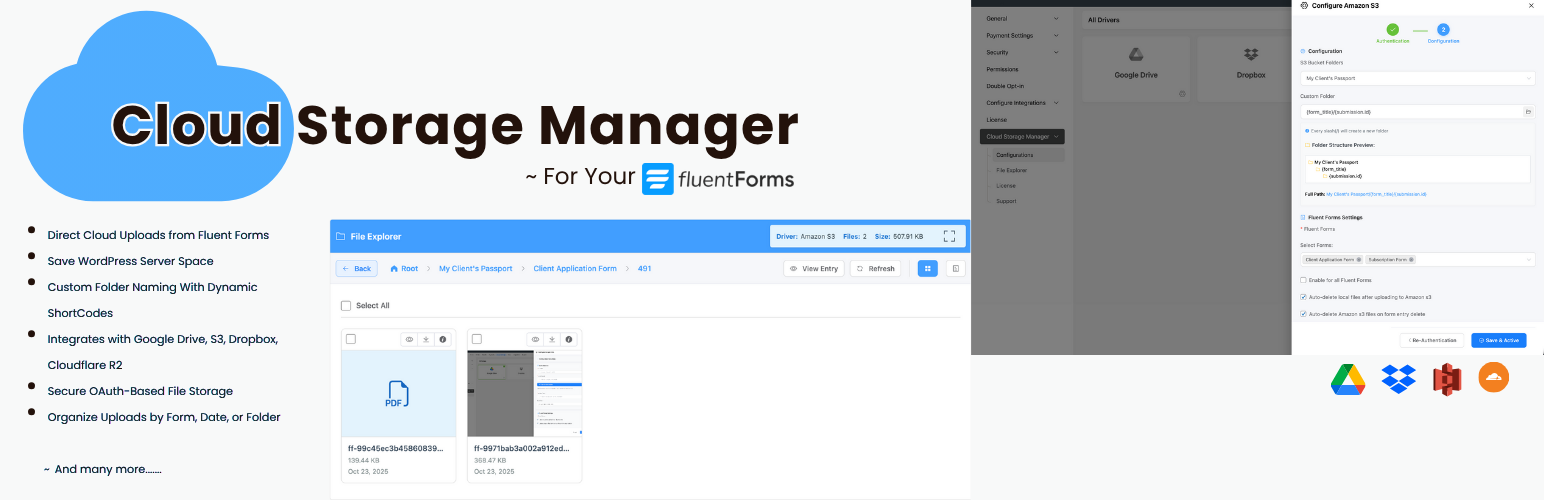
Cloud Storage Manager for Fluent Forms lets you automatically upload files submitted through Fluent Forms to external cloud storage services such as Google Drive, Dropbox, Microsoft OneDrive, Amazon S3, and Cloudflare R2.
If your website collects documents, images, PDFs, resumes, or other attachments via Fluent Forms, storing them on your WordPress server can quickly consume disk space and impact performance. This plugin offloads file uploads to cloud storage, helping you reduce server storage usage, improve site performance, and keep your files organized in secure cloud folders.
The plugin works with your existing file and image upload fields—no changes to your forms are required. Files are uploaded in the background, so users experience fast form submissions while uploads are securely stored in the cloud.
Who should use this plugin?
This plugin is ideal for:
• Agencies collecting client documents • HR teams collecting resumes and attachments • Schools collecting student submissions • Membership sites receiving user uploads • SaaS onboarding forms • Any site using Fluent Forms to collect files
Key Features
- Automatically upload Fluent Forms file submissions to cloud storage
- Reduce WordPress server disk usage
- Works with existing file and image fields
- Background uploads for faster form submissions
- Secure OAuth authentication
- Cloud file links supported in email notifications and attachments
- Built-in file explorer (Pro)
- Analytics and usage insights (Pro)
Free Features (Google Drive & Dropbox)
- Upload Fluent Forms files to Google Drive
- Upload Fluent Forms files to Dropbox
- Choose a parent folder for uploads
- Background file uploads
- Email notifications and attachments
- OAuth-based secure authentication
Pro Features (OneDrive, Amazon S3 & Cloudflare R2)
- Microsoft OneDrive integration
- Amazon S3 integration
- Cloudflare R2 integration
- Custom folder paths per form
- Conditional folder structure using form inputs
- File explorer to manage uploaded files
- Storage usage analytics
- File visibility control
- Priority support
Upload Fluent Forms Files to Google Drive
Automatically store file uploads in Google Drive folders.
Upload Fluent Forms Files to Dropbox
Send file uploads to Dropbox for easy sharing and collaboration.
Upload Fluent Forms Files to Microsoft OneDrive
Store uploads in OneDrive for Microsoft-based workflows.
Upload Fluent Forms Files to Amazon S3
Use Amazon S3 for scalable and secure file storage.
Upload Fluent Forms Files to Cloudflare R2
Store uploads in Cloudflare R2 for global access with zero egress fees.
External Services
This plugin integrates with third-party cloud storage services:
Google Drive
Used for storing uploaded files. Data sent: Files and file metadata. Terms: https://cloud.google.com/terms Privacy: https://policies.google.com/privacy
Dropbox
Used for storing uploaded files. Data sent: Files and file metadata. Terms: https://www.dropbox.com/terms Privacy: https://www.dropbox.com/privacy