
CodePros Autocomplete Address for WooCommerce
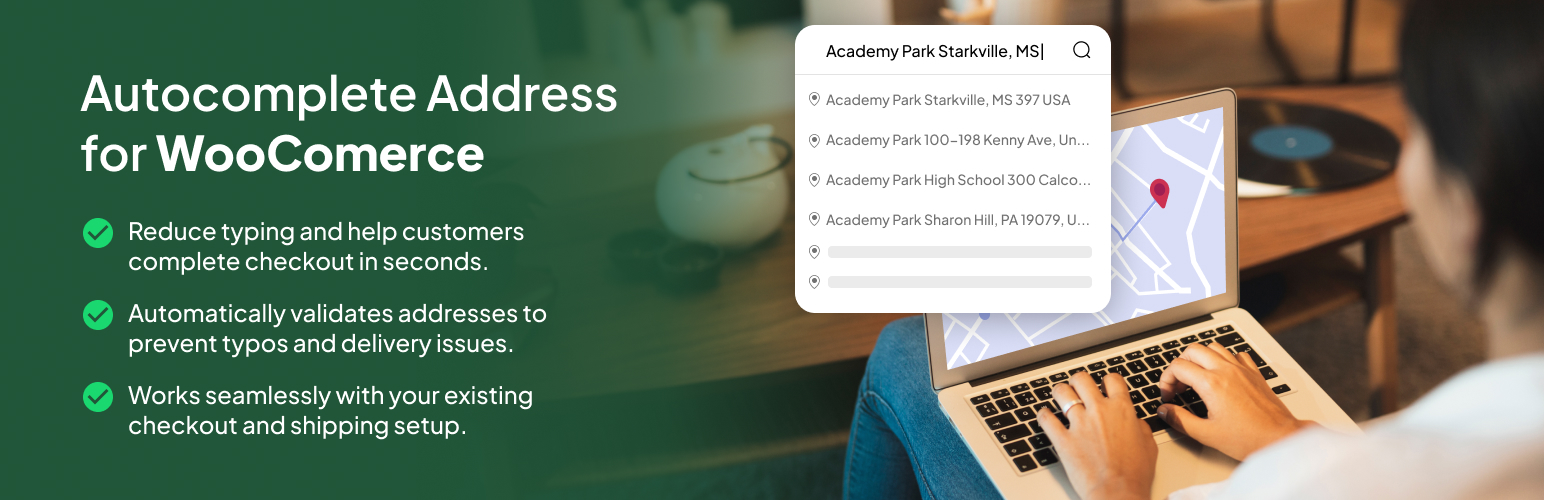
CodePros Autocomplete Address for WooCommerce integrates Google Places API into your WooCommerce checkout form, providing customers with intelligent address suggestions as they type. This plugin significantly improves the checkout experience by reducing form completion time and minimizing address entry errors.
Compatible with both classic and block-based WooCommerce checkout.
Key Features
- Google Places Integration: Seamless integration with Google Places API for accurate address suggestions
- Block Checkout Support: Full support for WooCommerce Blocks (Gutenberg) checkout alongside classic checkout
- Billing Address Support: Enable autocomplete for billing address fields
- Shipping Address Support: Enable autocomplete for shipping address fields
- Auto-fill Fields: Automatically populates city, postcode, and state fields when an address is selected
- Country Restrictions: Respects WooCommerce country restrictions for address suggestions
- Dynamic Country Support: Automatically updates autocomplete restrictions when country selection changes
- Easy Configuration: Simple settings page to configure API key and enable/disable features
- Lightweight: Minimal code footprint with efficient script loading only on checkout pages
- Performance Optimized: Scripts only load on checkout pages, ensuring no impact on other pages
- WooCommerce Integration: Native WooCommerce settings tab integration for seamless configuration
- License Management: Built-in license system with a free 7-day trial — no account required to get started
How It Works
Once configured with your Google Places API key, the plugin adds autocomplete functionality to the address fields on your WooCommerce checkout page. As customers start typing their address, they’ll see relevant suggestions from Google Places. When they select an address, the plugin automatically fills in the city, postcode, and state fields based on the selected address data, saving time and reducing errors.
The plugin supports both the classic WooCommerce checkout and the modern WooCommerce Blocks (Gutenberg) checkout. It automatically detects which checkout type your store is using and loads the appropriate implementation.
The plugin intelligently respects your WooCommerce store’s country restrictions, ensuring address suggestions only appear for countries you’ve enabled in your WooCommerce settings. The autocomplete dynamically updates when customers change their country selection, providing accurate suggestions for the selected country.
Free Trial & Licensing
The plugin includes a 7-day free trial — no license key required. After the trial period, a license key is required to continue using the autocomplete functionality. License keys can be purchased from the CodePros plugin page. License status and remaining trial days are displayed in the plugin settings page.
Requirements
- WooCommerce plugin must be installed and active (version 5.0 or higher)
- Google Places API key (get one from Google Cloud Console)
- PHP 7.4 or higher
- WordPress 6.6 or higher
External services
This plugin connects to Google Maps/Places API to provide address autocomplete functionality. It’s needed to show address suggestions as users type in the checkout form.
When the autocomplete feature is enabled and users type in address fields, the plugin sends address queries to Google’s servers. Google may also automatically collect the user’s IP address and approximate location data to provide relevant address suggestions.
This service is provided by Google LLC. For more information about how Google handles data, please review: * Google Maps Platform Terms of Service * Google Privacy Policy
This plugin also connects to the CodePros License API (https://api.wp-plugins.codepros.ai) to activate, validate, and deactivate license keys. License requests may include the license key, the generated license key ID, the license key instance ID returned by activation, and the site name/identifier used for activation. No customer address data is sent to the CodePros License API.
Example usage in the plugin: include/AutocompleteAddress.php – Loads Google Maps JavaScript API with Places library include/LicenseManager.php – Validates license keys against the CodePros License API