
Country Dropdown For Contact Form 7
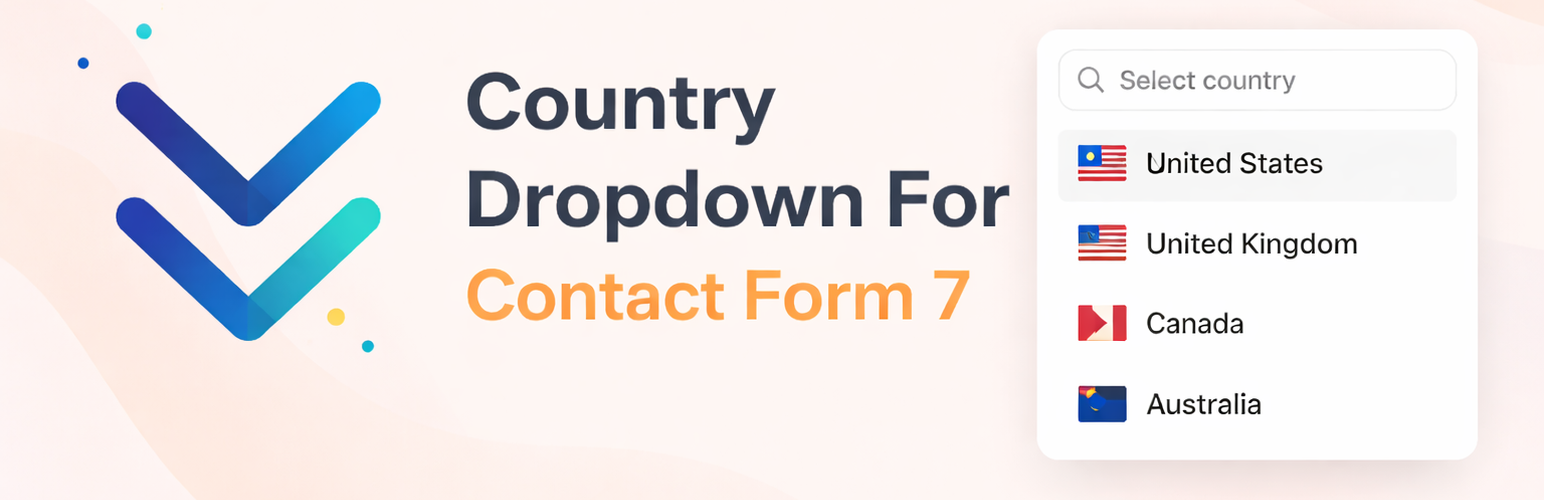
Country Dropdown For Contact Form 7 is a free WordPress plugin that adds a fully functional, flag-enhanced country selector field to any Contact Form 7 form. Instead of asking users to type their country manually — or using a plain unstyled select box — this addon gives you a polished, searchable dropdown complete with national flag icons for every country in the world.
Whether you run an international business, a global e-commerce store, a travel booking site, or any website that needs to collect country information from visitors, this plugin delivers a professional, frictionless experience right out of the box.
Requires Contact Form 7 to be installed and activated on your WordPress site.
📄 Documentation | 🔴 Live Demo | ⭐ Upgrade to Pro
Why Use Country Dropdown For Contact Form 7?
A plain text input for “Country” leads to messy, inconsistent data — one visitor types “US”, another writes “United States”, and another enters “America”. That makes filtering, exporting, and acting on form data a headache.
This plugin solves that problem entirely. It provides a standardized, searchable dropdown with every country in the world, each displayed alongside its recognizable national flag. Users find and select their country quickly, and you receive clean, consistent data every time.
Setup takes under a minute and works exactly like any native Contact Form 7 field — no coding, no custom CSS, no configuration beyond the built-in tag generator.
Free Features
- ✅ Complete World Country List — All countries are pre-loaded and ready to use. No manual data entry or custom lists required.
- ✅ Country Flag Icons — Every country in the dropdown is displayed with its national flag for fast, visual identification.
- ✅ Searchable Dropdown — Users can type any part of a country name to instantly filter the list, making selection fast even on long lists.
- ✅ Keyboard Navigation — Full support for up/down arrow keys lets users navigate the entire dropdown without touching their mouse.
- ✅ Default Country Setting — Pre-select a default country directly from the tag generator to streamline the experience for your primary audience.
- ✅ Custom ID & Class Support — Add optional HTML ID and class attributes to the field for custom CSS styling or JavaScript targeting.
- ✅ Required Field Support — Mark the country field as required just like any other Contact Form 7 field to enforce completion before submission.
- ✅ Mobile Responsive — Fully responsive design that looks great and works smoothly on all screen sizes, including smartphones and tablets.
- ✅ Seamless CF7 Integration — Registers as a native Contact Form 7 form tag. Insert it from the CF7 tag generator in seconds — no shortcodes or manual HTML needed.
- ✅ Accessible Markup — Outputs proper ARIA attributes (
aria-required,aria-invalid,aria-describedby) for screen reader and accessibility compliance.
Pro Version Features
Unlock advanced country filtering and display controls with the Pro Version:
- ⭐ Only Countries (Whitelist) — Restrict the dropdown to display only a specific set of countries. Ideal for region-locked services, country-specific compliance, or simplified forms targeting a known audience. Configure using country codes (e.g.
us-ca-gb). - ⭐ Preferred Countries (Pin to Top) — Choose countries that appear pinned at the top of the dropdown list for quicker access. Perfect when you know your audience is concentrated in a few key regions (e.g.
us-gb-au). - ⭐ Exclude Countries (Blacklist) — Hide specific countries from the dropdown entirely. Useful for legal restrictions, shipping limitations, or regional exclusions (e.g.
br-cx-eg).
Perfect For
- International contact and business inquiry forms
- Global e-commerce order, checkout, and shipping forms
- Travel booking and destination preference forms
- Event registration forms collecting attendee location data
- Lead generation forms targeting visitors across multiple countries
- Survey and research forms requiring geographic information
- Billing and subscription forms with country-based pricing
How It Works
- Install and activate the plugin (Contact Form 7 must already be active).
- Open any Contact Form 7 form in your WordPress dashboard.
- Click Add Form Tag and select Country Dropdown from the tag list.
- Configure the field name, ID, class, and default country using the tag generator panel.
- Click Insert Tag to add the tag to your form, then click Save.
- The country dropdown with flags and search instantly appears on your form’s front end.
No shortcodes. No manual HTML. No additional configuration needed.