
GSheetConnector for Gravity Forms – Send Gravity Forms Entries to Google Sheets in Real-Time
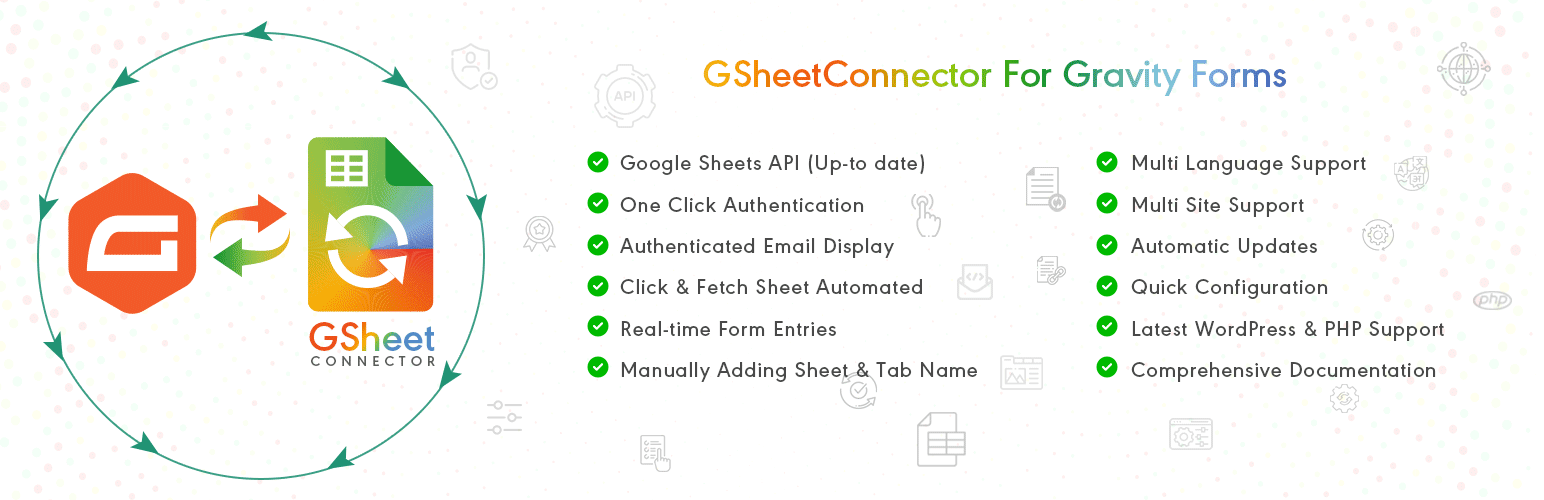
GSheetConnector for Gravity Forms is a powerful Gravity Forms Google Sheets integration plugin that allows you to send Gravity Forms entries to Google Sheets in real-time.
This plugin automatically syncs Gravity Forms submissions to your selected Google Spreadsheet the moment a form is submitted. No manual CSV export, no copy-paste, and no third-party automation tools required.
If you are looking to connect Gravity Forms to Google Sheets, export Gravity Forms entries to a spreadsheet, or automate Gravity Forms data syncing — GSheetConnector provides a secure and reliable solution.
Every form submission is added as a new row inside your connected Google Sheet, making it easy to manage leads, contact form data, registrations, payments, surveys, and other form entries directly inside Google Sheets.
Built specifically for Gravity Forms users, this plugin delivers structured spreadsheet integration with secure Google OAuth authentication and real-time data synchronization.
Homepage | Documentation | Support | Demo | Premium Version
Why Use GSheetConnector for Gravity Forms?
✔ Send Gravity Forms entries to Google Sheets automatically ✔ Real-time Gravity Forms to Google Sheets sync ✔ Secure Google OAuth authentication ✔ Field-to-column mapping support ✔ Lightweight and performance optimized
Perfect for agencies, developers, marketers, and businesses who need automated Gravity Forms spreadsheet integration.
How Gravity Forms to Google Sheets Sync Works
When a user submits a Gravity Form on your website, GSheetConnector instantly sends the form entry to Google Sheets in real-time.
Each submission is inserted as a new row inside your selected Google Spreadsheet. Form field values are matched with corresponding column headers in your sheet.
Submission date is captured automatically, and advanced metadata options are available in the Pro version.
Secure Google authentication ensures safe and encrypted data transfer between Gravity Forms and Google Sheets.
Core Features (Free Version)
Real-Time Gravity Forms Sync
Automatically send Gravity Forms submissions to Google Sheets immediately after form submission.
One-Click Google Authentication
Authenticate your Google account once and enable continuous syncing.
Field & Column Mapping
Match Gravity Forms field labels with Google Sheet column headers for structured data organization.
Submission Date Capture
Automatically record entry submission date inside your spreadsheet.
View Connected Spreadsheet
Access and open your connected Google Sheet directly from plugin settings.
Secure Google OAuth Integration
Uses official Google APIs to ensure safe and reliable data transfer.
Full Compatibility
Works with the latest versions of Gravity Forms, WordPress 6.9+, and modern PHP environments.
🛠️ How to Send Gravity Forms Entries to Google Sheets
Follow these simple steps:
Step 1: Authenticate with Google
Navigate to Forms → Google Sheet → Integration tab and connect your Google account.
Step 2: Configure Sheet Details
Open your Gravity Form → Settings → Google Sheet. Enter your Sheet Name, Sheet ID, Tab Name, and Tab ID.
Step 3: Match Column Headers
Ensure your Google Spreadsheet has column headers in the first row that match your Gravity Forms field labels.
Submit a test entry — your Gravity Forms submission will instantly appear in Google Sheets.
🎥 Video Tutorial
Gravity Forms Google Sheets Connector Introduction:
🚀 Pro Features
Upgrade to Gravity Forms Google Sheets Connector PRO for advanced automation and extended control.
Automatic Sheet & Header Creation
Automatically fetch and connect Google Sheets from dropdown selection.
Synchronize Existing Entries
Bulk sync previously submitted Gravity Forms entries.
Advanced Field Management
Enable, disable, reorder, and rename fields before syncing.
Extended Entry Metadata
Capture IP address, browser information, and additional entry details.
Freeze Header Rows
Freeze header rows inside Google Sheets for improved readability.
Header & Row Styling
Customize header colors and alternate row styling.
Manual API & Service Account Authentication
Supports manual Google API credentials and Service Account authentication for enterprise setups.
Learn more about the PRO version: https://www.gsheetconnector.com/gravity-forms-google-sheet-connector?wp-repo
Important Notes
Ensure your Sheet Name, Sheet ID, Tab Name, Tab ID, and Column Headers match exactly with the values entered in plugin settings.
• Use exact Gravity Forms field labels as column headers • Avoid special characters in header names • Keep naming consistent between form and spreadsheet
Incorrect configuration may prevent proper Gravity Forms to Google Sheets synchronization.