
Media Library File Size
·
New in 2026: 'Analyze' feature to find largest files by visual pie chart. Displays the Media Library file sizes, including collective varian …
Beoordelingen
Versie
1.7
Actieve installaties
5K
Laatst bijgewerkt
Feb 6, 2026
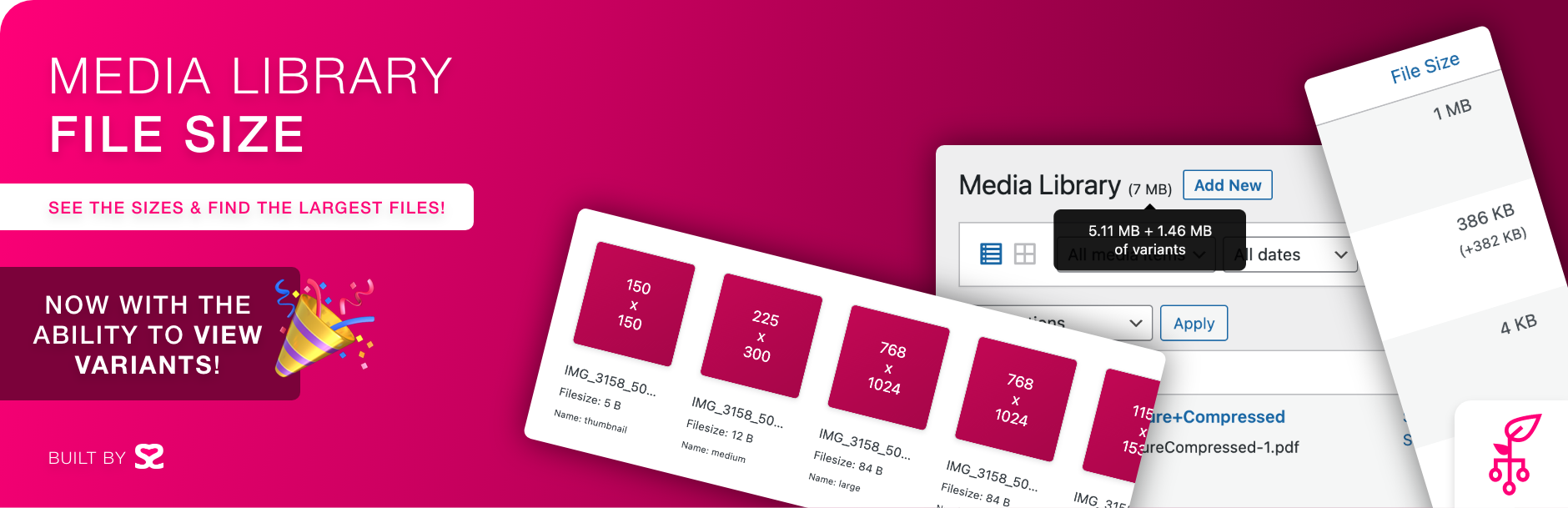
Improve your Media Library functionality by introducing new data that showcases the sizes of files, including collective variants.
Primary Features:
- View a pie chart to quicky visualize the most common attachment types, grouped
- View largest file sizes with a click of a button
- Support for List & Grid mode in the Media Library
- Tested with meida libraries with over 50,000 attachments
- View file size of primary file and their variants
- Sort the media library by file size to find those pesky large file
- View all variants of an image with the ability to download them
Images and videos play a crucial role in engaging visitors and making a website visually appealing. However, managing these files can become a daunting task, especially when you have a large number of media files on your website. WordPress does offer a media library that allows users to upload and manage media files, but it falls short when it comes to providing information about file sizes. This is where the “Media File Sizes” plugin comes in.
- By default sizes may show without the need to run an index however, indexing the Media Library is highly recommended.
- If sizes do not show, you can click the Index Media button within the Media Library to index/re-index items.
- Shows file size of primary file, plus combined sized for variants (images).
- Ability to order the media items by file size.
Check out our other plugins: