PDF for WPForms + Drag and Drop Template Builder
DEMO: https://pdf.add-ons.org/wpforms/ Download Pro Version: https://add-ons.org/plugin/pdf-for-wp-forms-pro/ Documents: https://pdf.add-ons.org/document/
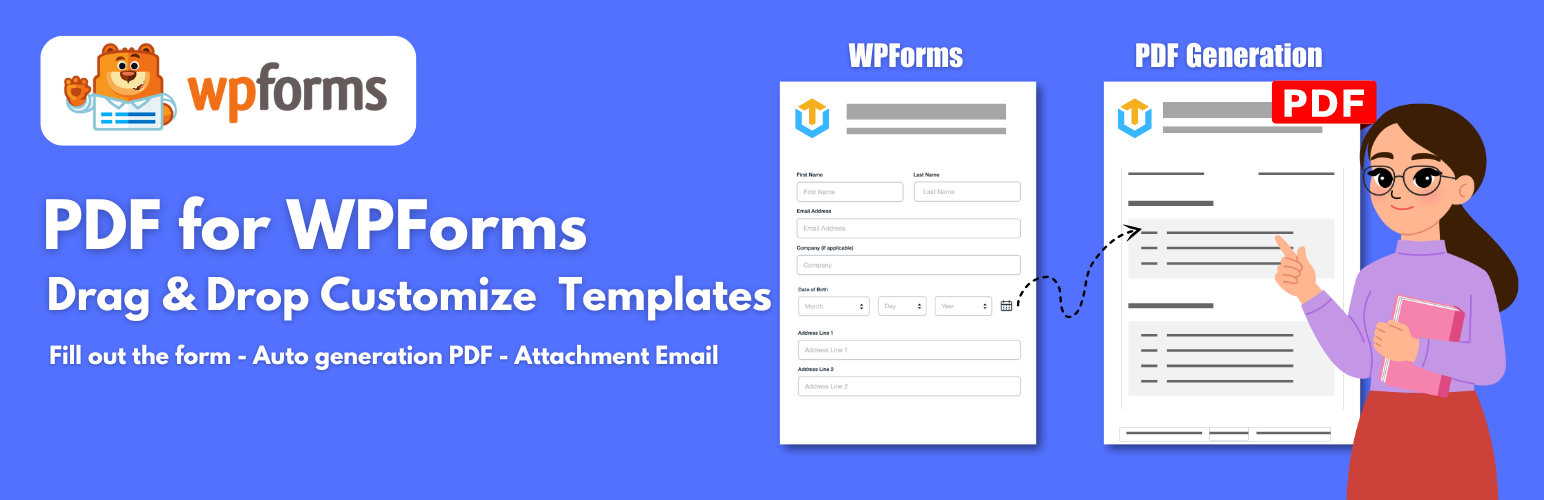
The PDF For WPForms add-on is an additional plugin that extends the functionality of WPForms by providing features for generating PDF files from form submissions and attaching PDF files to email notifications.
The plugin provides sufficient base elements and WPForms elements as well as developmental tools for users to build a completed PDF: Text/HTML, Table, QRCode, Barcode, Page Break, Divider, Image, Spacer,…and other elements.
Verslepen templates
The plugin offers a web-based drag & drop PDF template editor that lets you design templates and generate PDF documents from reusable templates without coding.
Onbeperkt gebruik, geen beperkingen
There are zero hard limits to the number of PDFs you can configure across all your forms or generate on your entries.
Extra lettertypen
Match your branding and enhance the overall look and feel of PDFs by install your own fonts.
Custom PDF Paper Size
Allows you to add custom different paper sizes for your PDF templates.
Shortcode en merge tags
You can generate a link or URL to PDFs using both shortcodes and merge tags so your users can download the PDF right after form submission.
Voorwaardelijke logica
You can hide or show PDF content or create or uncreate pdf
The Second PDF For a Form
It is possible to make a generation of multiple PDFs for the same form.
Download PDF Files
You can view and download PDFs from the WPForms Entries page.
Smart Real-Time Preview
View the instant preview of the customization for documents as you make them. See real-time previews of the last placed order with your desired custom appearance.
Privacy en beveiliging
Your form data is never sent to a third party to generate the PDFs and the documents are generated directly on your web server.
Pagina einde
We can use Page Break and new content will be move on next pages in PDF.
Meertalig
A multitude of languages from across the globe can be displayed in PDFs, include complex scripts like Hebrew, Arabic, Thai, Japanese, Chinese, and Korean.
PRO VERSIE
- Table Customization
- QRcode ondersteunt
- Barcode ondersteunt
- Watermerken ondersteunt
- Header ondersteunt
- Footer ondersteunt
- Voorwaardelijke logica ondersteunt
- 30 dagen geld terug garantie
- 1 jaar ondersteuning
External services
This plugin connects to the Dropbox API to store PDF files. Data is only sent to Dropbox when the user has configured and enabled the integration in the plugin settings. This service is provided by Dropbox, Inc. terms of use https://www.dropbox.com/terms, privacy policy https://www.dropbox.com/privacy