
Pretty Alert
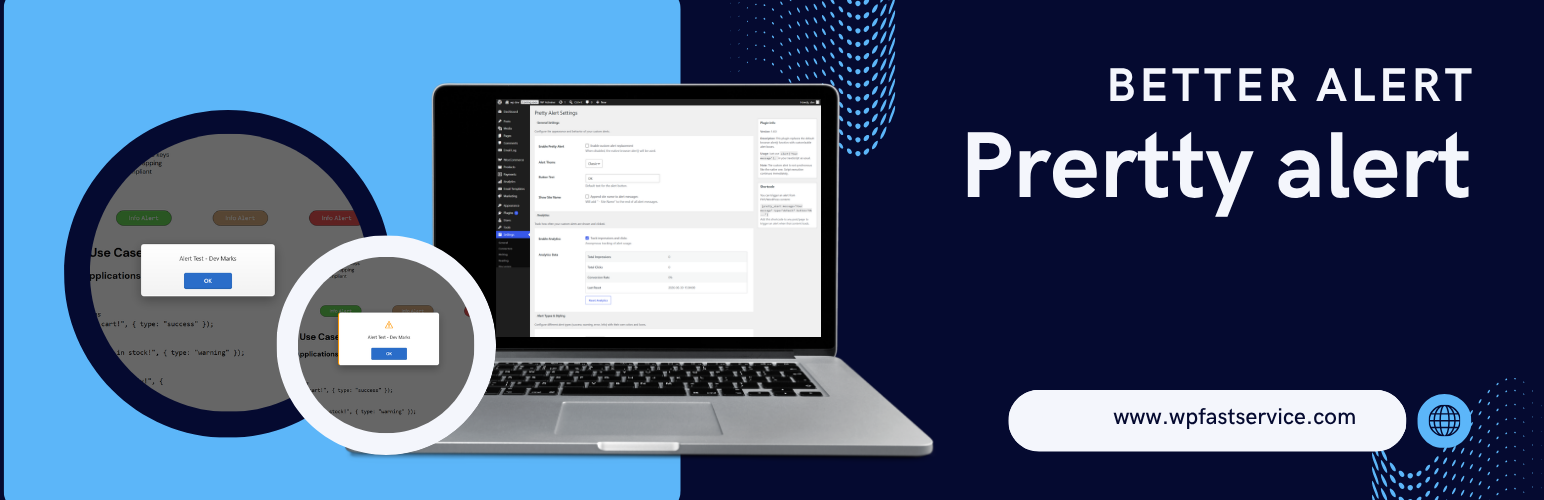
Tired of the ugly, boring browser alert() dialogs? Pretty Alert replaces the default JavaScript alert() function with beautiful, customizable alert boxes that match your website’s design.
This plugin is perfect for developers who want to keep using the simple alert() function in their code but want a better user experience. No need to change your existing JavaScript code – just install and enjoy beautiful alerts!
Key Features
10 Beautiful Themes: Classic, Basic, Clean, Pro, Native, Sleek Dark, Glassmorphism, Cyberpunk, Minimalist, and Royal Luxury themes to match any website
Console Interception: Automatically override console.log(), console.warn(), and console.info() to trigger custom alert modals
Confirm Override: Prettier window.confirm() dialogs returning Promises
Tabbed Admin UI: Tab-based settings dashboard for an organized administration experience
Customizable Button Text: Change the “OK” button text to anything you want
Multilingual Ready: Full translation support with .pot file included
Analytics Tracking: Track impressions and clicks (optional)
Display Rules: Show alerts only on specific pages or post types
Alert Types: Success, Warning, Error, Info alerts with different colors/icons
Sound Alerts: Optional sound notifications
Delay Options: Set delays before alerts appear
Animations: Fade, slide, zoom, and bounce animations
Auto-close Timer: Set alerts to auto-close after X seconds
Shortcode Support: [pretty_alert message="Your message"]
Fully Responsive: Works on all screen sizes
Accessibility Ready: ARIA labels, keyboard navigation, screen reader support
Page Load Alerts: Show alerts automatically when pages load
How It Works
Pretty Alert hooks into the native window.alert() function and replaces it with a custom implementation. When your JavaScript code calls alert("message"), it automatically shows your beautiful custom alert instead of the browser’s default one.
Important Note: The custom alert is not synchronous like the native one. Script execution continues immediately after showing the alert. This is actually better for user experience but different from the blocking behavior of native alerts.
Translations
-
Pretty Alert is fully translation ready! Included languages:
-
English (default)
Want to contribute a translation?
Copy languages/pretty-alert.pot to pretty-alert-[locale].po
Translate all strings using Poedit or similar tool
Compile to .mo file
Submit your translation or place in /wp-content/languages/plugins/