
Social Media Feed Gallery – Fetch Posts & Reels
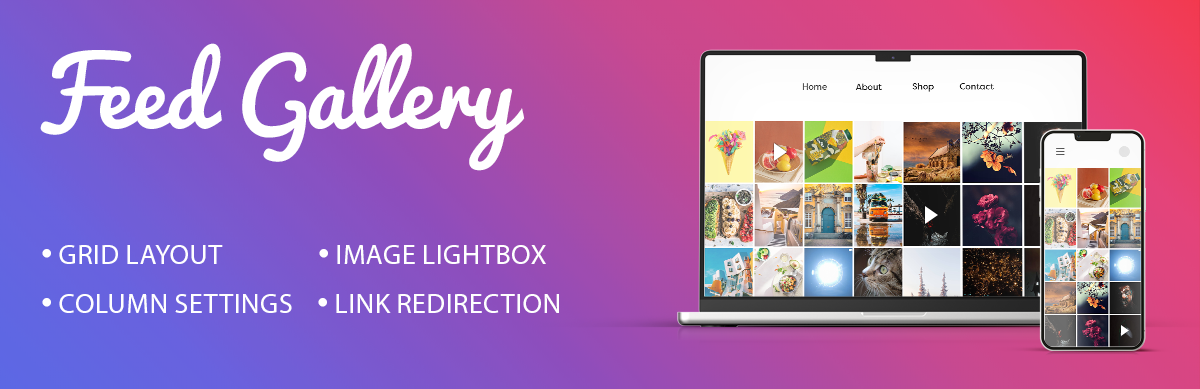
Showcase your Instagram photos on your website easily. This social media gallery pulls images from your instagram account with an access token. Your feed appears in a clean grid. It looks great on any screen size.
View Pro Demo: Social Media Feed Gallery Premium More About Pro Version: Social Media Feed Gallery Premium Details Where To Buy: Buy Social Media Feed Gallery Premium
Video Guides
How to Generate an Access Token
External services
This plugin relies on the Instagram Graph API to fetch media content (images and videos) from your Instagram account to display in your gallery.
- Service: Instagram Graph API (Meta Platforms, Inc.)
- What data is sent: Your Instagram Access Token, media IDs, and query parameters to specify image/video fields and limits.
- When data is sent: Data is sent via a server-side request (
wp_remote_get) every time the gallery shortcode is loaded on your site. - Privacy & Terms:
Free Features
- Access token authentication
- 1 gallery layout (Grid)
- Rows and columns control
- Display up to 50 images
- Adjustable image spacing
- Caption overlay on hover
- Direct links to feed posts
- Lightbox image preview
- Lightbox navigation controls
- Shortcode generator
- Responsive design
- Translation ready
Pro Features
Upgrade to access additional layouts and extended functionality:
- 5 gallery layout templates (Grid, Masonry, Mosaic, Carousel, Post)
- Display 200+ images per gallery
- Album support
- Like count display
- Comment count display
- User profile information
- Load More button for pagination
- Social sharing icons
- No-spacing layout option
- Custom link settings
- Custom CSS field
- Lightbox color customization
- Priority support
Complete Setup Tutorial
The setup process takes just a few minutes. Enter your access token and adjust display settings. Drop the shortcode wherever you want. It works with pages, posts, and widgets.
Create a Custom Instagram Feed
Add a clean instagram feed to your site. Display your latest photos automatically. It takes just a few steps to connect. Get your access token and paste it in. Your website will update when you post.
Beautiful Instagram Gallery Layout
Customize how your instagram gallery displays. Control spacing, column counts, and captions. Key features of this social media gallery:
- Select column layout options from 1 to 6.
- Adjust spacing between images for a custom look.
- Show captions when users hover over photos.
- Open each instagram post in a clean lightbox.
- Direct visitors to the original instagram photo feed link.
Display Instagram Reels and Videos
Share more than just static images. You can display your instagram reels and videos. A video play icon shows on video thumbnails. Visitors can view your videos from the gallery.