
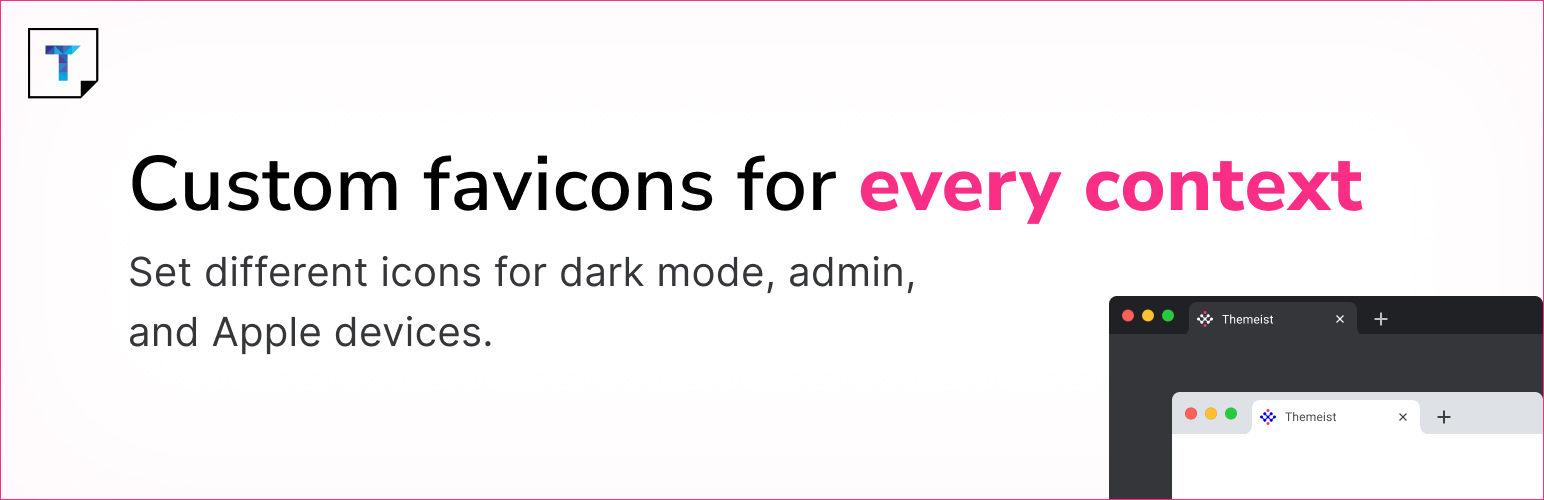
Custom Favicon lets you upload and manage favicons for your WordPress website, admin area, and login screen using the native media uploader. Unlike the built-in Site Icon feature, this plugin gives you full control — including support for separate frontend and backend icons, Apple touch icons, dark mode icons, and SVG format.
Features include: – Upload custom favicon for frontend (browser tab icon) – Upload separate favicon for WordPress Dashboard and login page – Upload Apple touch icons for iOS devices – Upload dark mode specific favicon – SVG favicon support – Option to disable default WordPress Site Icon output – Clean and simple settings page under Settings → Custom Favicon
This plugin is useful for: – Replacing the default WordPress favicon – Branding the WordPress dashboard for clients – Adding modern favicon features with minimal setup
Official plugin page: Custom Favicon on Themeist
Need help? Ask in the Support Forum on WordPress.org